Instant Connection for Pixel Streaming
— New Feature Automated Setup
Fusion 360 Pricing 2026: Personal, Startup & Paid
DigitalArt
Fusion 360 Pricing 2026: Personal, Startup & Paid
DigitalArt
Fusion 360 Pricing 2026: Personal, Startup & Paid
DigitalArt
Table of Contents
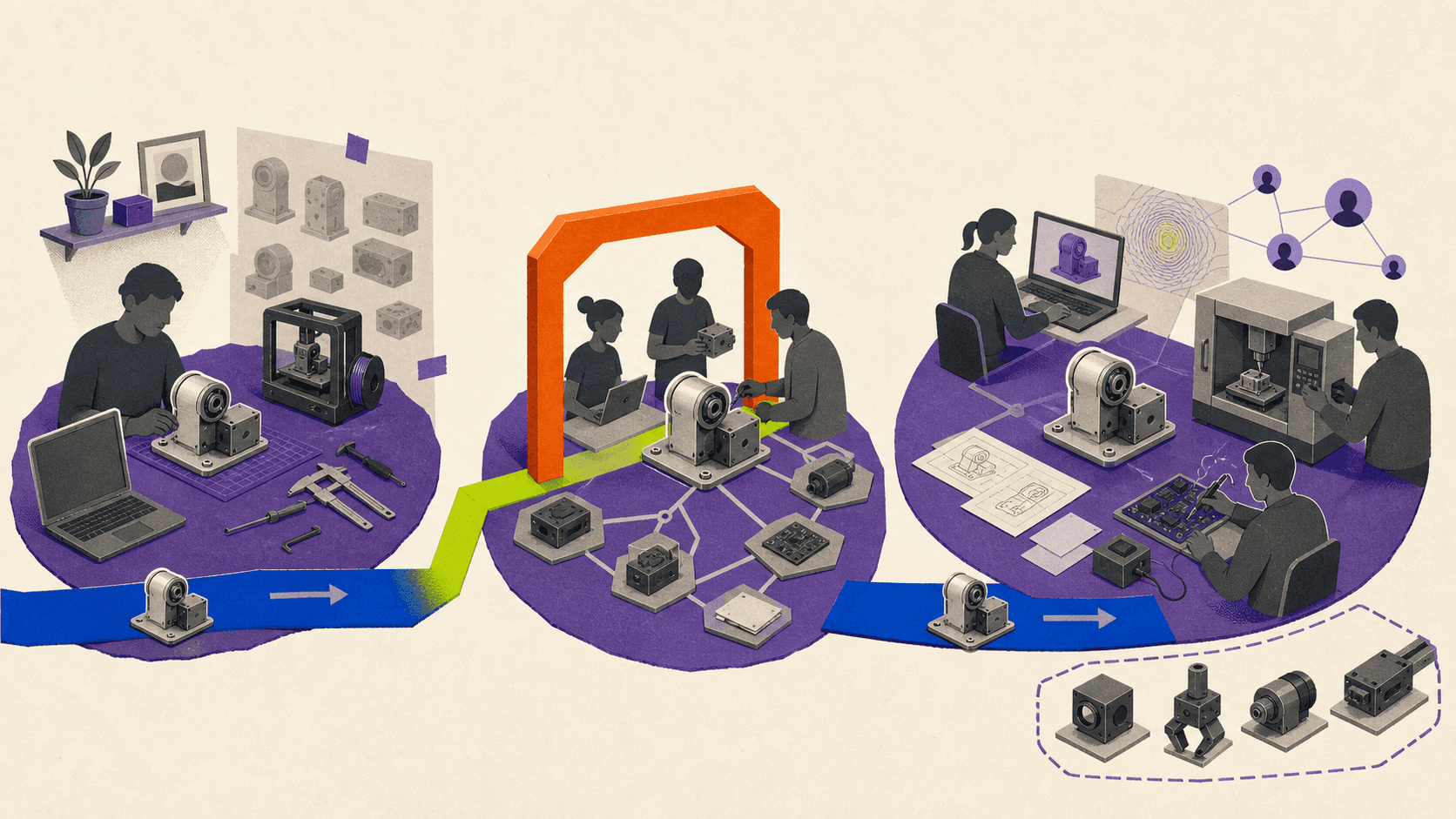
Autodesk Fusion is still free for qualifying hobbyists through Autodesk Fusion for Personal Use. Approved physical-product startups can get a paid three-year Startup entitlement, while freelancers, consultants, product companies, and other commercial users normally need a paid Autodesk Fusion subscription.
Prices in this guide were checked on August 11, 2026, using Autodesk’s United States pages. All prices are in USD, per user, and before applicable tax unless stated otherwise. Autodesk may show different prices, currencies, promotions, and availability in other regions.
Autodesk now markets the product as Autodesk Fusion, although many people still search for “Fusion 360.” More importantly, “Fusion 360 Free” and Personal Use are not two separate current plans. The free hobbyist route is officially called Autodesk Fusion for Personal Use.
How much does Fusion 360 cost in 2026?
The standard paid Autodesk Fusion subscription costs $85 per month or $680 per year in the United States. Autodesk also lists a three-year subscription at $2,040 per user.
The annual subscription’s monthly equivalent is:
$680 ÷ 12 = $56.67 per month
That is only a budgeting equivalent. It is not a month-to-month subscription, since the annual plan is billed annually.
Paying monthly for a full year costs:
$85 × 12 = $1,020
Choosing the $680 annual subscription instead saves:
$1,020 - $680 = $340, or about 33.3%
These are standard U.S. prices from Autodesk’s 2026 Fusion subscription guide and subscription FAQ. Autodesk says taxes, promotions, reseller prices, and regional prices can differ.
Here is the main comparison:
Personal Use | Startup program | Paid Autodesk Fusion | Education | |
|---|---|---|---|---|
Verified cost | Free | U.S.: $150 per user for the full three-year term | U.S.: $85 monthly, $680 annually, or $2,040 for three years | Free for qualifying users |
Who qualifies | Individuals doing home-based, non-commercial projects and generating less than $1,000 in annual revenue | Approved registered companies developing physical products | Any eligible purchaser who needs professional or commercial use | Verified students and educators at qualifying institutions |
Permitted use | Personal, non-commercial projects only | Commercial physical-product development by the approved startup | Professional and commercial work | Educational purposes only |
Duration | Three years, with requalification near expiry | One nonrenewable three-year term | Monthly, annual, or three-year subscription | One year, renewable while eligible |
Application | Registration and eligibility attestation | Formal application and Autodesk approval | Purchase and account assignment | Eligibility verification |
Capabilities | Standard modeling with limited CAM, PCB, drawings, exports, collaboration, and support | Commercial Fusion CAD, CAM, CAE, PCB, collaboration, and data management | Core CAD, CAM, basic simulation, PCB, drawings, collaboration, and data management | Paid-level functionality subject to education restrictions |
Major restrictions | Ten editable documents, limited manufacturing, no simulation, generative design, extensions, or cloud rendering | Up to 10 users, regional limits, excluded business types, no confirmed included extensions or cloud credits | Advanced design, manufacturing, simulation, and PLM can cost extra | No commercial, professional, or for-profit use |
Support | Community forum only | Exact channels not stated on the current Startup page | Phone, email, forum, and in-product support | Autodesk Education support |
Typical fit | Non-commercial hobbyist or maker | Approved early-stage physical-product company | Freelancer, consultant, machinist, product business, or engineering team | Eligible student or educator |
Who qualifies for free Autodesk Fusion for Personal Use?
According to Autodesk’s Personal Use terms, this entitlement is for individual, home-based, non-commercial design, manufacturing, and fabrication projects. It cannot be used in primary employment, company environments, or commercial training.
Autodesk also states that Personal Use is limited to individuals generating less than $1,000 in annual revenue. However, the same terms separately say that anyone using Fusion for commercial projects must move to a paid subscription.
That means the $1,000 threshold should not be treated as permission to run a small Fusion-based business. If you sell products designed in Fusion, complete freelance work, serve clients, or use it for an employer, the paid subscription is the safer and more consistent choice.
Personal Use lasts for three years. Eligible users can reapply near expiration, but renewal is only available when the existing entitlement has less than 30 days remaining. An Autodesk account and a new eligibility confirmation are required.
What does Personal Use include?
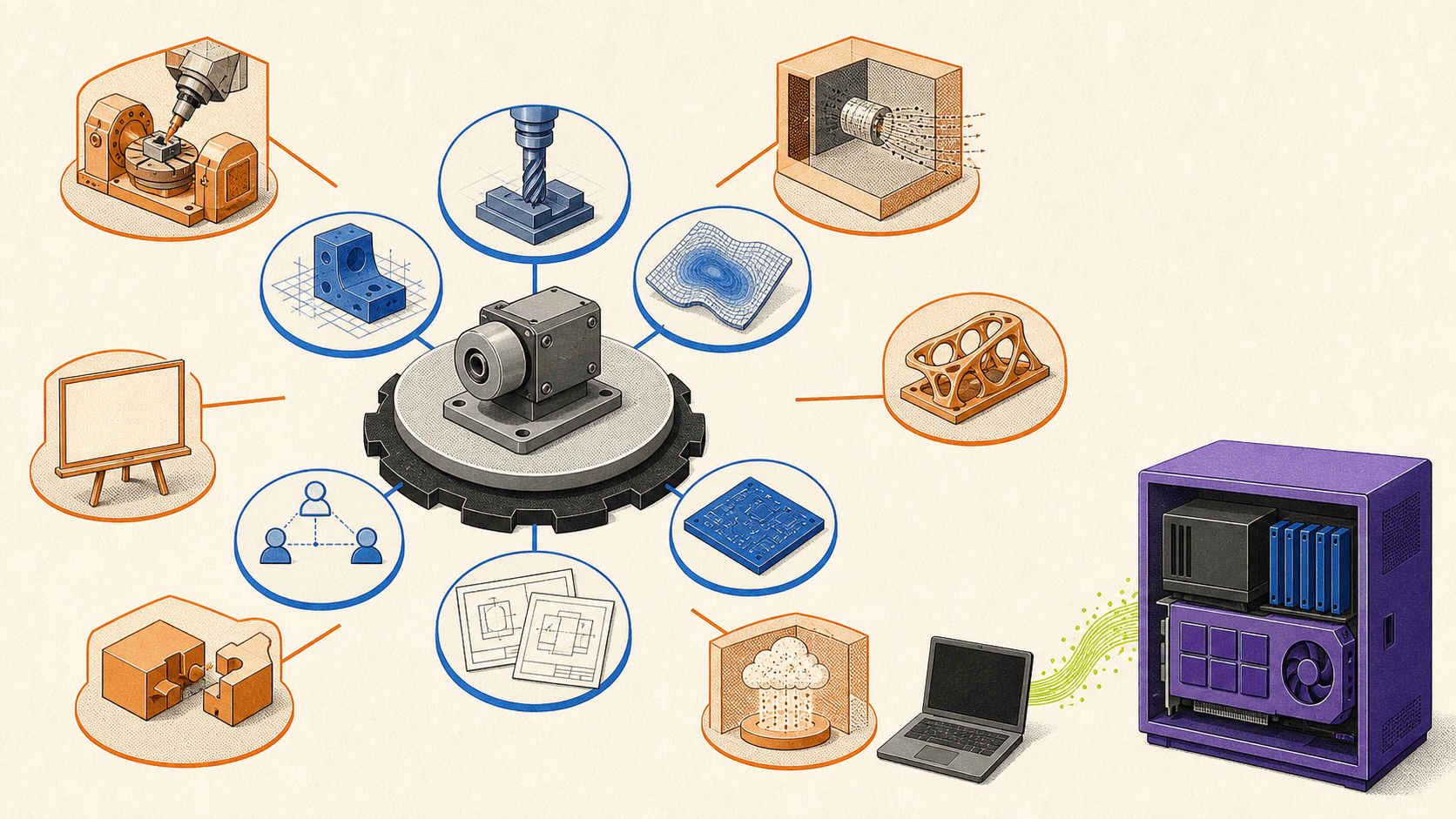
Personal Use retains Autodesk Fusion’s standard design and 3D modeling tools, so it can be sufficient for hobby projects, learning CAD, woodworking plans, personal 3D printing, and simple home CNC work.
The main restriction is the 10 editable-document limit. You can keep more than 10 documents in your account, but only 10 can be editable at once. To work on another design, you must mark an active document as read-only and free a slot.
Manufacturing capabilities include 2, 2.5, and 3-axis milling, turning, FFF additive manufacturing, fabrication, toolpath simulation, and free postprocessors. Autodesk excludes probing, 3+2 tool orientation, multi-axis milling, unrestricted rapid moves, and automatic tool changes.
Electronics projects are limited to two schematics, two PCB layers, and an 80 cm² board area. Drawings are limited to a single sheet and printing. Collaboration is basic, and public share links are view-only without downloads.
Personal Use supports local rendering, but it does not include cloud rendering, simulation, generative design, or paid Fusion extensions. Support is limited to Autodesk’s community forum.
File support is restricted as well. Autodesk’s current Fusion file-format documentation lists Personal Use exports such as F3D, 3MF, IPT, FBX, OBJ, SKP, SMT, STEP, STL, and USDZ. DXF remains available by saving an individual sketch.
These limits are manageable for many hobbyists. They become more significant when a project needs advanced CNC operations, formal production drawings, simulation, broader file exchange, team collaboration, or commercial support.
Who qualifies for Autodesk Fusion for Startups?
The Startup program is not a general discount for every young business. It is an application-based entitlement for qualifying companies focused on original physical products.
On Autodesk’s current U.S. Startup application page, approved companies pay $150 per user for one three-year term, with a maximum of 10 users per startup. The offer is commercial, but it is not free and cannot be renewed.
Autodesk currently lists these requirements:
A registered company, such as an LLC.
A professional email domain.
A valid company website.
Venture-backed, angel-backed, or bootstrapped status.
No previous Autodesk Fusion subscription.
A focus on designing or manufacturing physical products.
Autodesk’s Startup eligibility page specifically excludes consultants, service providers, design agencies, contract manufacturers, resellers, makerspaces, and nonprofits. A freelancer who recently registered a company does not become eligible if the business still provides design or consulting services.
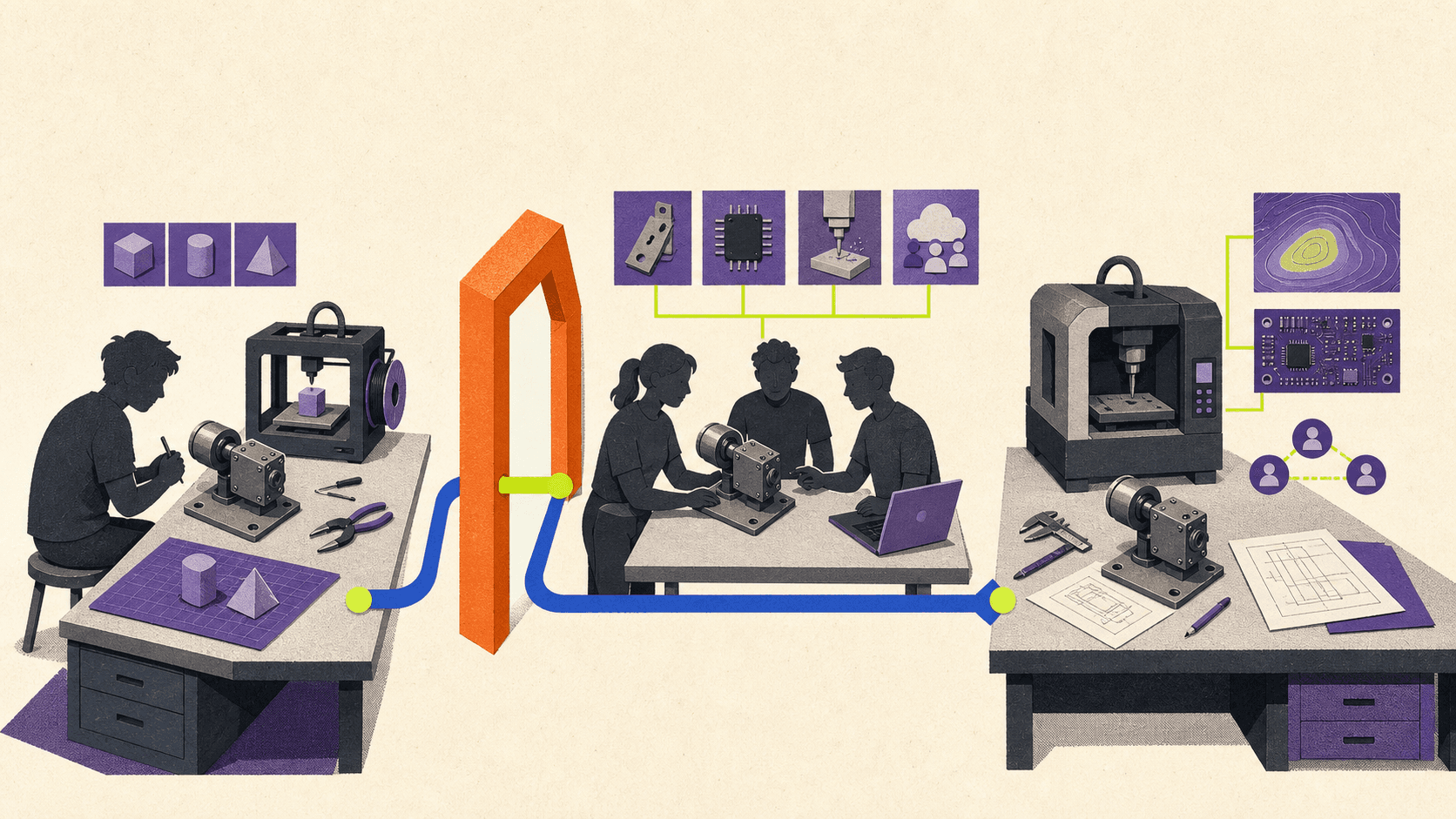
The program provides commercial Fusion capabilities across CAD, CAM, CAE, PCB design, collaboration, and data management. Autodesk does not state that the Startup entitlement includes every extension, cloud-consumption service, Autodesk Flex token, or cloud credit, so those should be budgeted separately unless an approval offer explicitly says otherwise.
The published review timing is inconsistent. The Startup page says 24 to 48 hours or two to three business days, while Autodesk’s June 2026 registration guidance says applications can take up to 10 business days. Applicants should allow up to 10 business days rather than planning around the shorter estimate.
After the three-year term, the company must buy a standard subscription or use Autodesk Flex tokens to maintain access. Autodesk also says participants cannot reapply after completing or being removed from the program.
You may still find older Autodesk articles that mention company-age and $100,000 revenue thresholds. Those figures do not appear in the current 2026 eligibility list, so they should not be assumed to remain active. The program also is not available in every country, and Autodesk advises applicants to confirm local availability and pricing.
Which Fusion entitlement fits your work?
For a hobbyist designing non-commercial projects at home, Personal Use is usually sufficient. You only need to consider paying if its document, manufacturing, drawing, simulation, export, or collaboration limits interfere with the project.
A maker selling products is in a different position. Even if annual revenue is below $1,000, Autodesk still describes Personal Use as non-commercial. A paid subscription avoids building a commercial workflow around an entitlement that Autodesk says is not for commercial projects.
Freelancers, consultants, and design agencies should use paid Autodesk Fusion. Their client work is commercial, and those business types are excluded from the Startup program.
A registered hardware startup developing its own original physical product should check the Startup criteria before purchasing the standard subscription. Approval can reduce three years of base software cost substantially, but the company should not assume approval or begin using Personal Use for commercial development while it waits.
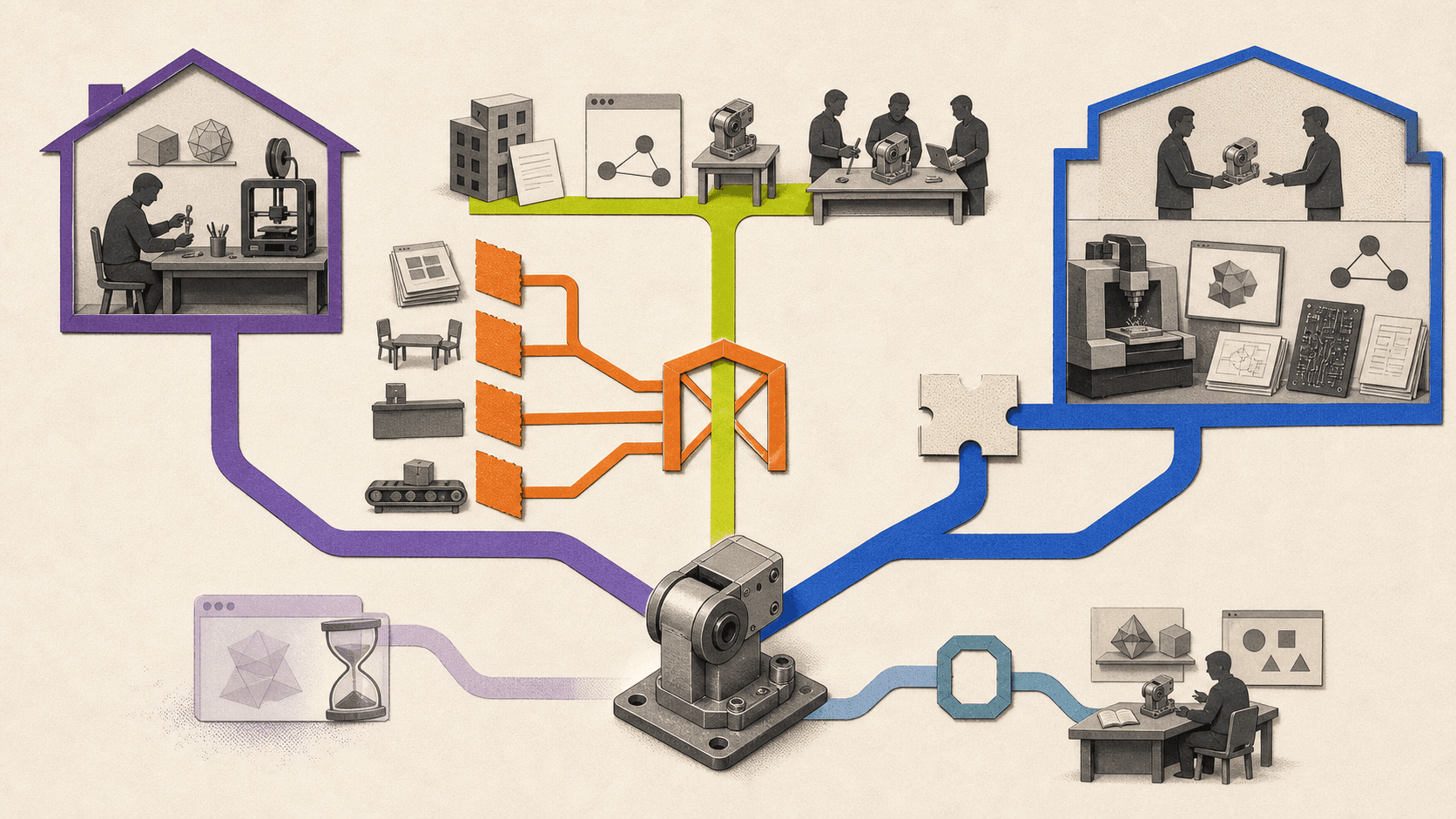
Machinists and small manufacturing teams generally need a paid subscription. Base Fusion covers common milling and turning workflows, but shops needing advanced multi-axis machining, probing, toolpath automation, nesting, or production-focused features should compare the Manufacturing Extension and Fusion for Manufacturing package.
Students and educators have a separate route. Autodesk’s Education plan provides verified users with free one-year access that can be renewed annually while eligibility continues. Education software can have the same functionality as the paid subscription, but Autodesk limits it to educational purposes and prohibits commercial, professional, and other for-profit work.
A useful decision rule is simple: if the work earns money, serves a client, supports an employer, happens in a company environment, or contributes to commercial production, Personal Use is not the appropriate entitlement.
How can you download Autodesk Fusion legitimately?
The application can be downloaded without immediately purchasing an annual subscription, but downloading it does not grant unrestricted usage rights.
Autodesk provides several legitimate routes:
A 30-day commercial trial.
Personal Use registration.
An approved Startup entitlement.
Verified Education access.
A paid subscription purchased through Autodesk or an authorized reseller.
The official Fusion download page describes Autodesk Fusion as formerly Fusion 360 and offers the commercial trial and Personal Use routes. Existing subscribers can download the installer through Products and Services in their Autodesk Account.
Fusion detects the entitlement associated with the Autodesk account used to sign in. The same installed application can therefore behave differently for a trial user, Personal Use user, approved startup, student, or paid subscriber.
There is one potentially confusing part of Personal Use registration. Autodesk says a new Personal Use registration may initially launch as a full 30-day commercial trial so the user can evaluate the complete feature set. The trial must expire before Fusion switches to the limited Personal Use entitlement.
You do not need to reinstall Fusion when that switch happens. If Fusion is already installed, however, you still need to complete the Personal Use registration and click “Download Now” so Autodesk grants the entitlement. Autodesk says account provisioning can take up to 30 minutes.
The free installer is not a free commercial license. Avoid unofficial mirrors, old standalone installers, cracked versions, torrents, serial-number sites, and license workarounds. They do not provide legitimate Autodesk usage rights.
What can increase the total cost beyond the base subscription?
The $680 annual subscription includes core CAD, CAM, basic simulation, PCB, drawings, data management, and collaboration. It does not include every advanced workflow Autodesk sells.
Autodesk’s March 2026 Fusion extension pricing lists:
Design Extension: $595 per user per year.
Manufacturing Extension: $1,465 per user per year.
Simulation Extension: $1,465 per user per year.
Before tax, base Fusion plus the Design Extension costs:
$680 + $595 = $1,275 per year
Base Fusion plus either the Manufacturing or Simulation Extension costs:
$680 + $1,465 = $2,145 per year
Autodesk also sells broader packages. Fusion for Manufacturing costs $2,040 per user per year, while Fusion for Design costs $2,190 per user per year in the United States. Fusion for Design includes more than the standalone Design Extension, so the two prices are not directly comparable.
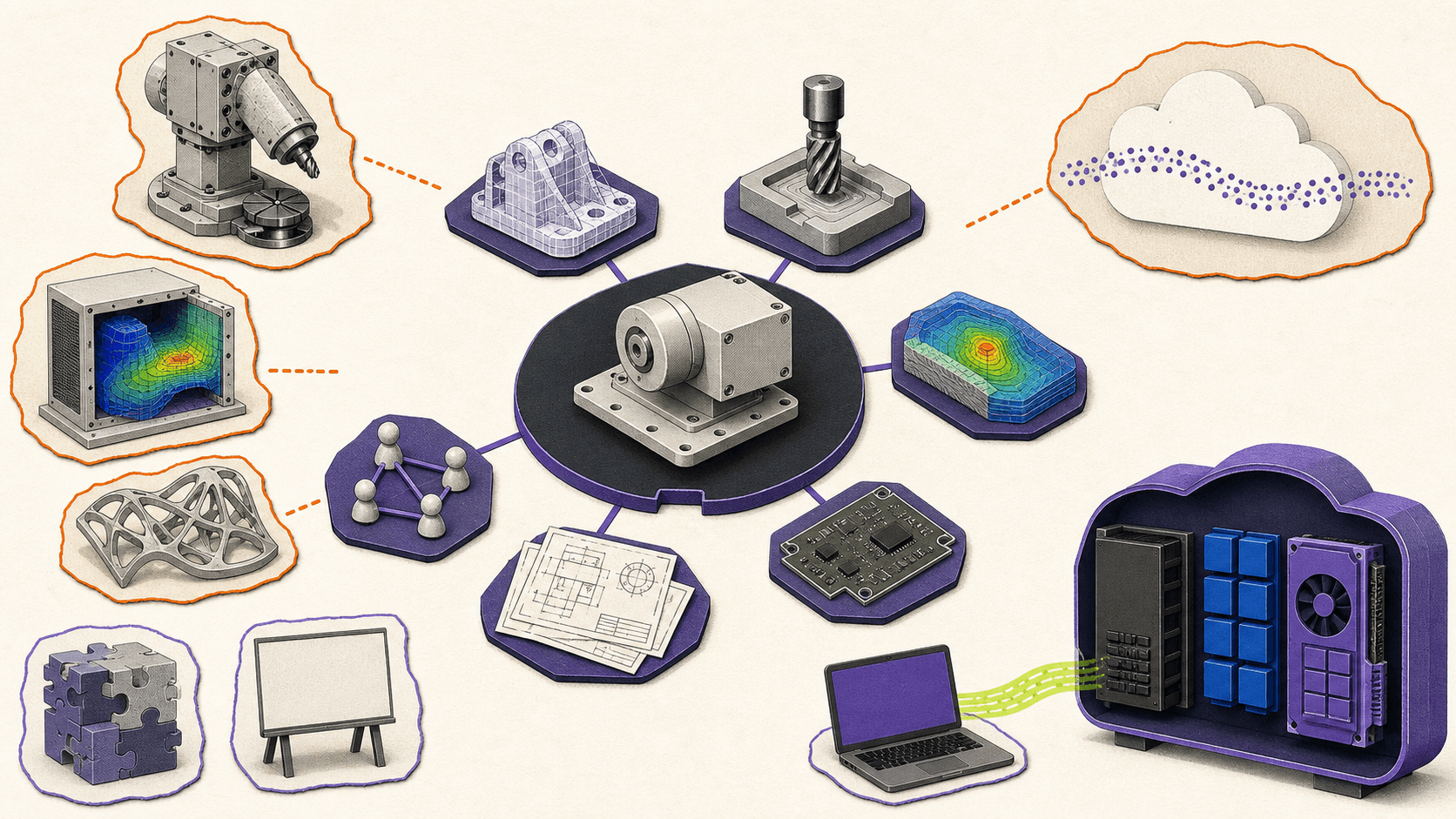
Other possible costs include Autodesk Flex tokens, cloud-consumption services, third-party add-ins, specialist postprocessor work, training, local workstation upgrades, tax, and storage or remote-computing services. Which ones matter depends on the workflow. A hobbyist creating simple 3D-printable parts may need none of them, while a production shop using multi-axis machining or advanced simulation may need several.
Start with the base entitlement that legally fits your work, then price only the advanced capabilities the project actually requires.
Can your computer run Fusion, and when does a cloud computer help?
Autodesk Fusion runs as a desktop application on Windows and macOS, with some browser access. It is cloud-connected rather than fully browser-based or permanently offline software.
Autodesk’s current Fusion system requirements list Windows 11 23H2 or newer, 8 GB of RAM, and 1 GB of graphics memory as minimum Windows requirements. For professional work, Autodesk recommends at least eight performance cores, 32 GB of RAM, and 8 GB of dedicated graphics memory.
On Mac, the minimum is macOS 14 Sonoma with an Intel Core i5 or Apple M1 and 4 GB of RAM. Autodesk recommends newer Apple silicon and at least 16 GB of RAM for heavier work.
Browser access has its own limitation: Autodesk says a commercial or verified Education entitlement is required. Personal Use users should not assume that the browser version is included.
Fusion can work offline with files cached on the device, but not permanently. Modeling, assemblies, drawings from cached data, CAM, and most standard editing tools can work offline. Cloud rendering, cloud simulation, generative design, team collaboration, synchronization, and access to uncached files do not.
Autodesk says Fusion must reconnect roughly every two weeks to validate the license, update, and synchronize data. This makes stable internet important even when most modeling happens locally.
If an existing computer meets the requirements and handles the user’s projects smoothly, adding a cloud workstation creates an unnecessary extra cost. Personal Use on a capable home computer or paid Fusion on a suitable company workstation may be all that is needed.
A remote computer becomes more relevant when a lightweight laptop struggles with large assemblies, the user needs Windows access from a Mac, Chromebook, Linux device, or tablet, or stronger hardware is required only for occasional project periods.
Vagon Cloud Computer provides a remote Windows computer accessible through a browser or supported device. Users can choose among CPU, RAM, and NVIDIA GPU configurations and change performance levels while retaining their installed applications and files.
Vagon is a separate computing service. Its current pricing combines metered computer usage with a storage plan, and rates vary by machine and region. It does not include Autodesk Fusion, a paid subscription, Personal Use eligibility, Startup approval, Education rights, extensions, tokens, cloud credits, or third-party software licenses.
Autodesk has described a virtual machine or cloud computer as one possible option when local Windows hardware is unsuitable, but its support coverage for virtualized environments can be limited. Test the intended Fusion workflow and confirm Autodesk entitlement requirements before making a long-term commitment.
The final choice should follow two separate questions. First, which Autodesk entitlement legally covers the work? Second, does the existing computer provide enough performance? If the entitlement is correct but the hardware is the bottleneck, try Vagon Cloud Computer as an optional remote-workstation route.
Frequently Asked Questions
Is Fusion 360 still free in 2026?
Yes. Autodesk Fusion for Personal Use is free for qualifying individuals working on home-based, non-commercial projects. It has feature and usage restrictions and is not intended for normal business or client work.
Are Fusion 360 Free and Personal Use different plans?
No. “Fusion 360 Free” commonly refers to Autodesk Fusion for Personal Use. Autodesk does not currently offer a separate unrestricted Free plan.
How much does Autodesk Fusion cost in 2026?
As checked on August 11, 2026, the U.S. price is $85 per user per month or $680 per user per year. Autodesk also lists a three-year subscription at $2,040. Taxes, promotions, currencies, and regional prices may differ.
Can I sell products designed with Fusion for Personal Use?
Autodesk restricts Personal Use to non-commercial projects. Although its eligibility terms mention less than $1,000 in annual revenue, that threshold should not be treated as permission to sell Fusion-designed products. Use a paid subscription or an approved Startup entitlement for commercial work.
How long does Fusion for Personal Use last?
The Personal Use entitlement lasts three years. Qualifying users can renew by reapplying when their current entitlement is within 30 days of expiration.
Is Autodesk Fusion for Startups free?
No. The verified U.S. price is $150 per user for one three-year term, with up to 10 users per approved startup. The program is application-based, nonrenewable, and not available in every country.
Does every new business qualify for the Startup program?
No. Autodesk requires a registered company, professional email domain, valid company website, qualifying funding status, no previous Fusion subscription, and a focus on original physical products. Consultants, agencies, service providers, resellers, contract manufacturers, makerspaces, and nonprofits are excluded.
Can I download Autodesk Fusion for free?
Yes, through Autodesk’s official 30-day trial or an approved Personal Use, Startup, or Education route. The installer itself does not provide free commercial-use rights. Fusion applies the entitlement associated with the Autodesk account used to sign in.
Does the paid Fusion subscription include every feature?
No. The base subscription includes core CAD, CAM, basic simulation, PCB, drawings, collaboration, and data management. Advanced manufacturing, simulation, design, and PLM capabilities may require paid extensions or higher-priced Fusion packages.
Is Autodesk Fusion free for students and educators?
Eligible students and educators can receive free one-year access through the Autodesk Education plan. Access can be renewed while eligibility continues, but the software may only be used for educational purposes.
Can Autodesk Fusion work offline?
Fusion can perform many core modeling and manufacturing tasks offline with previously cached files. It must reconnect approximately every two weeks, and cloud rendering, cloud simulation, collaboration, synchronization, generative design, and uncached files remain unavailable offline.
Does Vagon Cloud Computer include an Autodesk Fusion license?
No. Vagon Cloud Computer provides remote Windows computing capacity, but Autodesk Fusion and all related entitlements, extensions, tokens, cloud credits, and third-party licenses must be obtained separately.
Autodesk Fusion is still free for qualifying hobbyists through Autodesk Fusion for Personal Use. Approved physical-product startups can get a paid three-year Startup entitlement, while freelancers, consultants, product companies, and other commercial users normally need a paid Autodesk Fusion subscription.
Prices in this guide were checked on August 11, 2026, using Autodesk’s United States pages. All prices are in USD, per user, and before applicable tax unless stated otherwise. Autodesk may show different prices, currencies, promotions, and availability in other regions.
Autodesk now markets the product as Autodesk Fusion, although many people still search for “Fusion 360.” More importantly, “Fusion 360 Free” and Personal Use are not two separate current plans. The free hobbyist route is officially called Autodesk Fusion for Personal Use.
How much does Fusion 360 cost in 2026?
The standard paid Autodesk Fusion subscription costs $85 per month or $680 per year in the United States. Autodesk also lists a three-year subscription at $2,040 per user.
The annual subscription’s monthly equivalent is:
$680 ÷ 12 = $56.67 per month
That is only a budgeting equivalent. It is not a month-to-month subscription, since the annual plan is billed annually.
Paying monthly for a full year costs:
$85 × 12 = $1,020
Choosing the $680 annual subscription instead saves:
$1,020 - $680 = $340, or about 33.3%
These are standard U.S. prices from Autodesk’s 2026 Fusion subscription guide and subscription FAQ. Autodesk says taxes, promotions, reseller prices, and regional prices can differ.
Here is the main comparison:
Personal Use | Startup program | Paid Autodesk Fusion | Education | |
|---|---|---|---|---|
Verified cost | Free | U.S.: $150 per user for the full three-year term | U.S.: $85 monthly, $680 annually, or $2,040 for three years | Free for qualifying users |
Who qualifies | Individuals doing home-based, non-commercial projects and generating less than $1,000 in annual revenue | Approved registered companies developing physical products | Any eligible purchaser who needs professional or commercial use | Verified students and educators at qualifying institutions |
Permitted use | Personal, non-commercial projects only | Commercial physical-product development by the approved startup | Professional and commercial work | Educational purposes only |
Duration | Three years, with requalification near expiry | One nonrenewable three-year term | Monthly, annual, or three-year subscription | One year, renewable while eligible |
Application | Registration and eligibility attestation | Formal application and Autodesk approval | Purchase and account assignment | Eligibility verification |
Capabilities | Standard modeling with limited CAM, PCB, drawings, exports, collaboration, and support | Commercial Fusion CAD, CAM, CAE, PCB, collaboration, and data management | Core CAD, CAM, basic simulation, PCB, drawings, collaboration, and data management | Paid-level functionality subject to education restrictions |
Major restrictions | Ten editable documents, limited manufacturing, no simulation, generative design, extensions, or cloud rendering | Up to 10 users, regional limits, excluded business types, no confirmed included extensions or cloud credits | Advanced design, manufacturing, simulation, and PLM can cost extra | No commercial, professional, or for-profit use |
Support | Community forum only | Exact channels not stated on the current Startup page | Phone, email, forum, and in-product support | Autodesk Education support |
Typical fit | Non-commercial hobbyist or maker | Approved early-stage physical-product company | Freelancer, consultant, machinist, product business, or engineering team | Eligible student or educator |
Who qualifies for free Autodesk Fusion for Personal Use?
According to Autodesk’s Personal Use terms, this entitlement is for individual, home-based, non-commercial design, manufacturing, and fabrication projects. It cannot be used in primary employment, company environments, or commercial training.
Autodesk also states that Personal Use is limited to individuals generating less than $1,000 in annual revenue. However, the same terms separately say that anyone using Fusion for commercial projects must move to a paid subscription.
That means the $1,000 threshold should not be treated as permission to run a small Fusion-based business. If you sell products designed in Fusion, complete freelance work, serve clients, or use it for an employer, the paid subscription is the safer and more consistent choice.
Personal Use lasts for three years. Eligible users can reapply near expiration, but renewal is only available when the existing entitlement has less than 30 days remaining. An Autodesk account and a new eligibility confirmation are required.
What does Personal Use include?
Personal Use retains Autodesk Fusion’s standard design and 3D modeling tools, so it can be sufficient for hobby projects, learning CAD, woodworking plans, personal 3D printing, and simple home CNC work.
The main restriction is the 10 editable-document limit. You can keep more than 10 documents in your account, but only 10 can be editable at once. To work on another design, you must mark an active document as read-only and free a slot.
Manufacturing capabilities include 2, 2.5, and 3-axis milling, turning, FFF additive manufacturing, fabrication, toolpath simulation, and free postprocessors. Autodesk excludes probing, 3+2 tool orientation, multi-axis milling, unrestricted rapid moves, and automatic tool changes.
Electronics projects are limited to two schematics, two PCB layers, and an 80 cm² board area. Drawings are limited to a single sheet and printing. Collaboration is basic, and public share links are view-only without downloads.
Personal Use supports local rendering, but it does not include cloud rendering, simulation, generative design, or paid Fusion extensions. Support is limited to Autodesk’s community forum.
File support is restricted as well. Autodesk’s current Fusion file-format documentation lists Personal Use exports such as F3D, 3MF, IPT, FBX, OBJ, SKP, SMT, STEP, STL, and USDZ. DXF remains available by saving an individual sketch.
These limits are manageable for many hobbyists. They become more significant when a project needs advanced CNC operations, formal production drawings, simulation, broader file exchange, team collaboration, or commercial support.
Who qualifies for Autodesk Fusion for Startups?
The Startup program is not a general discount for every young business. It is an application-based entitlement for qualifying companies focused on original physical products.
On Autodesk’s current U.S. Startup application page, approved companies pay $150 per user for one three-year term, with a maximum of 10 users per startup. The offer is commercial, but it is not free and cannot be renewed.
Autodesk currently lists these requirements:
A registered company, such as an LLC.
A professional email domain.
A valid company website.
Venture-backed, angel-backed, or bootstrapped status.
No previous Autodesk Fusion subscription.
A focus on designing or manufacturing physical products.
Autodesk’s Startup eligibility page specifically excludes consultants, service providers, design agencies, contract manufacturers, resellers, makerspaces, and nonprofits. A freelancer who recently registered a company does not become eligible if the business still provides design or consulting services.
The program provides commercial Fusion capabilities across CAD, CAM, CAE, PCB design, collaboration, and data management. Autodesk does not state that the Startup entitlement includes every extension, cloud-consumption service, Autodesk Flex token, or cloud credit, so those should be budgeted separately unless an approval offer explicitly says otherwise.
The published review timing is inconsistent. The Startup page says 24 to 48 hours or two to three business days, while Autodesk’s June 2026 registration guidance says applications can take up to 10 business days. Applicants should allow up to 10 business days rather than planning around the shorter estimate.
After the three-year term, the company must buy a standard subscription or use Autodesk Flex tokens to maintain access. Autodesk also says participants cannot reapply after completing or being removed from the program.
You may still find older Autodesk articles that mention company-age and $100,000 revenue thresholds. Those figures do not appear in the current 2026 eligibility list, so they should not be assumed to remain active. The program also is not available in every country, and Autodesk advises applicants to confirm local availability and pricing.
Which Fusion entitlement fits your work?
For a hobbyist designing non-commercial projects at home, Personal Use is usually sufficient. You only need to consider paying if its document, manufacturing, drawing, simulation, export, or collaboration limits interfere with the project.
A maker selling products is in a different position. Even if annual revenue is below $1,000, Autodesk still describes Personal Use as non-commercial. A paid subscription avoids building a commercial workflow around an entitlement that Autodesk says is not for commercial projects.
Freelancers, consultants, and design agencies should use paid Autodesk Fusion. Their client work is commercial, and those business types are excluded from the Startup program.
A registered hardware startup developing its own original physical product should check the Startup criteria before purchasing the standard subscription. Approval can reduce three years of base software cost substantially, but the company should not assume approval or begin using Personal Use for commercial development while it waits.
Machinists and small manufacturing teams generally need a paid subscription. Base Fusion covers common milling and turning workflows, but shops needing advanced multi-axis machining, probing, toolpath automation, nesting, or production-focused features should compare the Manufacturing Extension and Fusion for Manufacturing package.
Students and educators have a separate route. Autodesk’s Education plan provides verified users with free one-year access that can be renewed annually while eligibility continues. Education software can have the same functionality as the paid subscription, but Autodesk limits it to educational purposes and prohibits commercial, professional, and other for-profit work.
A useful decision rule is simple: if the work earns money, serves a client, supports an employer, happens in a company environment, or contributes to commercial production, Personal Use is not the appropriate entitlement.
How can you download Autodesk Fusion legitimately?
The application can be downloaded without immediately purchasing an annual subscription, but downloading it does not grant unrestricted usage rights.
Autodesk provides several legitimate routes:
A 30-day commercial trial.
Personal Use registration.
An approved Startup entitlement.
Verified Education access.
A paid subscription purchased through Autodesk or an authorized reseller.
The official Fusion download page describes Autodesk Fusion as formerly Fusion 360 and offers the commercial trial and Personal Use routes. Existing subscribers can download the installer through Products and Services in their Autodesk Account.
Fusion detects the entitlement associated with the Autodesk account used to sign in. The same installed application can therefore behave differently for a trial user, Personal Use user, approved startup, student, or paid subscriber.
There is one potentially confusing part of Personal Use registration. Autodesk says a new Personal Use registration may initially launch as a full 30-day commercial trial so the user can evaluate the complete feature set. The trial must expire before Fusion switches to the limited Personal Use entitlement.
You do not need to reinstall Fusion when that switch happens. If Fusion is already installed, however, you still need to complete the Personal Use registration and click “Download Now” so Autodesk grants the entitlement. Autodesk says account provisioning can take up to 30 minutes.
The free installer is not a free commercial license. Avoid unofficial mirrors, old standalone installers, cracked versions, torrents, serial-number sites, and license workarounds. They do not provide legitimate Autodesk usage rights.
What can increase the total cost beyond the base subscription?
The $680 annual subscription includes core CAD, CAM, basic simulation, PCB, drawings, data management, and collaboration. It does not include every advanced workflow Autodesk sells.
Autodesk’s March 2026 Fusion extension pricing lists:
Design Extension: $595 per user per year.
Manufacturing Extension: $1,465 per user per year.
Simulation Extension: $1,465 per user per year.
Before tax, base Fusion plus the Design Extension costs:
$680 + $595 = $1,275 per year
Base Fusion plus either the Manufacturing or Simulation Extension costs:
$680 + $1,465 = $2,145 per year
Autodesk also sells broader packages. Fusion for Manufacturing costs $2,040 per user per year, while Fusion for Design costs $2,190 per user per year in the United States. Fusion for Design includes more than the standalone Design Extension, so the two prices are not directly comparable.
Other possible costs include Autodesk Flex tokens, cloud-consumption services, third-party add-ins, specialist postprocessor work, training, local workstation upgrades, tax, and storage or remote-computing services. Which ones matter depends on the workflow. A hobbyist creating simple 3D-printable parts may need none of them, while a production shop using multi-axis machining or advanced simulation may need several.
Start with the base entitlement that legally fits your work, then price only the advanced capabilities the project actually requires.
Can your computer run Fusion, and when does a cloud computer help?
Autodesk Fusion runs as a desktop application on Windows and macOS, with some browser access. It is cloud-connected rather than fully browser-based or permanently offline software.
Autodesk’s current Fusion system requirements list Windows 11 23H2 or newer, 8 GB of RAM, and 1 GB of graphics memory as minimum Windows requirements. For professional work, Autodesk recommends at least eight performance cores, 32 GB of RAM, and 8 GB of dedicated graphics memory.
On Mac, the minimum is macOS 14 Sonoma with an Intel Core i5 or Apple M1 and 4 GB of RAM. Autodesk recommends newer Apple silicon and at least 16 GB of RAM for heavier work.
Browser access has its own limitation: Autodesk says a commercial or verified Education entitlement is required. Personal Use users should not assume that the browser version is included.
Fusion can work offline with files cached on the device, but not permanently. Modeling, assemblies, drawings from cached data, CAM, and most standard editing tools can work offline. Cloud rendering, cloud simulation, generative design, team collaboration, synchronization, and access to uncached files do not.
Autodesk says Fusion must reconnect roughly every two weeks to validate the license, update, and synchronize data. This makes stable internet important even when most modeling happens locally.
If an existing computer meets the requirements and handles the user’s projects smoothly, adding a cloud workstation creates an unnecessary extra cost. Personal Use on a capable home computer or paid Fusion on a suitable company workstation may be all that is needed.
A remote computer becomes more relevant when a lightweight laptop struggles with large assemblies, the user needs Windows access from a Mac, Chromebook, Linux device, or tablet, or stronger hardware is required only for occasional project periods.
Vagon Cloud Computer provides a remote Windows computer accessible through a browser or supported device. Users can choose among CPU, RAM, and NVIDIA GPU configurations and change performance levels while retaining their installed applications and files.
Vagon is a separate computing service. Its current pricing combines metered computer usage with a storage plan, and rates vary by machine and region. It does not include Autodesk Fusion, a paid subscription, Personal Use eligibility, Startup approval, Education rights, extensions, tokens, cloud credits, or third-party software licenses.
Autodesk has described a virtual machine or cloud computer as one possible option when local Windows hardware is unsuitable, but its support coverage for virtualized environments can be limited. Test the intended Fusion workflow and confirm Autodesk entitlement requirements before making a long-term commitment.
The final choice should follow two separate questions. First, which Autodesk entitlement legally covers the work? Second, does the existing computer provide enough performance? If the entitlement is correct but the hardware is the bottleneck, try Vagon Cloud Computer as an optional remote-workstation route.
Frequently Asked Questions
Is Fusion 360 still free in 2026?
Yes. Autodesk Fusion for Personal Use is free for qualifying individuals working on home-based, non-commercial projects. It has feature and usage restrictions and is not intended for normal business or client work.
Are Fusion 360 Free and Personal Use different plans?
No. “Fusion 360 Free” commonly refers to Autodesk Fusion for Personal Use. Autodesk does not currently offer a separate unrestricted Free plan.
How much does Autodesk Fusion cost in 2026?
As checked on August 11, 2026, the U.S. price is $85 per user per month or $680 per user per year. Autodesk also lists a three-year subscription at $2,040. Taxes, promotions, currencies, and regional prices may differ.
Can I sell products designed with Fusion for Personal Use?
Autodesk restricts Personal Use to non-commercial projects. Although its eligibility terms mention less than $1,000 in annual revenue, that threshold should not be treated as permission to sell Fusion-designed products. Use a paid subscription or an approved Startup entitlement for commercial work.
How long does Fusion for Personal Use last?
The Personal Use entitlement lasts three years. Qualifying users can renew by reapplying when their current entitlement is within 30 days of expiration.
Is Autodesk Fusion for Startups free?
No. The verified U.S. price is $150 per user for one three-year term, with up to 10 users per approved startup. The program is application-based, nonrenewable, and not available in every country.
Does every new business qualify for the Startup program?
No. Autodesk requires a registered company, professional email domain, valid company website, qualifying funding status, no previous Fusion subscription, and a focus on original physical products. Consultants, agencies, service providers, resellers, contract manufacturers, makerspaces, and nonprofits are excluded.
Can I download Autodesk Fusion for free?
Yes, through Autodesk’s official 30-day trial or an approved Personal Use, Startup, or Education route. The installer itself does not provide free commercial-use rights. Fusion applies the entitlement associated with the Autodesk account used to sign in.
Does the paid Fusion subscription include every feature?
No. The base subscription includes core CAD, CAM, basic simulation, PCB, drawings, collaboration, and data management. Advanced manufacturing, simulation, design, and PLM capabilities may require paid extensions or higher-priced Fusion packages.
Is Autodesk Fusion free for students and educators?
Eligible students and educators can receive free one-year access through the Autodesk Education plan. Access can be renewed while eligibility continues, but the software may only be used for educational purposes.
Can Autodesk Fusion work offline?
Fusion can perform many core modeling and manufacturing tasks offline with previously cached files. It must reconnect approximately every two weeks, and cloud rendering, cloud simulation, collaboration, synchronization, generative design, and uncached files remain unavailable offline.
Does Vagon Cloud Computer include an Autodesk Fusion license?
No. Vagon Cloud Computer provides remote Windows computing capacity, but Autodesk Fusion and all related entitlements, extensions, tokens, cloud credits, and third-party licenses must be obtained separately.
Get Beyond Your Computer Performance
Run applications on your cloud computer with the latest generation hardware. No more crashes or lags.

Trial includes 1 hour usage + 7 days of storage.
Summarize with AI

Ready to focus on your creativity?
Vagon gives you the ability to create & render projects, collaborate, and stream applications with the power of the best hardware.

Run heavy applications on any device with
your personal computer on the cloud.
San Francisco, California
Solutions
Vagon Teams
Vagon Streams
Use Cases
© 2026 Vagon. All rights reserved.
Run heavy applications on any device with
your personal computer on the cloud.
San Francisco, California
Solutions
Vagon Teams
Vagon Streams
Use Cases
© 2026 Vagon. All rights reserved.
Run heavy applications on any device with
your personal computer on the cloud.
San Francisco, California
Solutions
Vagon Teams
Vagon Streams
Use Cases
© 2026 Vagon. All rights reserved.