VAGON CLOUD WORKSTATIONS
Design and iterate complex Rhino 3D projects without hardware limits.
Design and iterate complex Rhino 3D projects without hardware limits.
Launch a high-performance cloud workstation instantly. Model, edit, and visualize complex geometry in Rhino with powerful GPUs. Just like your local PC, but 10x faster.

Jack

Monika

Lili

Jasper

Mick
+250K Creatives
- Remote Desktop with Flexible Performances
+10.000 STUDIOS & COMPANIES
Leading brands & studios use Vagon Cloud Workstations everyday to speed up their workflows
Leading brands & studios use Vagon Cloud Workstations everyday to speed up their workflows









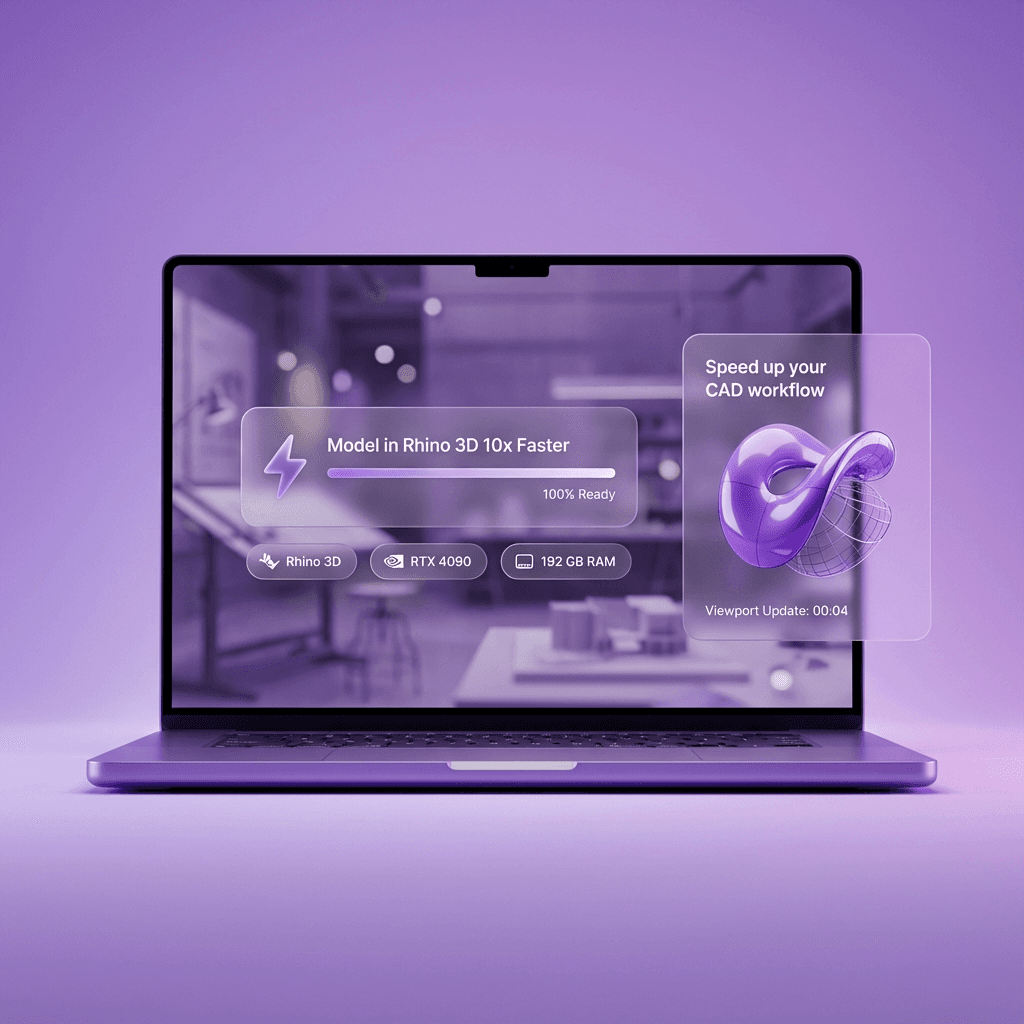
DESKTOP ON BROWSER
Your personal supercomputer,
one click away.
Your personal supercomputer,
one click away.
No more hardware limitations.
Start a high-performance workstation with Rhino 3D pre-installed in seconds. Work in up to 4K resolution with ultra-low latency, even on complex NURBS models, large assemblies, and precision-heavy design workflows.
No more hardware limitations.
Start a high-performance workstation with Rhino 3D pre-installed in seconds. Work in up to 4K resolution with ultra-low latency, even on complex NURBS models, large assemblies, and precision-heavy design workflows.
4K & 60 FPS
Flexible Pricing
SCALABLE PERFORMANCE
Change performance anytime, keep files & apps the same.
Change performance anytime, keep files & apps the same.
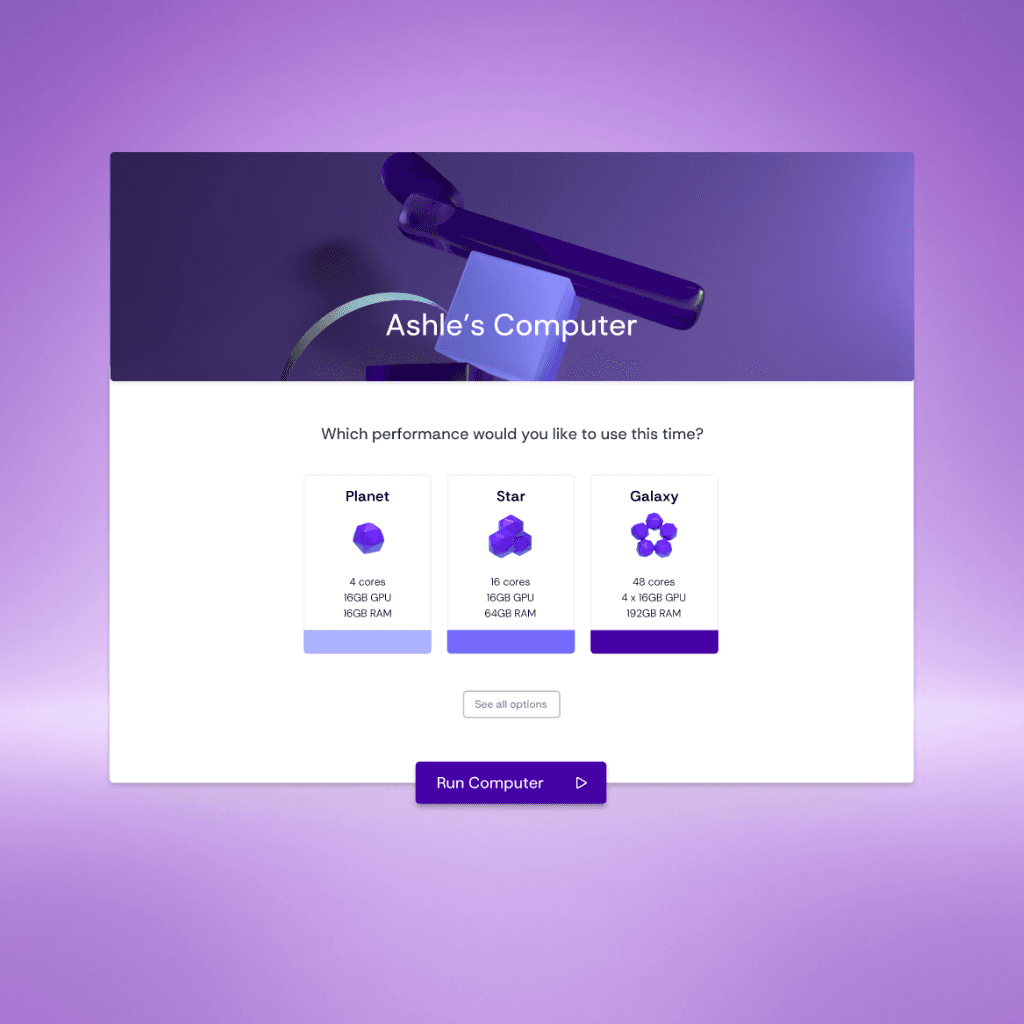
Scale performance as your project grows.
Begin on a standard GPU for early modeling and concept work. When your project becomes heavier, switch to a more powerful GPU with a single click. Your files, projects, and settings stay exactly where they are.
Scale performance as your project grows.
Begin on a standard GPU for early modeling and concept work. When your project becomes heavier, switch to a more powerful GPU with a single click. Your files, projects, and settings stay exactly where they are.
Hardware Options
App Library
HOW IT WORKS?
Turn any device into a professional
Rhino 3D workstation.
01. Create Computer
Choose Applications to Use
Choose Rhino 3D and related tools directly from the application catalog and start working immediately. No installation, no setup—just launch and design.
Choose Rhino 3D and related tools directly from the application catalog and start working immediately. No installation, no setup, just launch and design.
02. Transfer & Sync Project Files
Sync Local Files to Environment
Transfer project directory with a single drag and drop and start working with the high performance. It's simple to sync Vagon to your local with Vagon file manager.
03. Start Working & Scale Performance
Get the Performance & Scale Up
Every project has their own limitations and requirements, Vagon simplifies the selection process for you and give you the opportunity to run projects with latest generation hardware.

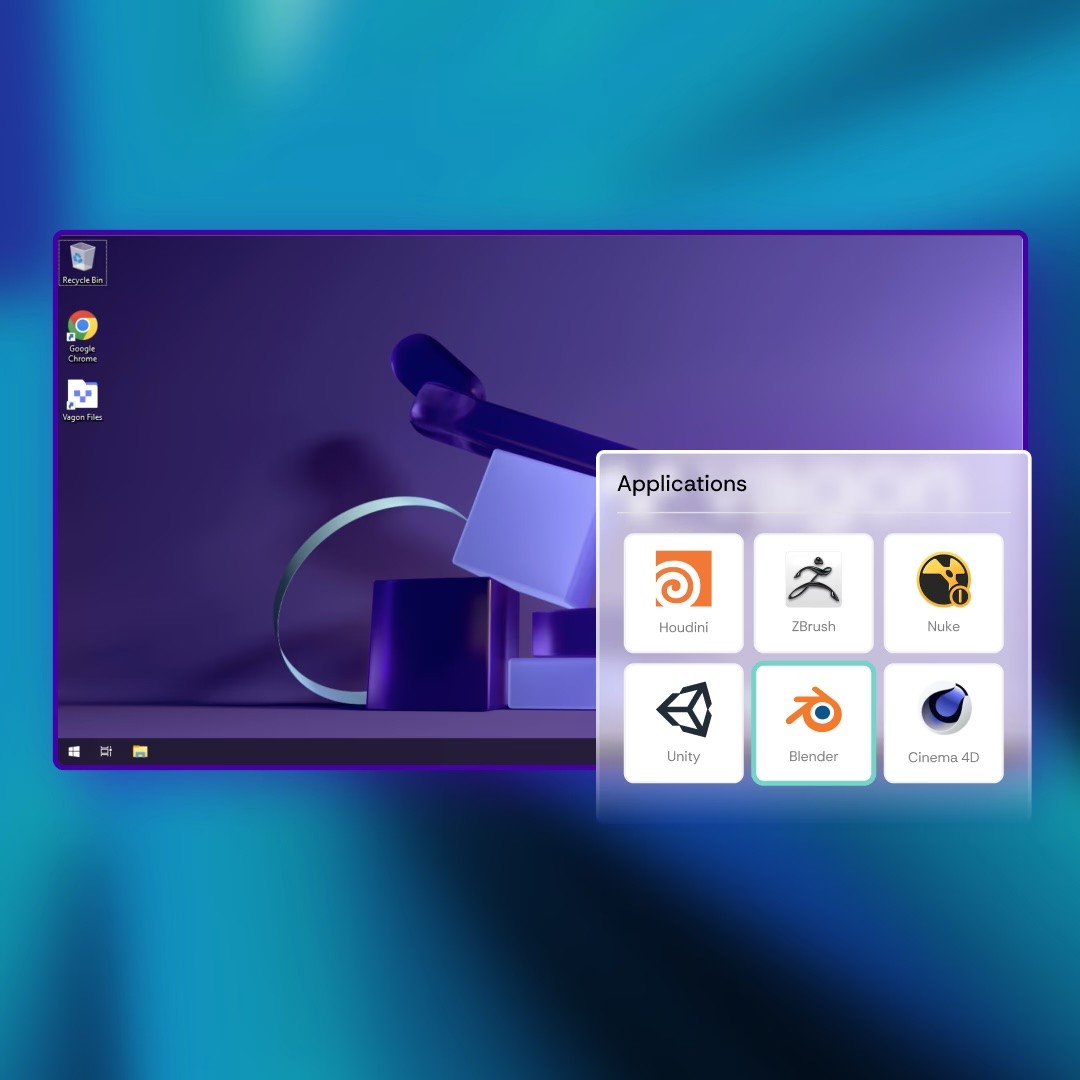
01. Create Computer
Choose Applications to Use
Choose Rhino 3D and related tools directly from the application catalog and start working immediately. No installation, no setup, just launch and design.
02. Transfer & Sync Project Files
Sync Local Files to Environment
Transfer project directory with a single drag and drop and start working with the high performance. It's simple to sync Vagon to your local with Vagon file manager.
03. Start Working & Scale Performance
Get the Performance & Scale Up
Every project has their own limitations and requirements, Vagon simplifies the selection process for you and give you the opportunity to run projects with latest generation hardware.
SCALABLE PERFORMANCE
Start with any performance, upgrade or downgrade anytime.
Start with any performance, upgrade or downgrade anytime.





PIRICING CALCULATOR
Configure the perfect cloud workstation for your use case and get a transparent monthly cost breakdown instantly.
Configure the perfect cloud workstation for your use case and get a transparent monthly cost breakdown instantly.
1. Select Your Use Case
2. Estimated Usage & Storage
75 GB storage included.
3. Select Performance
Cost Summary
Review your estimated costs
Estimated Monthly
Pay Today To Start
+$7.99 Monthly Plan Subscription
* Rates can change based on usage, data transfers, and regions.
VAGON COMMUNITY
Why creatives choose Vagon's Cloud Workstations?



“Seamless integration with your computer. If you can't afford a professional workstation, or want to supplement your current rig, Vagon is the best option I can think of.”
Clinton Jones
CG/VFX Artist
“Vagon provides a boost to your computer at home to run Autodesk, Adobe, and other graphics software faster. It is more likely that Vagon will reduce workstation investments.”
Hamid Hassanzade
Architect
“Let's say you have something like a tablet or a Chromebook and you can work on a computer through your browser that's much more powerful.”
Grant Abbitt
3D Modelling Artist
vagon cloud computers
Ready to use, high performance cloud computers.
Vagon Streams is created for Unity professionals to provide the best render streaming technology with additional feature enhancements. Schedule a meeting, and let us help you with integration process with expertise.
Vagon Blog
Run heavy applications on any device with
your personal computer on the cloud.
San Francisco, California
Solutions
Vagon Teams
Vagon Streams
Use Cases
Resources
Vagon Blog
How to Run Cinema 4D on Googlebook
How to Run DaVinci Resolve on Googlebook
How to Run Godot on Googlebook: Game Development Guide
How to Run Premiere Pro on Googlebook: Editing Guide
How to Run Revit on Googlebook: Complete BIM Guide
How to Run SOLIDWORKS on Googlebook: Complete CAD Guide
How to Run AutoCAD on Googlebook
How to Run Photoshop on Googlebook
How to Run After Effects on Googlebook
Vagon Blog
Run heavy applications on any device with
your personal computer on the cloud.
San Francisco, California
Solutions
Vagon Teams
Vagon Streams
Use Cases
Resources
Vagon Blog