Instant Connection for Pixel Streaming
— New Feature Automated Setup

Boot Camp Alternatives for Apple Silicon Macs (2026)
ComputerPerformance
Boot Camp Alternatives for Apple Silicon Macs (2026)
ComputerPerformance
Boot Camp Alternatives for Apple Silicon Macs (2026)
ComputerPerformance
Table of Contents
Boot Camp does not work on Apple Silicon Macs. Apple's current instructions support Windows installation only on listed Intel-based Macs, so there is no Apple-supported dual-boot path for an M-series Mac. The right boot camp alternative depends on what you need to run: a local Windows 11 Arm virtual machine, a compatibility layer, a separate or remote Windows PC, a cloud Windows computer, or a consumer game-streaming service.
None reproduces Windows running directly on an Intel Mac's hardware. Before choosing, check the exact application's architecture, graphics, drivers, peripherals, licensing, and internet needs.
Method | How It Works | Best For | Main Limit | Offline? | Cost Pattern |
|---|---|---|---|---|---|
Local VM | Runs Windows 11 Arm beside macOS | General Windows apps that work on Arm | Drivers and virtual graphics | Yes, after setup | VM software, Windows license, local storage |
CrossOver or Wine | Translates Windows API calls without Windows | One verified app or game | Compatibility varies by app and update | Usually | Free or paid tool, plus app license |
Separate Windows PC | Runs Windows on native PC hardware | Drivers, peripherals, demanding games, daily production | A second computer to buy and maintain | Yes | Hardware, power, software |
Remote owned PC | Controls an existing PC from the Mac | Reusing a compatible machine | Latency, security, remote peripherals | Only while the PC is reachable | Existing hardware plus remote-access costs |
Cloud Windows computer | Runs apps on rented remote hardware | Temporary or GPU-heavy professional work | Internet, files, peripherals, hourly cost | No | Compute, storage, transfer, software |
Game streaming | Streams supported games from a service | Titles in a supported catalog | Catalog, DRM, region, and network limits | No | Subscription and sometimes game purchase |
Why Doesn't Boot Camp Work On An Apple Silicon Mac?
Apple's Boot Camp documentation describes installing Windows 10 on an Intel-based Mac, creating a BOOTCAMP partition, installing Apple hardware drivers, and rebooting to switch operating systems. Its supported-model list explicitly excludes the M1 MacBook Air and M1 MacBook Pro from otherwise overlapping model years.
Apple Silicon uses Arm rather than the x86 architecture of Intel Macs. Apple has not supplied a supported Boot Camp driver package or native Windows boot workflow for M-series models. Boot Camp Assistant appearing on a Mac or Windows having an Arm edition does not change that position.
This is why Parallels vs Bootcamp is no longer a choice between two current installation styles on an M-series Mac. Boot Camp was native dual boot on supported Intel hardware. Parallels on Apple Silicon is virtualization: it runs an Arm edition of Windows inside macOS.
Searches for a “Bootcamp alternative M1” are also broader than they sound. The same architectural decision applies across current Apple Silicon generations, not just the original M1.
Which Boot Camp Alternative Should You Choose First?
Start with the least complicated environment that the software vendor supports. If the application has a native Mac or browser version with the features you need, use it. You avoid Windows licensing, architecture translation, VM storage, and another operating system to maintain.
For one Windows application or game that does not need a driver, CrossOver or another maintained Wine-based route may be the lightest option. If you need a general Windows desktop and the software supports Windows 11 Arm, test a local VM.
Move to a Windows PC when the workflow needs native x86/x64 Windows, direct GPU behavior, kernel drivers, specialist USB hardware, or certified PC hardware. If you own a suitable PC, secured remote access may be enough.
A cloud Windows computer makes sense when a compatible workload is temporary, needs a larger GPU, or would consume too much local memory and storage. Consumer game streaming is separate because it provides supported games, not a general Windows desktop.
The useful test has three levels:
Does the application launch?
Does its vendor officially support this environment?
Is the whole workflow practical, including activation, files, plug-ins, peripherals, saving, exporting, and updates?
Passing the first test does not prove the other two.
How Do Parallels, VMware Fusion, CrossOver, Wine, UTM, And Remote PCs Differ?
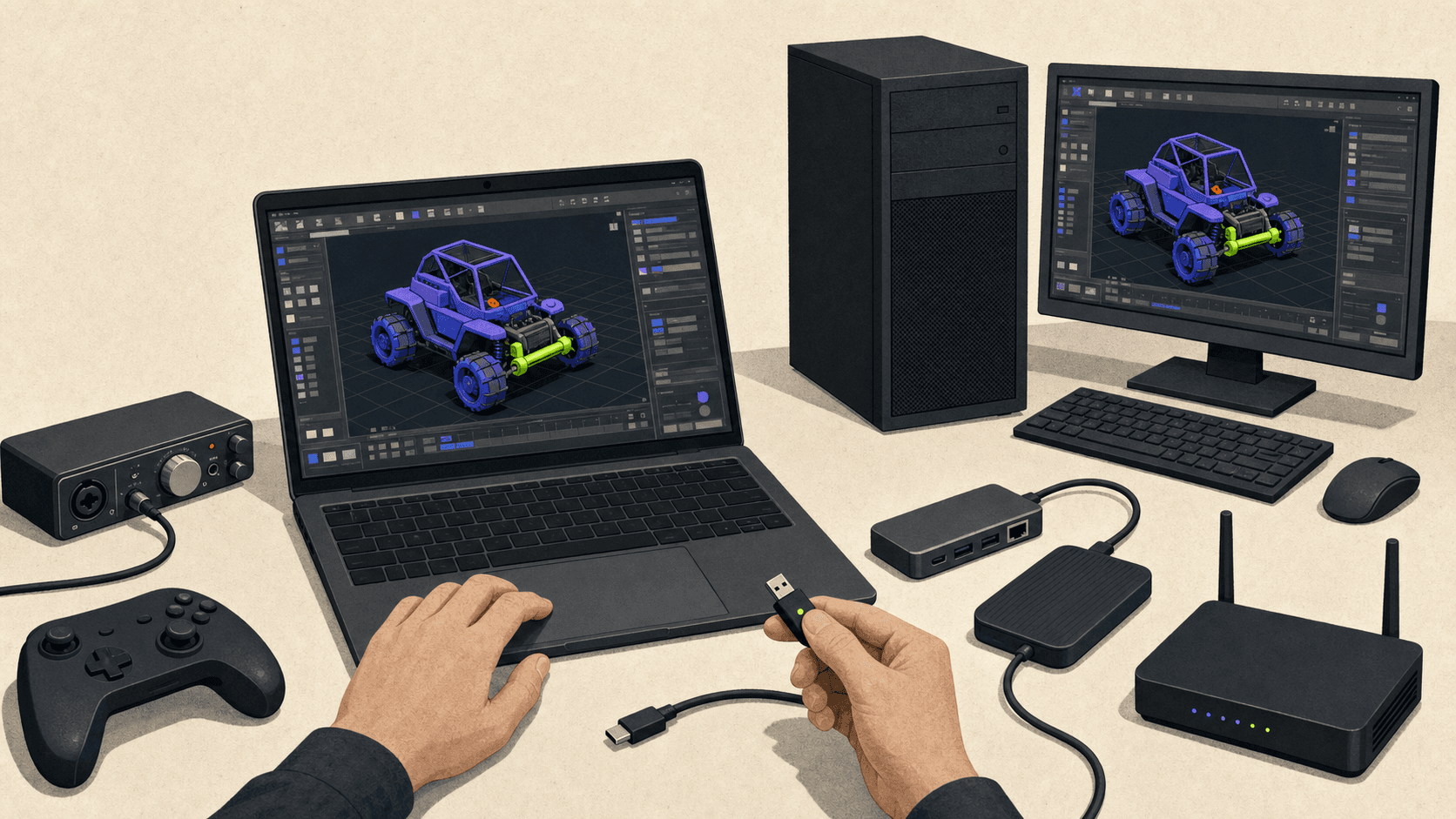
For Parallels vs VMware vs Bootcamp, the important difference is architecture, not the length of each feature list. Boot Camp runs Windows natively on supported Intel Macs. Parallels Desktop and VMware Fusion run a guest operating system inside macOS. On Apple Silicon, that guest is Arm-based.
Parallels Desktop
Parallels Desktop 26 supports M-series Macs and runs Arm guest operating systems, with Windows 11 Pro and Enterprise recommended. Its main appeal is integration. Windows applications can sit beside Mac applications, shared workflows are comparatively polished, and Coherence mode hides much of the Windows desktop.
Parallels still uses a virtual graphics adapter rather than giving Windows direct access to the Mac's GPU. Its current guidance documents DirectX 11 and OpenGL 3.3, so software requiring unsupported graphics features may fail. Windows also needs its own license.
Parallels is a strong first trial for ordinary business and productivity applications that support Windows 11 Arm. It is a weaker fit for low-level system tools, unsupported drivers, demanding DirectX 12 software, or specialist hardware.
VMware Fusion
VMware Fusion 26H1 is the current Mac product. VMware Workstation is for Windows or Linux hosts, so it should not be treated as the direct Mac competitor.
Fusion is free for personal, educational, and commercial use. It runs Windows 11 Arm and supports DirectX 11, but Broadcom documents important differences: no x86 Windows guest on an Arm Mac, no Unity Mode, and reduced integration in some areas. Downloads require a Broadcom account, and free users rely on documentation and community support.
Fusion is attractive when its current feature set fits and keeping hypervisor cost at zero matters. It is not a way to recover the old native Boot Camp environment.
CrossOver And Wine
Wine is an open-source compatibility layer. It translates Windows API calls into calls the host system can use. It is not a virtual machine and does not install Windows.
CrossOver is CodeWeavers' commercial Wine-based product. It packages app installation, “bottles,” graphics options, compatibility information, updates, and support. It can work well for a verified app or game, but a compatibility rating is a reason to test, not a guarantee.
Choose this route when avoiding a full Windows installation is valuable and the app has no required Windows driver. Updates to an app, launcher, DRM system, or macOS can still change the result.
UTM
UTM is a free and open-source QEMU-based option. It can virtualize Arm operating systems efficiently on Apple Silicon and emulate other architectures with a performance cost.
Its official site says Windows GPU virtualization and 3D acceleration are not currently supported. That makes it useful for experimentation, basic operating-system access, and some non-3D tasks, but not a sensible recommendation for modern Windows games or GPU-heavy professional software.
Physical And Remote Windows PCs
A dedicated PC removes the Arm guest from the equation. It is the cleanest answer for native drivers, demanding GPU APIs, specialist peripherals, sustained daily use, and strict anti-cheat requirements.
Remote access to an owned PC keeps that compatibility while the Mac acts as its screen and input device. Trade-offs include security, connection quality, compression, and peripheral access.
Can You Run An EXE File On A Mac?
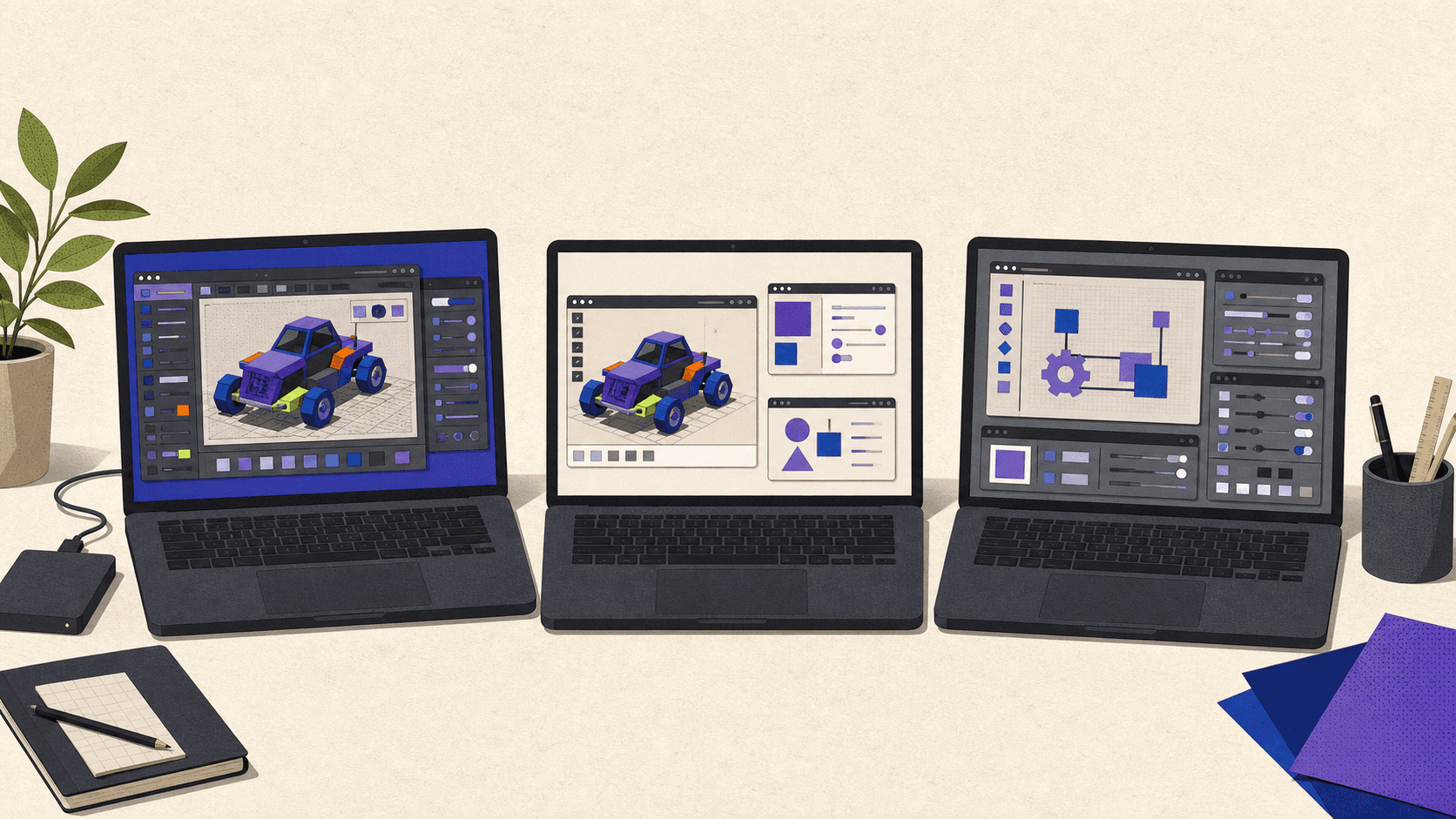
An EXE does not run natively in macOS. It may launch through Windows 11 Arm, a compatibility layer, or a remote Windows environment, but opening the installer is only the beginning.
Windows 11 Arm can emulate many x86 and x64 user-mode applications. Microsoft's Arm documentation also draws a firm line: kernel-mode components must be compiled for Arm64. Emulation does not make an x64 driver work on an Arm system.
Check for USB dongles, device drivers, audio interfaces, VPN clients, security agents, shell extensions, and kernel-level license managers. Also identify required .NET versions, DirectX, OpenGL or Vulkan features, plug-ins, and hardware-bound activation.
Before paying for a method, use this process:
Record the exact app version, Mac model, chip, memory, storage, and macOS version.
Read the application vendor's supported Windows, CPU, GPU, and virtualization matrix.
Identify whether the installer and application are Arm64, x64, or x86.
List every driver, plug-in, peripheral, and license service the real workflow needs.
Test a legal trial with a representative project, not an empty document.
Save, export, print, render, reconnect hardware, update the app, and confirm activation recovery.
If the vendor does not support Windows on Arm or virtual/cloud machines, decide whether an unofficial result is acceptable before using it for production work.
Can You Play PC Games On A Mac Without Boot Camp?
Yes, some PC games can run on a Mac, but no method supports every title. The phrase how to play any Windows game on Mac promises something the current technology cannot guarantee.
Check each game for its DirectX requirements, launcher, DRM, kernel anti-cheat, multiplayer restrictions, controller support, mods, and publisher terms. Anti-cheat and DRM are frequent deal-breakers because they may depend on drivers, detect virtualized environments, or prohibit cloud machines.
Look for a maintained native macOS release first, then check current CrossOver records and recent title-specific reports. A Windows 11 Arm VM may fit some lighter titles, but its virtual GPU and Arm emulation make it a poor general gaming answer. UTM's lack of Windows 3D acceleration rules it out.
Apple's Game Porting Toolkit 4 helps developers evaluate Windows executables and port games to Apple platforms. It is not an Apple promise that consumers can run every unmodified Windows release.
For the broadest native Windows game compatibility, use a suitable PC. You can play locally, remotely access your own machine, or use a consumer streaming service when the exact title, store, region, controller, and subscription tier are supported. Recheck after game and anti-cheat updates because a working route can stop working.
When Does A Cloud Windows Computer Make More Sense?
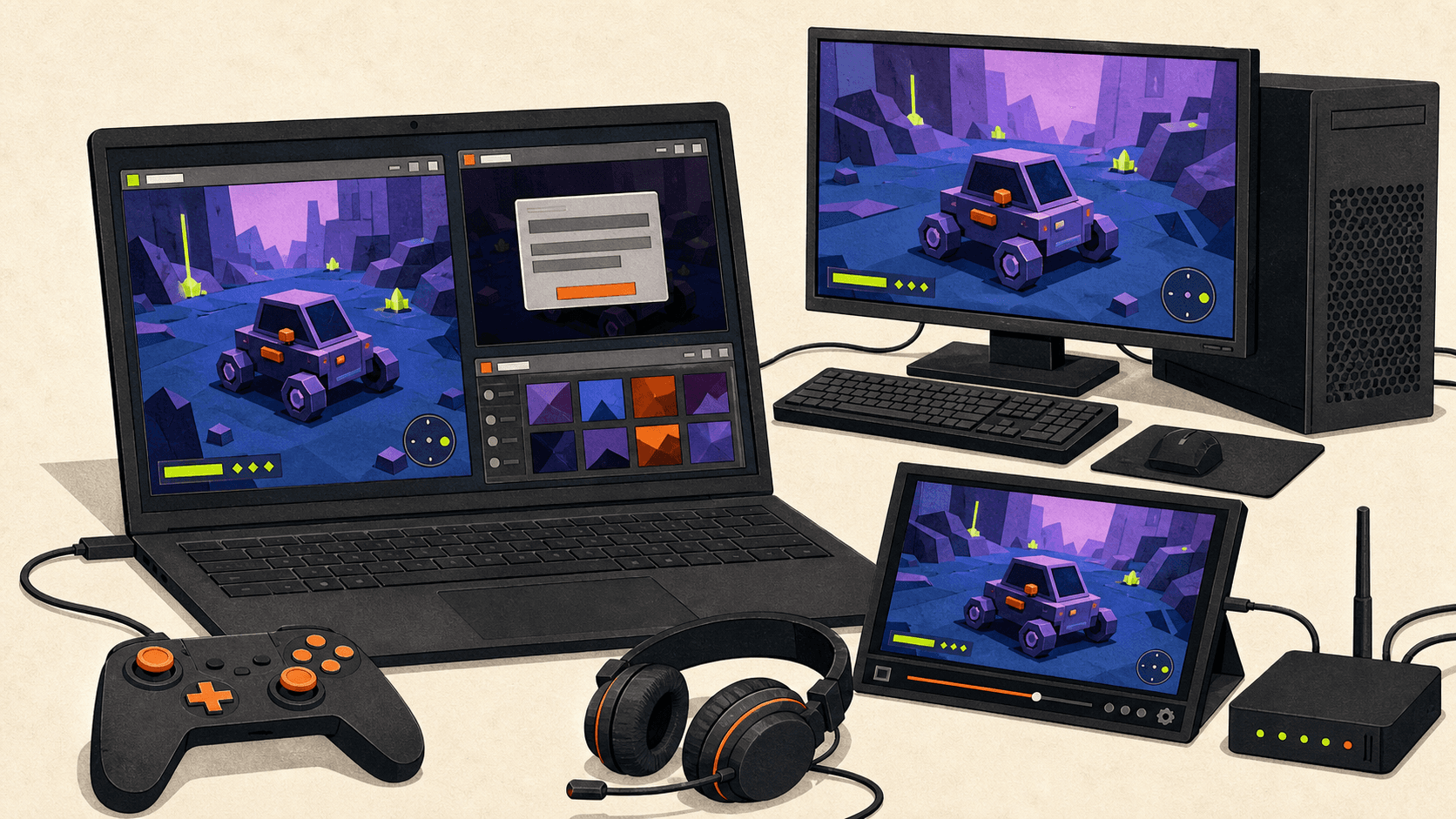
A cloud Windows computer runs on hardware in a data center. Your Mac sends keyboard and pointer input, receives a compressed display stream, and transfers the files needed for the job. It does not install Windows on the Mac or make the Mac's local GPU faster.
Vagon Cloud Computer fits this category. It provides a separate remote Windows computer with configurable Intel CPU and NVIDIA GPU-backed performance tiers, browser or Mac access, persistent storage, and integrated file transfer. It can make sense for compatible Windows-only professional applications, temporary engineering or 3D projects, remote rendering, and workloads that need more GPU or memory for a limited period.
Confirm the application's supported Windows environment, virtualization rules, GPU and driver requirements, plug-ins, fonts, license manager, and license terms. Test a real file from the location and connection you will use.
Network quality affects latency, compression, and responsiveness. Large transfers take time and may cost money. Sensitive work requires reviewing storage region, retention, backups, account controls, and privacy. Specialist USB devices, calibrated color, low-latency audio, and dongles may be unsuitable.
Vagon's current pricing combines per-minute compute, shown as hourly rates, with persistent monthly storage. Rates vary by performance and region, and outbound data beyond the allowance is charged separately. Commercial application licenses should be budgeted separately unless an official product page explicitly includes them.
This option is unnecessary when a Mac or web app meets the need, CrossOver works reliably, or a local VM is simpler. It is a poor fit for offline work, latency-sensitive use, unsupported peripherals, large recurring transfers, or restricted games.
What Does Each Option Really Cost, And Is Parallels Worth It?
Boot Camp Assistant itself was included on supported Intel Macs, but Windows was not. That is the accurate answer to is Bootcamp for Mac free? The utility did not remove the cost of a Windows license or paid applications.
On the verification date, US Parallels list prices were $99.99 per year or $219.99 one-time for Standard, $119.99 per year for Pro, and $149.99 per year for Business. Temporary discounts also appeared. Use the 14-day Pro trial to test the actual workflow.
Microsoft requires a separate Windows 11 Pro license for each VM instance. Its US store listed Windows 11 Pro at $199.99 when this article was verified. Organizational licensing can be more complicated, so business users should check their Microsoft agreement rather than assuming a personal retail rule applies.
Is Parallels worth it? Yes when the app passes the trial, local or offline access matters, the Mac has enough resources, and integration saves time. No when a driver blocks the workflow, Fusion or CrossOver meets the need, or a PC is required anyway.
Is CrossOver free? No. CodeWeavers listed a 14-day trial, CrossOver+ at $74 with 12 months of support and upgrades, and a lifetime-support option at $494. Wine itself is open source, but it does not offer the same packaged workflow or support. Neither route includes licenses for the Windows applications you run.
For a PC, count hardware, Windows, maintenance, power, and the time spent moving between systems. For remote access, add network and administration. For cloud computing, add usage, persistent storage, outbound transfer, software licenses, file-handling time, and the cost of a connection that is good enough for the work.
The cheapest option is the one that completes the real task reliably. A free tool that cannot use your driver or export your project is an expensive dead end.
Frequently Asked Questions
Can I Install Native x86 Windows On An M-Series Mac?
Not through an Apple-supported Boot Camp workflow. Local Apple Silicon virtual machines use an Arm guest, while native x86/x64 Windows requires a separate compatible PC or remote computer.
Is Parallels Better Than VMware Fusion On Apple Silicon?
Parallels is usually the easier first test when polished Mac integration matters. Fusion is attractive when its current feature limits fit and you want a free hypervisor. Both run Windows 11 Arm on Apple Silicon, not a native x86 Windows installation.
Does CrossOver Include Windows?
No. CrossOver translates Windows API calls and does not install Windows. You still need valid licenses for paid applications.
Should I Buy A PC Or Rent A Cloud Windows Computer?
Buy or keep a PC for constant use, direct peripherals, low latency, or strict driver and vendor requirements. Rent a compatible cloud computer for temporary or bursty work when the network, data policy, software licensing, and total monthly cost make sense.
Write down your exact application or game, supported environment, required drivers and peripherals, offline and latency needs, and monthly budget. Then run the smallest legal test that proves the complete workflow. Choose the method that finishes the job, not the one that merely opens the installer.
Boot Camp does not work on Apple Silicon Macs. Apple's current instructions support Windows installation only on listed Intel-based Macs, so there is no Apple-supported dual-boot path for an M-series Mac. The right boot camp alternative depends on what you need to run: a local Windows 11 Arm virtual machine, a compatibility layer, a separate or remote Windows PC, a cloud Windows computer, or a consumer game-streaming service.
None reproduces Windows running directly on an Intel Mac's hardware. Before choosing, check the exact application's architecture, graphics, drivers, peripherals, licensing, and internet needs.
Method | How It Works | Best For | Main Limit | Offline? | Cost Pattern |
|---|---|---|---|---|---|
Local VM | Runs Windows 11 Arm beside macOS | General Windows apps that work on Arm | Drivers and virtual graphics | Yes, after setup | VM software, Windows license, local storage |
CrossOver or Wine | Translates Windows API calls without Windows | One verified app or game | Compatibility varies by app and update | Usually | Free or paid tool, plus app license |
Separate Windows PC | Runs Windows on native PC hardware | Drivers, peripherals, demanding games, daily production | A second computer to buy and maintain | Yes | Hardware, power, software |
Remote owned PC | Controls an existing PC from the Mac | Reusing a compatible machine | Latency, security, remote peripherals | Only while the PC is reachable | Existing hardware plus remote-access costs |
Cloud Windows computer | Runs apps on rented remote hardware | Temporary or GPU-heavy professional work | Internet, files, peripherals, hourly cost | No | Compute, storage, transfer, software |
Game streaming | Streams supported games from a service | Titles in a supported catalog | Catalog, DRM, region, and network limits | No | Subscription and sometimes game purchase |
Why Doesn't Boot Camp Work On An Apple Silicon Mac?
Apple's Boot Camp documentation describes installing Windows 10 on an Intel-based Mac, creating a BOOTCAMP partition, installing Apple hardware drivers, and rebooting to switch operating systems. Its supported-model list explicitly excludes the M1 MacBook Air and M1 MacBook Pro from otherwise overlapping model years.
Apple Silicon uses Arm rather than the x86 architecture of Intel Macs. Apple has not supplied a supported Boot Camp driver package or native Windows boot workflow for M-series models. Boot Camp Assistant appearing on a Mac or Windows having an Arm edition does not change that position.
This is why Parallels vs Bootcamp is no longer a choice between two current installation styles on an M-series Mac. Boot Camp was native dual boot on supported Intel hardware. Parallels on Apple Silicon is virtualization: it runs an Arm edition of Windows inside macOS.
Searches for a “Bootcamp alternative M1” are also broader than they sound. The same architectural decision applies across current Apple Silicon generations, not just the original M1.
Which Boot Camp Alternative Should You Choose First?
Start with the least complicated environment that the software vendor supports. If the application has a native Mac or browser version with the features you need, use it. You avoid Windows licensing, architecture translation, VM storage, and another operating system to maintain.
For one Windows application or game that does not need a driver, CrossOver or another maintained Wine-based route may be the lightest option. If you need a general Windows desktop and the software supports Windows 11 Arm, test a local VM.
Move to a Windows PC when the workflow needs native x86/x64 Windows, direct GPU behavior, kernel drivers, specialist USB hardware, or certified PC hardware. If you own a suitable PC, secured remote access may be enough.
A cloud Windows computer makes sense when a compatible workload is temporary, needs a larger GPU, or would consume too much local memory and storage. Consumer game streaming is separate because it provides supported games, not a general Windows desktop.
The useful test has three levels:
Does the application launch?
Does its vendor officially support this environment?
Is the whole workflow practical, including activation, files, plug-ins, peripherals, saving, exporting, and updates?
Passing the first test does not prove the other two.
How Do Parallels, VMware Fusion, CrossOver, Wine, UTM, And Remote PCs Differ?
For Parallels vs VMware vs Bootcamp, the important difference is architecture, not the length of each feature list. Boot Camp runs Windows natively on supported Intel Macs. Parallels Desktop and VMware Fusion run a guest operating system inside macOS. On Apple Silicon, that guest is Arm-based.
Parallels Desktop
Parallels Desktop 26 supports M-series Macs and runs Arm guest operating systems, with Windows 11 Pro and Enterprise recommended. Its main appeal is integration. Windows applications can sit beside Mac applications, shared workflows are comparatively polished, and Coherence mode hides much of the Windows desktop.
Parallels still uses a virtual graphics adapter rather than giving Windows direct access to the Mac's GPU. Its current guidance documents DirectX 11 and OpenGL 3.3, so software requiring unsupported graphics features may fail. Windows also needs its own license.
Parallels is a strong first trial for ordinary business and productivity applications that support Windows 11 Arm. It is a weaker fit for low-level system tools, unsupported drivers, demanding DirectX 12 software, or specialist hardware.
VMware Fusion
VMware Fusion 26H1 is the current Mac product. VMware Workstation is for Windows or Linux hosts, so it should not be treated as the direct Mac competitor.
Fusion is free for personal, educational, and commercial use. It runs Windows 11 Arm and supports DirectX 11, but Broadcom documents important differences: no x86 Windows guest on an Arm Mac, no Unity Mode, and reduced integration in some areas. Downloads require a Broadcom account, and free users rely on documentation and community support.
Fusion is attractive when its current feature set fits and keeping hypervisor cost at zero matters. It is not a way to recover the old native Boot Camp environment.
CrossOver And Wine
Wine is an open-source compatibility layer. It translates Windows API calls into calls the host system can use. It is not a virtual machine and does not install Windows.
CrossOver is CodeWeavers' commercial Wine-based product. It packages app installation, “bottles,” graphics options, compatibility information, updates, and support. It can work well for a verified app or game, but a compatibility rating is a reason to test, not a guarantee.
Choose this route when avoiding a full Windows installation is valuable and the app has no required Windows driver. Updates to an app, launcher, DRM system, or macOS can still change the result.
UTM
UTM is a free and open-source QEMU-based option. It can virtualize Arm operating systems efficiently on Apple Silicon and emulate other architectures with a performance cost.
Its official site says Windows GPU virtualization and 3D acceleration are not currently supported. That makes it useful for experimentation, basic operating-system access, and some non-3D tasks, but not a sensible recommendation for modern Windows games or GPU-heavy professional software.
Physical And Remote Windows PCs
A dedicated PC removes the Arm guest from the equation. It is the cleanest answer for native drivers, demanding GPU APIs, specialist peripherals, sustained daily use, and strict anti-cheat requirements.
Remote access to an owned PC keeps that compatibility while the Mac acts as its screen and input device. Trade-offs include security, connection quality, compression, and peripheral access.
Can You Run An EXE File On A Mac?
An EXE does not run natively in macOS. It may launch through Windows 11 Arm, a compatibility layer, or a remote Windows environment, but opening the installer is only the beginning.
Windows 11 Arm can emulate many x86 and x64 user-mode applications. Microsoft's Arm documentation also draws a firm line: kernel-mode components must be compiled for Arm64. Emulation does not make an x64 driver work on an Arm system.
Check for USB dongles, device drivers, audio interfaces, VPN clients, security agents, shell extensions, and kernel-level license managers. Also identify required .NET versions, DirectX, OpenGL or Vulkan features, plug-ins, and hardware-bound activation.
Before paying for a method, use this process:
Record the exact app version, Mac model, chip, memory, storage, and macOS version.
Read the application vendor's supported Windows, CPU, GPU, and virtualization matrix.
Identify whether the installer and application are Arm64, x64, or x86.
List every driver, plug-in, peripheral, and license service the real workflow needs.
Test a legal trial with a representative project, not an empty document.
Save, export, print, render, reconnect hardware, update the app, and confirm activation recovery.
If the vendor does not support Windows on Arm or virtual/cloud machines, decide whether an unofficial result is acceptable before using it for production work.
Can You Play PC Games On A Mac Without Boot Camp?
Yes, some PC games can run on a Mac, but no method supports every title. The phrase how to play any Windows game on Mac promises something the current technology cannot guarantee.
Check each game for its DirectX requirements, launcher, DRM, kernel anti-cheat, multiplayer restrictions, controller support, mods, and publisher terms. Anti-cheat and DRM are frequent deal-breakers because they may depend on drivers, detect virtualized environments, or prohibit cloud machines.
Look for a maintained native macOS release first, then check current CrossOver records and recent title-specific reports. A Windows 11 Arm VM may fit some lighter titles, but its virtual GPU and Arm emulation make it a poor general gaming answer. UTM's lack of Windows 3D acceleration rules it out.
Apple's Game Porting Toolkit 4 helps developers evaluate Windows executables and port games to Apple platforms. It is not an Apple promise that consumers can run every unmodified Windows release.
For the broadest native Windows game compatibility, use a suitable PC. You can play locally, remotely access your own machine, or use a consumer streaming service when the exact title, store, region, controller, and subscription tier are supported. Recheck after game and anti-cheat updates because a working route can stop working.
When Does A Cloud Windows Computer Make More Sense?
A cloud Windows computer runs on hardware in a data center. Your Mac sends keyboard and pointer input, receives a compressed display stream, and transfers the files needed for the job. It does not install Windows on the Mac or make the Mac's local GPU faster.
Vagon Cloud Computer fits this category. It provides a separate remote Windows computer with configurable Intel CPU and NVIDIA GPU-backed performance tiers, browser or Mac access, persistent storage, and integrated file transfer. It can make sense for compatible Windows-only professional applications, temporary engineering or 3D projects, remote rendering, and workloads that need more GPU or memory for a limited period.
Confirm the application's supported Windows environment, virtualization rules, GPU and driver requirements, plug-ins, fonts, license manager, and license terms. Test a real file from the location and connection you will use.
Network quality affects latency, compression, and responsiveness. Large transfers take time and may cost money. Sensitive work requires reviewing storage region, retention, backups, account controls, and privacy. Specialist USB devices, calibrated color, low-latency audio, and dongles may be unsuitable.
Vagon's current pricing combines per-minute compute, shown as hourly rates, with persistent monthly storage. Rates vary by performance and region, and outbound data beyond the allowance is charged separately. Commercial application licenses should be budgeted separately unless an official product page explicitly includes them.
This option is unnecessary when a Mac or web app meets the need, CrossOver works reliably, or a local VM is simpler. It is a poor fit for offline work, latency-sensitive use, unsupported peripherals, large recurring transfers, or restricted games.
What Does Each Option Really Cost, And Is Parallels Worth It?
Boot Camp Assistant itself was included on supported Intel Macs, but Windows was not. That is the accurate answer to is Bootcamp for Mac free? The utility did not remove the cost of a Windows license or paid applications.
On the verification date, US Parallels list prices were $99.99 per year or $219.99 one-time for Standard, $119.99 per year for Pro, and $149.99 per year for Business. Temporary discounts also appeared. Use the 14-day Pro trial to test the actual workflow.
Microsoft requires a separate Windows 11 Pro license for each VM instance. Its US store listed Windows 11 Pro at $199.99 when this article was verified. Organizational licensing can be more complicated, so business users should check their Microsoft agreement rather than assuming a personal retail rule applies.
Is Parallels worth it? Yes when the app passes the trial, local or offline access matters, the Mac has enough resources, and integration saves time. No when a driver blocks the workflow, Fusion or CrossOver meets the need, or a PC is required anyway.
Is CrossOver free? No. CodeWeavers listed a 14-day trial, CrossOver+ at $74 with 12 months of support and upgrades, and a lifetime-support option at $494. Wine itself is open source, but it does not offer the same packaged workflow or support. Neither route includes licenses for the Windows applications you run.
For a PC, count hardware, Windows, maintenance, power, and the time spent moving between systems. For remote access, add network and administration. For cloud computing, add usage, persistent storage, outbound transfer, software licenses, file-handling time, and the cost of a connection that is good enough for the work.
The cheapest option is the one that completes the real task reliably. A free tool that cannot use your driver or export your project is an expensive dead end.
Frequently Asked Questions
Can I Install Native x86 Windows On An M-Series Mac?
Not through an Apple-supported Boot Camp workflow. Local Apple Silicon virtual machines use an Arm guest, while native x86/x64 Windows requires a separate compatible PC or remote computer.
Is Parallels Better Than VMware Fusion On Apple Silicon?
Parallels is usually the easier first test when polished Mac integration matters. Fusion is attractive when its current feature limits fit and you want a free hypervisor. Both run Windows 11 Arm on Apple Silicon, not a native x86 Windows installation.
Does CrossOver Include Windows?
No. CrossOver translates Windows API calls and does not install Windows. You still need valid licenses for paid applications.
Should I Buy A PC Or Rent A Cloud Windows Computer?
Buy or keep a PC for constant use, direct peripherals, low latency, or strict driver and vendor requirements. Rent a compatible cloud computer for temporary or bursty work when the network, data policy, software licensing, and total monthly cost make sense.
Write down your exact application or game, supported environment, required drivers and peripherals, offline and latency needs, and monthly budget. Then run the smallest legal test that proves the complete workflow. Choose the method that finishes the job, not the one that merely opens the installer.
Get Beyond Your Computer Performance
Run applications on your cloud computer with the latest generation hardware. No more crashes or lags.

Trial includes 1 hour usage + 7 days of storage.
Summarize with AI

Ready to focus on your creativity?
Vagon gives you the ability to create & render projects, collaborate, and stream applications with the power of the best hardware.

Run heavy applications on any device with
your personal computer on the cloud.
San Francisco, California
Solutions
Vagon Teams
Vagon Streams
Use Cases
© 2026 Vagon. All rights reserved.
Run heavy applications on any device with
your personal computer on the cloud.
San Francisco, California
Solutions
Vagon Teams
Vagon Streams
Use Cases
© 2026 Vagon. All rights reserved.
Run heavy applications on any device with
your personal computer on the cloud.
San Francisco, California
Solutions
Vagon Teams
Vagon Streams
Use Cases
© 2026 Vagon. All rights reserved.