Instant Connection for Pixel Streaming
— New Feature Automated Setup

SketchUp Pricing 2026: Free, Go, Pro & Studio Compared
Architecture
SketchUp Pricing 2026: Free, Go, Pro & Studio Compared
Architecture
SketchUp Pricing 2026: Free, Go, Pro & Studio Compared
Architecture
Table of Contents
As of August 11, 2026, SketchUp Free costs $0, Go costs $129 per year, Pro costs $399 per year, and Studio costs $819 per year in the official USD pricing view. Free fits non-commercial browser modeling, Go covers commercial web and iPad work, Pro is the practical choice for most desktop professionals, and Studio targets Windows-based rendering, point-cloud, and Revit workflows.
These prices exclude tax and VAT. Go, Pro, and Studio annual prices are displayed as monthly equivalents, but the full annual amount is billed upfront. Prices, taxes, payment methods, and even plan availability can vary by region, so check your local checkout before buying.
Plan | Verified USD price | Billing | Platforms | Desktop and LayOut | Extensions | Main additions | Commercial use | Good fit for |
|---|---|---|---|---|---|---|---|---|
Free | $0 | Free access | Browser | No | No desktop extensions | Basic web modeler, 10 GB cloud storage, 3D Warehouse | No | Learning, hobbies, personal projects |
Go | $129/year or $19.99/month | Annual upfront or monthly | Browser and iPad | No | No desktop extensions | Wider import/export support, unlimited cloud storage, 100 AI credits/month | Yes | Makers, mobile designers, commercial web and iPad users |
Pro | $399/year or $99.99/month | Annual upfront or monthly | Browser, iPad, Windows, macOS | Yes | Yes | Desktop modeler, LayOut, PreDesign, professional interoperability, 150 AI credits/month | Yes | Freelancers, interior designers, architects, professional 3D workflows |
Studio | $819/year | Annual upfront only | Pro platforms, with key Studio tools on Windows | Yes | Yes | V-Ray, Scan Essentials, Revit Importer, Trimble Site Contractor, 200 AI credits/month | Yes | Windows-based visualization, scanning, BIM, and construction workflows |
Source: Official SketchUp plans and pricing.
What changes when you move from Free to a paid plan?
The important differences aren’t simply “more tools.” Each plan supports a different combination of devices, deliverables, and professional workflows.
SketchUp Free: browser modeling for personal use
SketchUp Free is a real, current product, but it isn’t a free desktop edition. It runs inside a supported web browser and requires an internet connection. There’s nothing to install for Windows or Mac.
The free plan includes SketchUp for Web, 10 GB of Trimble Connect cloud storage, access to 3D Warehouse, and a limited set of import and export formats. The current Free product page lists SKP, JPG, and PNG imports, plus SKP, PNG, and STL exports.
The biggest restriction is licensing: SketchUp explicitly says that Free isn’t for commercial use. That rules it out for paid client drawings, freelance modeling, and other production work that earns money. Free users also don’t receive included AI credits or direct SketchUp support.
Free makes sense if you’re learning SketchUp, planning a personal woodworking project, experimenting with room layouts, or preparing a model for personal 3D printing. It stops making sense once you need paid-project rights, offline desktop work, LayOut documents, CAD interoperability, or extensions.
SketchUp Go: commercial modeling without the desktop app
Go is the step up for people who want to work commercially in a browser or on an iPad. It includes added functionality in SketchUp for Web, the SketchUp for iPad modeler, unlimited access to 3D Warehouse, unlimited Trimble Connect storage, and 100 SketchUp AI credits each month.
Its import and export support is much wider than Free’s. The official web comparison lists formats such as DWG, DXF, DAE, KMZ, 3DS, FBX, and OBJ among Go’s supported web options. That can be enough for a maker, contractor, or designer who exchanges common files but doesn’t need the desktop application.
What Go doesn’t include matters just as much. You don’t get SketchUp for Desktop, LayOut, or desktop extension support. Buying Go won’t let you install a Ruby extension, a desktop rendering plugin, or a plugin pack.
This makes Go a specific mobile and web bundle, not a cheaper version of Pro’s desktop software. Choose it only if browser and iPad modeling can cover the entire workflow.
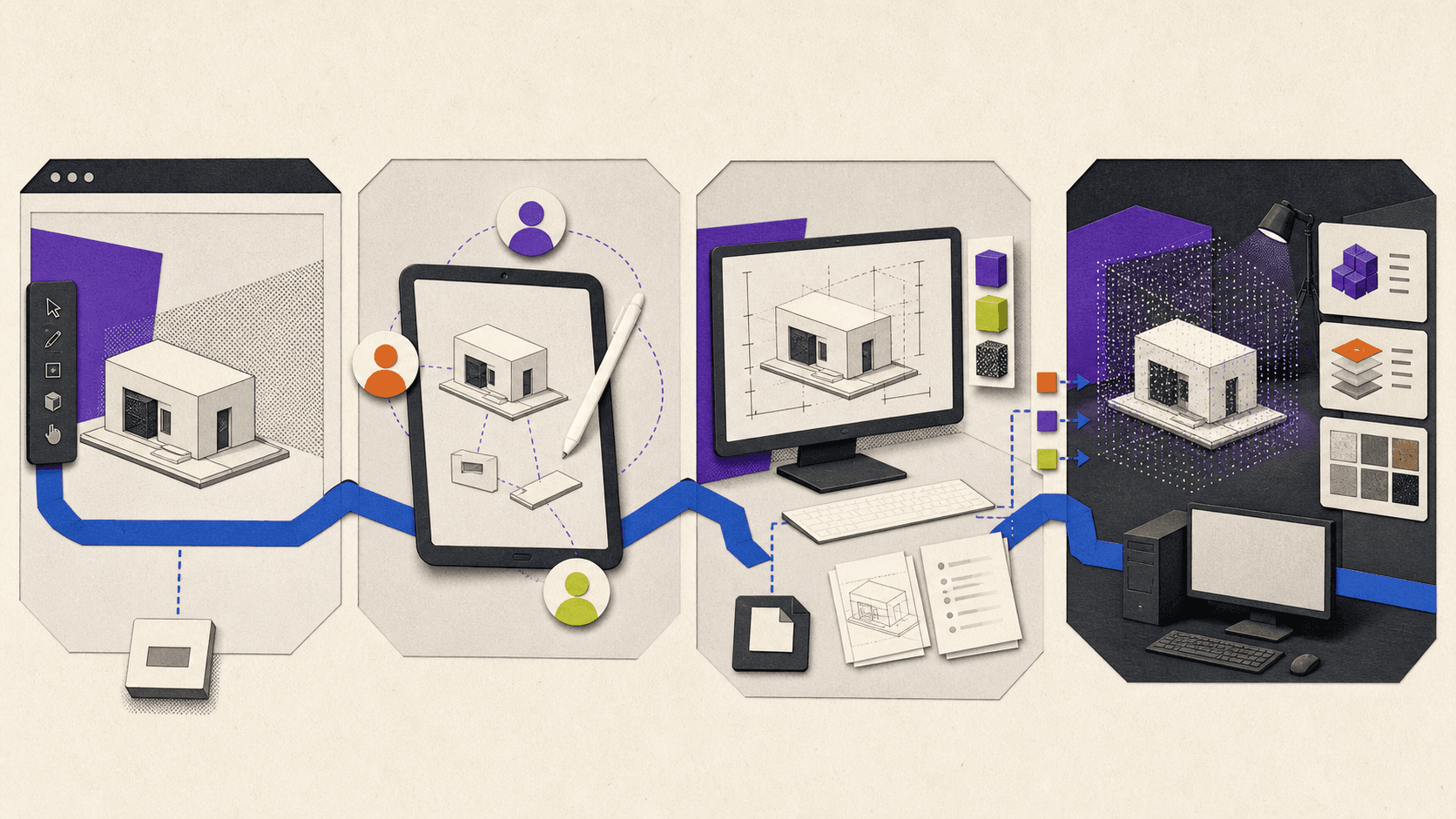
SketchUp Pro: the main professional threshold
For many interior designers, architects, freelancers, and 3D modelers, Pro is where SketchUp becomes a complete desktop workflow.
Pro adds SketchUp for Desktop on supported Windows and macOS systems, LayOut for 2D documents, full Extension Warehouse access, PreDesign, professional import and export capabilities, and 150 AI credits per month. It retains the web and iPad applications included with Go.
Desktop access has several practical consequences. You can install compatible extensions, work with a broader professional toolchain, save models locally, and use LayOut to turn model views into scaled drawings, presentation sheets, dimensions, title blocks, and PDFs.
The desktop application can also work temporarily without a connection. SketchUp says a subscription can remain offline for up to 28 days before it must reconnect for authentication. That’s different from Free, which runs in the browser and depends on an internet connection.
Pro doesn’t automatically include every renderer or extension. It gives you the platform needed to install compatible tools, but paid third-party products still need their own licenses.
SketchUp Studio: advanced Windows workflows
Studio includes everything in Pro, then adds V-Ray for SketchUp, Scan Essentials, Revit Importer, Trimble Site Contractor, and 200 monthly AI credits.
The value depends heavily on the work you do:
V-Ray adds real-time and photorealistic rendering tools.
Scan Essentials lets you import and work with point-cloud data in SketchUp and LayOut.
Revit Importer converts supported RVT files into SketchUp geometry.
Trimble Site Contractor connects supported SketchUp geometry with field workflows involving Trimble Siteworks.
Studio’s platform restriction is easy to miss. V-Ray and Scan Essentials are listed as Windows-only, and SketchUp says Revit Importer is available only in SketchUp running on Windows. A Studio subscription still includes Pro functionality, but a Mac-only user can’t use the three main Studio additions natively on macOS.
There are also newer specialized subscriptions, including Pro Scan and Pro Advanced Workflows. If you need point-cloud or Revit features but not V-Ray, compare those plans with Studio at your regional checkout before committing.
Which plan fits your type of work?
The fastest way to choose is to start with the output you need, not the longest feature list.
Hobbyists and beginners
Start with Free if the project is personal and you’re comfortable working online. You can learn SketchUp’s basic modeling approach without paying or downloading desktop software.
Upgrade only when a specific limitation appears. If you need iPad modeling or broader file exchange, look at Go. If you need desktop extensions, LayOut, or offline access, skip Go and move to Pro.
Makers and DIY users
Free is often enough for personal furniture, workshop, home-improvement, and 3D-printing projects. Go becomes useful when you want to work on an iPad, import CAD files, or use your models as part of paid work.
Pro is the better match when extensions become central. Cabinet, cut-list, fabrication, terrain, or parametric tools are commonly built as desktop extensions and therefore won’t run in Free or Go.
Students and educators
Don’t assume that “student” means SketchUp Pro is free.
SketchUp for Schools is free for eligible primary and secondary users through a Google Workspace for Education or Microsoft Education account. It’s a browser-based education product intended for K-12 use.
Higher-education students and educators use a separate discounted subscription. The official US and Canada pricing view currently shows $55 per user, billed annually. Proof of enrollment or educator status is required, and users outside the US and Canada are directed to regional education resellers.
SketchUp states that education offerings can’t be used commercially. A student doing paid freelance work may therefore need a standard commercial subscription for that work.
Interior designers and freelancers
Pro is the practical default for most paid design work. It includes commercial-use rights, desktop modeling, LayOut, extensions, and the file exchange options commonly needed for client projects.
Go can work for a lighter concept-design workflow conducted entirely through the web and iPad. Its missing LayOut and extension support are likely to become limiting when you need formal drawing sets or specialized tools.
Choose Studio only when its included Windows tools replace products you would otherwise buy or when Revit and point-cloud work are regular parts of the job.
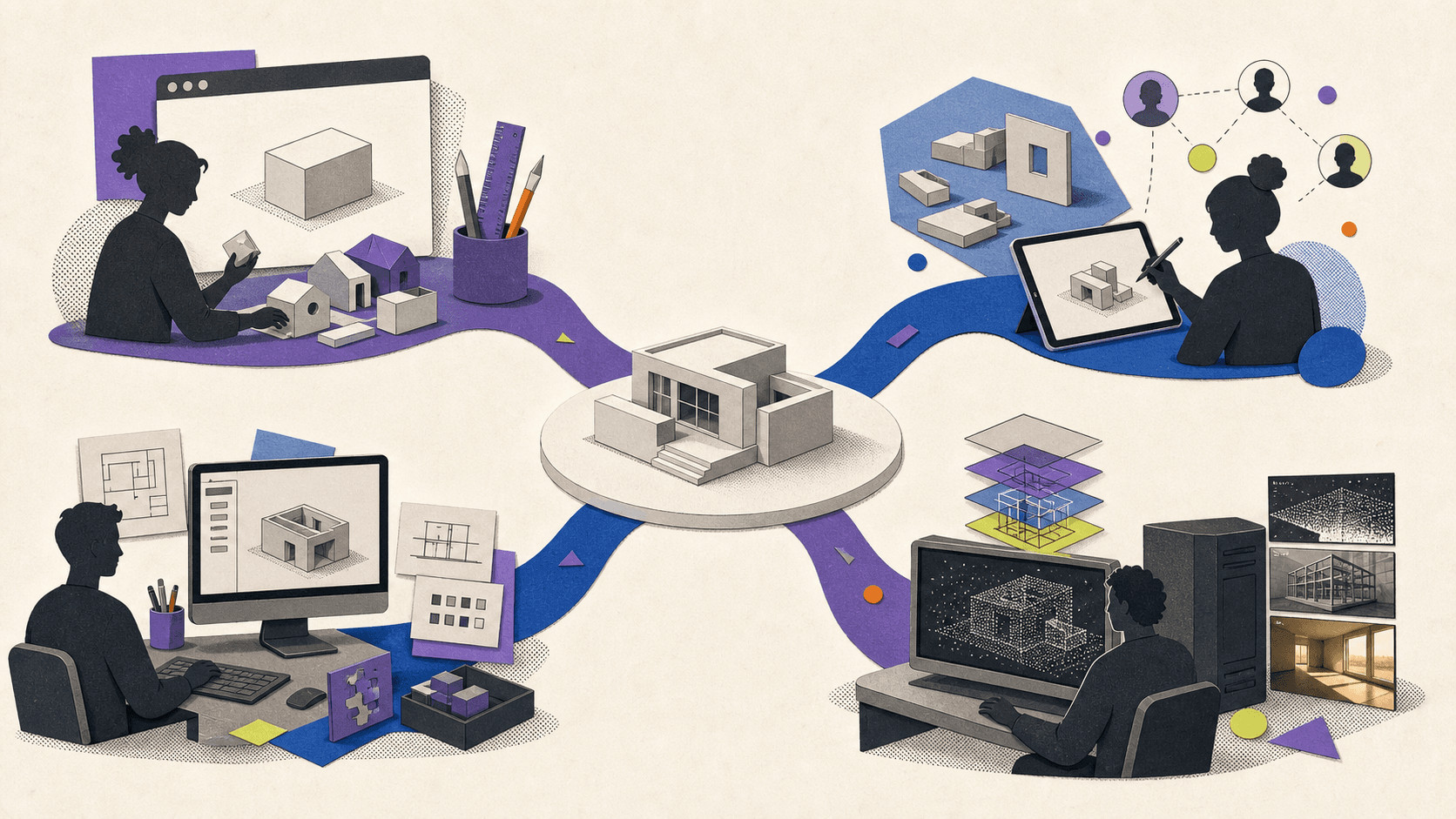
Architects and construction professionals
Pro covers mainstream SketchUp modeling, LayOut documentation, extensions, CAD exchange, IFC workflows, and PreDesign.
Studio becomes relevant when the workflow moves beyond that core set. Revit imports, laser-scan data, V-Ray visualization, and connected site work are concrete reasons to pay more. The job title alone isn’t a reason to buy Studio.
Visualization professionals
Pro can be enough if you already use a separately licensed rendering engine that supports SketchUp Desktop. Studio makes financial sense when its included Windows version of V-Ray fits your rendering pipeline.
The annual difference between Pro and Studio is:
$819 - $399 = $420 per user per year
Compare that $420 with the actual renderer, scanning, and interoperability tools you would otherwise purchase. Don’t assume Studio saves money unless its included products replace costs in your real workflow.
Small teams
SketchUp uses named-user subscriptions. Each seat belongs to a real person rather than a general login shared across a team.
Small teams should consider which members actually require Pro or Studio. Someone who only reviews models may not need the same subscription as a designer producing LayOut documents or V-Ray renders. Larger organizations can also contact SketchUp for team purchasing and management options.
How much do monthly and annual plans really cost?
Go and Pro are available with either monthly or annual terms. Studio is annual only. SketchUp charges at the beginning of the chosen term, and subscriptions generally renew for another equal term at the then-current price unless automatic renewal is disabled.
The annual figures shown on the pricing page are monthly equivalents:
Go: $10.75 × 12 = $129 billed annually
Pro: $33.25 × 12 = $399 billed annually
Studio: $68.25 × 12 = $819 billed annually
Go’s true monthly subscription is $19.99. Keeping it for 12 months would cost:
$19.99 × 12 = $239.88
That is $110.88 more than the $129 annual plan.
Pro’s true monthly subscription is $99.99. Keeping it for 12 months would cost:
$99.99 × 12 = $1,199.88
That is $800.88 more than the $399 annual plan.
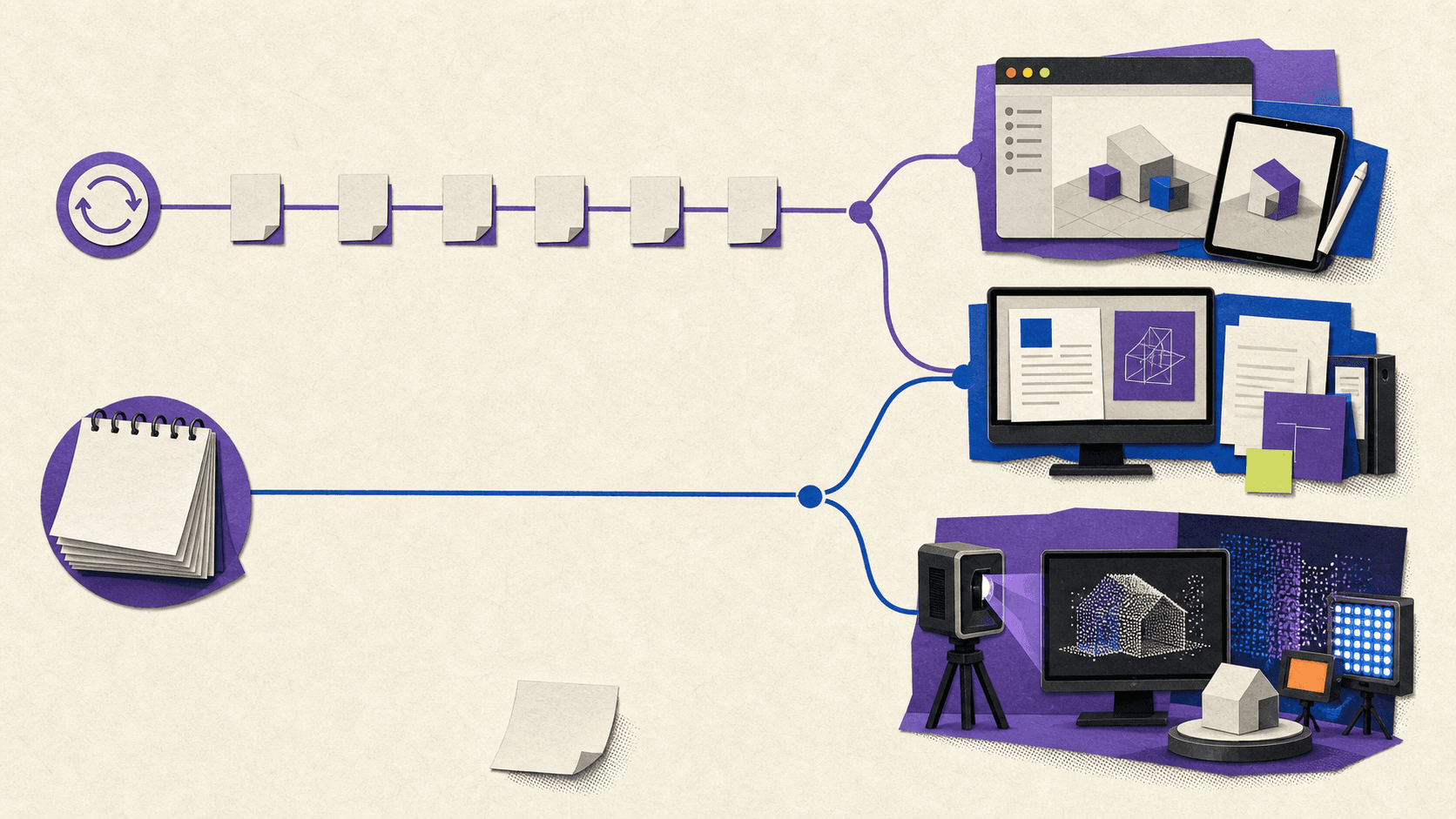
The monthly options can still be useful for short projects, seasonal work, or evaluation beyond the trial. For steady year-round use, the annual prices are much lower in the verified USD view. Remember that tax or VAT can be added at checkout.
Your total cost may also include:
Paid extensions.
A separately licensed rendering engine on Pro.
Additional AI credits.
Training, templates, or asset libraries.
Local workstation hardware or cloud-computer usage.
Storage or project-management services outside Trimble Connect.
Access to Extension Warehouse doesn’t make every extension free. Likewise, Pro’s ability to run rendering extensions doesn’t include those renderers’ licenses.
Can you get SketchUp Pro legitimately for free?
SketchUp currently offers a seven-day Studio trial with no credit card required. The trial includes the Pro applications plus Studio features, making it the legitimate way to evaluate desktop SketchUp, LayOut, V-Ray, and the other advanced tools.
You need a Trimble ID and must download the desktop installer. If you don’t buy a subscription afterward, files stored in Trimble Connect remain available through SketchUp Free. Since no card is required, the trial doesn’t automatically turn into a paid subscription.
SketchUp’s public pages don’t clearly confirm repeat-trial eligibility. Treat it as a temporary evaluation, not a recurring way to use Pro for free. Trimble’s terms also limit trials to internal evaluation rather than production use.
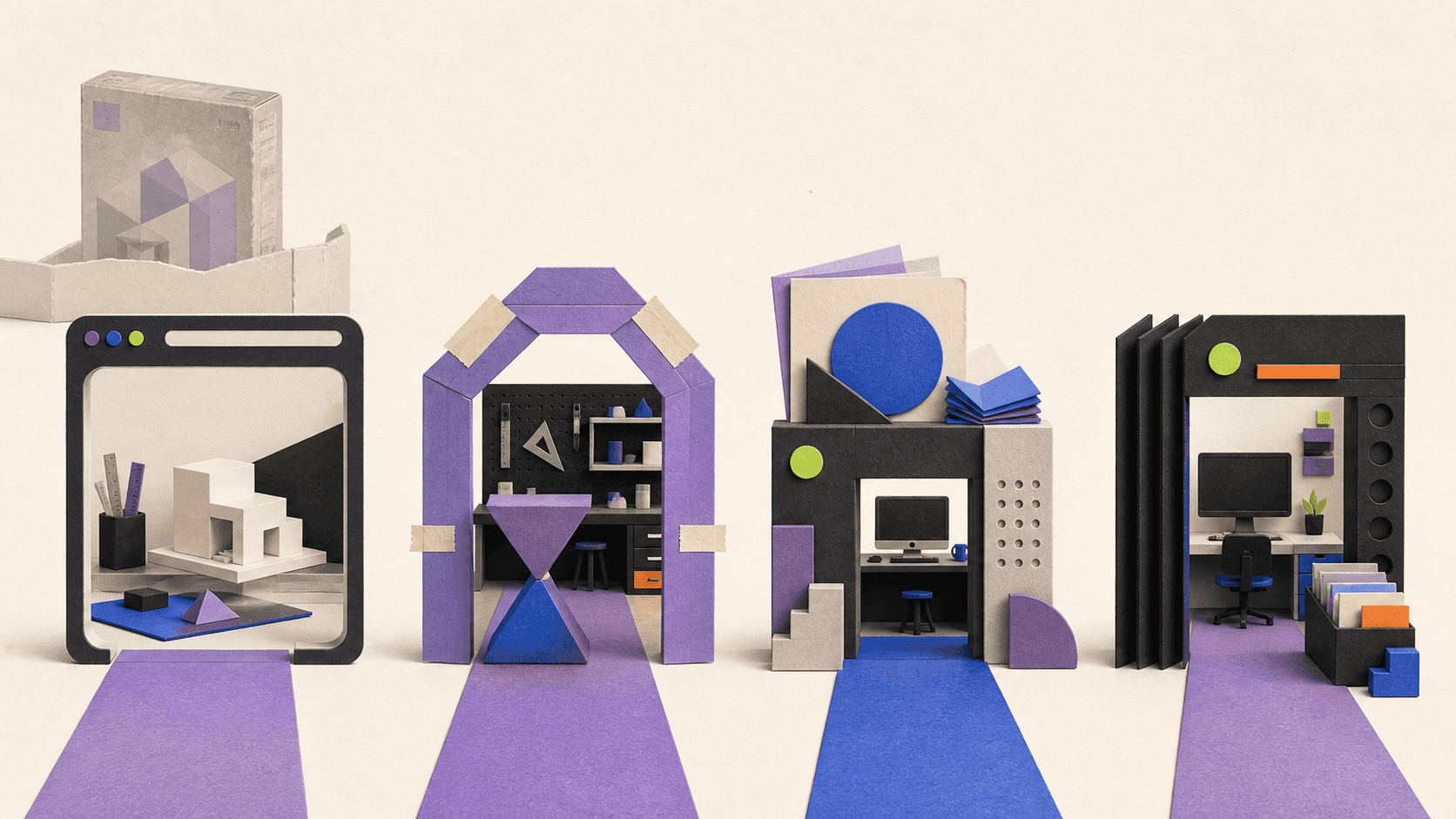
Free, trial, and education access solve different problems:
Free is permanent, browser-based, and non-commercial.
The trial is temporary and intended for evaluating Studio.
Education access depends on institutional eligibility and is non-commercial.
A standard paid subscription covers ongoing commercial work.
What about SketchUp Make 2017 and Google SketchUp?
Google SketchUp and SketchUp Make 2017 aren’t current versions of SketchUp Free.
SketchUp Make 2017 hasn’t been updated since 2017 and is unsupported. SketchUp no longer provides an official Make download and warns that its outdated components can create security risks. Unsupported versions can also lose access to services such as 3D Warehouse, Extension Warehouse, Add Location, Sefaira, and Trimble Connect.
SketchUp currently supports the 2024, 2025, and 2026 desktop releases. It doesn’t provide download links or technical support for older unsupported versions.
Avoid unofficial mirrors, cracked Pro installers, old license bypasses, and plugin packs from unknown sources. They don’t provide a legitimate current license and can introduce security or compatibility problems.
When does a cloud computer make sense for SketchUp?
Free and Go run through the web or iPad, so they generally don’t need a separate cloud workstation. Paying for remote hardware to run a browser-based personal project would usually add cost without solving a real problem.
Cloud hardware becomes relevant after the workflow requires desktop SketchUp, more demanding models, rendering capacity, or Windows-only Studio tools.
Vagon Cloud Computer provides a full remote desktop with configurable CPU, RAM, and NVIDIA GPU options. You can connect to that computer from another device, install supported Windows software, and keep applications and project files in the remote environment.
That can help in a few specific situations:
You use a Mac but need Studio’s Windows-only V-Ray, Scan Essentials, or Revit Importer.
A lightweight or older laptop struggles with large desktop models.
You need stronger GPU hardware for rendering during part of a project.
You want access to the same Windows workspace from multiple locations or devices.
SketchUp’s current virtualization policy allows supported versions in virtual environments. It also warns that virtual graphics performance won’t be identical to native device use, internet or platform issues can affect responsiveness, and SketchUp doesn’t offer technical support for virtual environments. Testing the exact model and extension stack before committing is sensible.
Vagon is a separate hardware service. It doesn’t include:
A SketchUp Pro or Studio subscription.
A V-Ray or third-party renderer license beyond what your SketchUp plan includes.
Paid extension licenses.
An education entitlement.
Unlimited computer usage as part of the base storage fee.
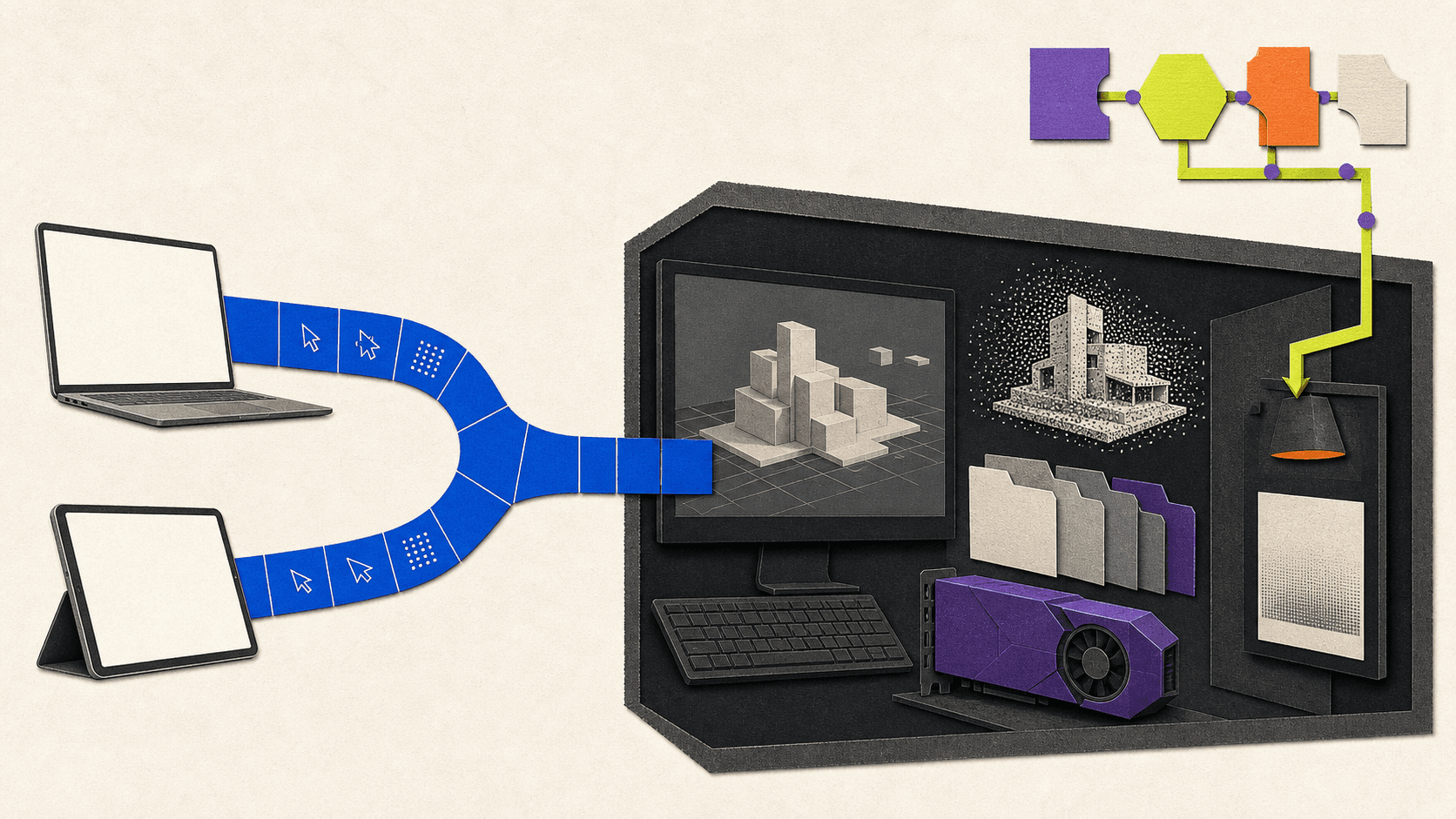
Current Vagon pricing combines a storage plan with metered computer use. As of August 11, 2026, the official page lists Personal storage at $7.99 per month, the NVIDIA T4-powered Planet option at $0.99 per hour, and the A10G-powered Spark option at $1.67 per hour. Machine rates vary by region and can change.
If Free, Go, or a locally installed Pro setup already performs well, stay with it. A cloud computer is useful when it solves a Windows, hardware, mobility, or temporary-capacity problem.
Frequently Asked Questions
Is SketchUp still free in 2026?
Yes. SketchUp Free remains available as a browser-based modeler for personal, non-commercial use.
Can I download SketchUp Free for Windows or Mac?
No. The current Free plan runs in a browser. The downloadable desktop application requires Pro, Studio, an eligible education subscription, or the temporary official trial.
Does SketchUp Free work offline?
No. Free runs in a browser and requires an internet connection. Pro and Studio include desktop SketchUp, which can remain offline for up to 28 days before subscription reauthentication is required.
Does SketchUp Go include desktop SketchUp?
No. Go includes the web and iPad modelers. It doesn’t include SketchUp for Desktop, LayOut, or desktop extensions.
Does SketchUp Pro work on Mac?
Yes. Pro includes SketchUp for Desktop and LayOut for supported Windows and macOS systems.
Does SketchUp Studio work on Mac?
Studio includes the underlying Pro applications, including the Mac desktop modeler. However, V-Ray, Scan Essentials, and Revit Importer, the main features that distinguish Studio from Pro, require Windows.
Can Free models be opened in Pro?
Yes. Current SKP files created in Free can be opened in a supported Pro desktop version. Files saved in Trimble Connect also remain available after a trial ends, although the available editing features will depend on the plan you use next.
Which plan should most paid professionals choose?
Start with Pro if you need desktop modeling, LayOut, extensions, professional file exchange, or commercial project rights. Move to Studio only when its Windows-only rendering, scanning, Revit, or site tools have a clear place in your work.
Choose the least expensive plan that supports the deliverables you actually produce. If that decision points to Windows-only Studio tools or more remote GPU capacity than your local computer provides, try Vagon Cloud Computer with your own eligible SketchUp and extension licenses.
As of August 11, 2026, SketchUp Free costs $0, Go costs $129 per year, Pro costs $399 per year, and Studio costs $819 per year in the official USD pricing view. Free fits non-commercial browser modeling, Go covers commercial web and iPad work, Pro is the practical choice for most desktop professionals, and Studio targets Windows-based rendering, point-cloud, and Revit workflows.
These prices exclude tax and VAT. Go, Pro, and Studio annual prices are displayed as monthly equivalents, but the full annual amount is billed upfront. Prices, taxes, payment methods, and even plan availability can vary by region, so check your local checkout before buying.
Plan | Verified USD price | Billing | Platforms | Desktop and LayOut | Extensions | Main additions | Commercial use | Good fit for |
|---|---|---|---|---|---|---|---|---|
Free | $0 | Free access | Browser | No | No desktop extensions | Basic web modeler, 10 GB cloud storage, 3D Warehouse | No | Learning, hobbies, personal projects |
Go | $129/year or $19.99/month | Annual upfront or monthly | Browser and iPad | No | No desktop extensions | Wider import/export support, unlimited cloud storage, 100 AI credits/month | Yes | Makers, mobile designers, commercial web and iPad users |
Pro | $399/year or $99.99/month | Annual upfront or monthly | Browser, iPad, Windows, macOS | Yes | Yes | Desktop modeler, LayOut, PreDesign, professional interoperability, 150 AI credits/month | Yes | Freelancers, interior designers, architects, professional 3D workflows |
Studio | $819/year | Annual upfront only | Pro platforms, with key Studio tools on Windows | Yes | Yes | V-Ray, Scan Essentials, Revit Importer, Trimble Site Contractor, 200 AI credits/month | Yes | Windows-based visualization, scanning, BIM, and construction workflows |
Source: Official SketchUp plans and pricing.
What changes when you move from Free to a paid plan?
The important differences aren’t simply “more tools.” Each plan supports a different combination of devices, deliverables, and professional workflows.
SketchUp Free: browser modeling for personal use
SketchUp Free is a real, current product, but it isn’t a free desktop edition. It runs inside a supported web browser and requires an internet connection. There’s nothing to install for Windows or Mac.
The free plan includes SketchUp for Web, 10 GB of Trimble Connect cloud storage, access to 3D Warehouse, and a limited set of import and export formats. The current Free product page lists SKP, JPG, and PNG imports, plus SKP, PNG, and STL exports.
The biggest restriction is licensing: SketchUp explicitly says that Free isn’t for commercial use. That rules it out for paid client drawings, freelance modeling, and other production work that earns money. Free users also don’t receive included AI credits or direct SketchUp support.
Free makes sense if you’re learning SketchUp, planning a personal woodworking project, experimenting with room layouts, or preparing a model for personal 3D printing. It stops making sense once you need paid-project rights, offline desktop work, LayOut documents, CAD interoperability, or extensions.
SketchUp Go: commercial modeling without the desktop app
Go is the step up for people who want to work commercially in a browser or on an iPad. It includes added functionality in SketchUp for Web, the SketchUp for iPad modeler, unlimited access to 3D Warehouse, unlimited Trimble Connect storage, and 100 SketchUp AI credits each month.
Its import and export support is much wider than Free’s. The official web comparison lists formats such as DWG, DXF, DAE, KMZ, 3DS, FBX, and OBJ among Go’s supported web options. That can be enough for a maker, contractor, or designer who exchanges common files but doesn’t need the desktop application.
What Go doesn’t include matters just as much. You don’t get SketchUp for Desktop, LayOut, or desktop extension support. Buying Go won’t let you install a Ruby extension, a desktop rendering plugin, or a plugin pack.
This makes Go a specific mobile and web bundle, not a cheaper version of Pro’s desktop software. Choose it only if browser and iPad modeling can cover the entire workflow.
SketchUp Pro: the main professional threshold
For many interior designers, architects, freelancers, and 3D modelers, Pro is where SketchUp becomes a complete desktop workflow.
Pro adds SketchUp for Desktop on supported Windows and macOS systems, LayOut for 2D documents, full Extension Warehouse access, PreDesign, professional import and export capabilities, and 150 AI credits per month. It retains the web and iPad applications included with Go.
Desktop access has several practical consequences. You can install compatible extensions, work with a broader professional toolchain, save models locally, and use LayOut to turn model views into scaled drawings, presentation sheets, dimensions, title blocks, and PDFs.
The desktop application can also work temporarily without a connection. SketchUp says a subscription can remain offline for up to 28 days before it must reconnect for authentication. That’s different from Free, which runs in the browser and depends on an internet connection.
Pro doesn’t automatically include every renderer or extension. It gives you the platform needed to install compatible tools, but paid third-party products still need their own licenses.
SketchUp Studio: advanced Windows workflows
Studio includes everything in Pro, then adds V-Ray for SketchUp, Scan Essentials, Revit Importer, Trimble Site Contractor, and 200 monthly AI credits.
The value depends heavily on the work you do:
V-Ray adds real-time and photorealistic rendering tools.
Scan Essentials lets you import and work with point-cloud data in SketchUp and LayOut.
Revit Importer converts supported RVT files into SketchUp geometry.
Trimble Site Contractor connects supported SketchUp geometry with field workflows involving Trimble Siteworks.
Studio’s platform restriction is easy to miss. V-Ray and Scan Essentials are listed as Windows-only, and SketchUp says Revit Importer is available only in SketchUp running on Windows. A Studio subscription still includes Pro functionality, but a Mac-only user can’t use the three main Studio additions natively on macOS.
There are also newer specialized subscriptions, including Pro Scan and Pro Advanced Workflows. If you need point-cloud or Revit features but not V-Ray, compare those plans with Studio at your regional checkout before committing.
Which plan fits your type of work?
The fastest way to choose is to start with the output you need, not the longest feature list.
Hobbyists and beginners
Start with Free if the project is personal and you’re comfortable working online. You can learn SketchUp’s basic modeling approach without paying or downloading desktop software.
Upgrade only when a specific limitation appears. If you need iPad modeling or broader file exchange, look at Go. If you need desktop extensions, LayOut, or offline access, skip Go and move to Pro.
Makers and DIY users
Free is often enough for personal furniture, workshop, home-improvement, and 3D-printing projects. Go becomes useful when you want to work on an iPad, import CAD files, or use your models as part of paid work.
Pro is the better match when extensions become central. Cabinet, cut-list, fabrication, terrain, or parametric tools are commonly built as desktop extensions and therefore won’t run in Free or Go.
Students and educators
Don’t assume that “student” means SketchUp Pro is free.
SketchUp for Schools is free for eligible primary and secondary users through a Google Workspace for Education or Microsoft Education account. It’s a browser-based education product intended for K-12 use.
Higher-education students and educators use a separate discounted subscription. The official US and Canada pricing view currently shows $55 per user, billed annually. Proof of enrollment or educator status is required, and users outside the US and Canada are directed to regional education resellers.
SketchUp states that education offerings can’t be used commercially. A student doing paid freelance work may therefore need a standard commercial subscription for that work.
Interior designers and freelancers
Pro is the practical default for most paid design work. It includes commercial-use rights, desktop modeling, LayOut, extensions, and the file exchange options commonly needed for client projects.
Go can work for a lighter concept-design workflow conducted entirely through the web and iPad. Its missing LayOut and extension support are likely to become limiting when you need formal drawing sets or specialized tools.
Choose Studio only when its included Windows tools replace products you would otherwise buy or when Revit and point-cloud work are regular parts of the job.
Architects and construction professionals
Pro covers mainstream SketchUp modeling, LayOut documentation, extensions, CAD exchange, IFC workflows, and PreDesign.
Studio becomes relevant when the workflow moves beyond that core set. Revit imports, laser-scan data, V-Ray visualization, and connected site work are concrete reasons to pay more. The job title alone isn’t a reason to buy Studio.
Visualization professionals
Pro can be enough if you already use a separately licensed rendering engine that supports SketchUp Desktop. Studio makes financial sense when its included Windows version of V-Ray fits your rendering pipeline.
The annual difference between Pro and Studio is:
$819 - $399 = $420 per user per year
Compare that $420 with the actual renderer, scanning, and interoperability tools you would otherwise purchase. Don’t assume Studio saves money unless its included products replace costs in your real workflow.
Small teams
SketchUp uses named-user subscriptions. Each seat belongs to a real person rather than a general login shared across a team.
Small teams should consider which members actually require Pro or Studio. Someone who only reviews models may not need the same subscription as a designer producing LayOut documents or V-Ray renders. Larger organizations can also contact SketchUp for team purchasing and management options.
How much do monthly and annual plans really cost?
Go and Pro are available with either monthly or annual terms. Studio is annual only. SketchUp charges at the beginning of the chosen term, and subscriptions generally renew for another equal term at the then-current price unless automatic renewal is disabled.
The annual figures shown on the pricing page are monthly equivalents:
Go: $10.75 × 12 = $129 billed annually
Pro: $33.25 × 12 = $399 billed annually
Studio: $68.25 × 12 = $819 billed annually
Go’s true monthly subscription is $19.99. Keeping it for 12 months would cost:
$19.99 × 12 = $239.88
That is $110.88 more than the $129 annual plan.
Pro’s true monthly subscription is $99.99. Keeping it for 12 months would cost:
$99.99 × 12 = $1,199.88
That is $800.88 more than the $399 annual plan.
The monthly options can still be useful for short projects, seasonal work, or evaluation beyond the trial. For steady year-round use, the annual prices are much lower in the verified USD view. Remember that tax or VAT can be added at checkout.
Your total cost may also include:
Paid extensions.
A separately licensed rendering engine on Pro.
Additional AI credits.
Training, templates, or asset libraries.
Local workstation hardware or cloud-computer usage.
Storage or project-management services outside Trimble Connect.
Access to Extension Warehouse doesn’t make every extension free. Likewise, Pro’s ability to run rendering extensions doesn’t include those renderers’ licenses.
Can you get SketchUp Pro legitimately for free?
SketchUp currently offers a seven-day Studio trial with no credit card required. The trial includes the Pro applications plus Studio features, making it the legitimate way to evaluate desktop SketchUp, LayOut, V-Ray, and the other advanced tools.
You need a Trimble ID and must download the desktop installer. If you don’t buy a subscription afterward, files stored in Trimble Connect remain available through SketchUp Free. Since no card is required, the trial doesn’t automatically turn into a paid subscription.
SketchUp’s public pages don’t clearly confirm repeat-trial eligibility. Treat it as a temporary evaluation, not a recurring way to use Pro for free. Trimble’s terms also limit trials to internal evaluation rather than production use.
Free, trial, and education access solve different problems:
Free is permanent, browser-based, and non-commercial.
The trial is temporary and intended for evaluating Studio.
Education access depends on institutional eligibility and is non-commercial.
A standard paid subscription covers ongoing commercial work.
What about SketchUp Make 2017 and Google SketchUp?
Google SketchUp and SketchUp Make 2017 aren’t current versions of SketchUp Free.
SketchUp Make 2017 hasn’t been updated since 2017 and is unsupported. SketchUp no longer provides an official Make download and warns that its outdated components can create security risks. Unsupported versions can also lose access to services such as 3D Warehouse, Extension Warehouse, Add Location, Sefaira, and Trimble Connect.
SketchUp currently supports the 2024, 2025, and 2026 desktop releases. It doesn’t provide download links or technical support for older unsupported versions.
Avoid unofficial mirrors, cracked Pro installers, old license bypasses, and plugin packs from unknown sources. They don’t provide a legitimate current license and can introduce security or compatibility problems.
When does a cloud computer make sense for SketchUp?
Free and Go run through the web or iPad, so they generally don’t need a separate cloud workstation. Paying for remote hardware to run a browser-based personal project would usually add cost without solving a real problem.
Cloud hardware becomes relevant after the workflow requires desktop SketchUp, more demanding models, rendering capacity, or Windows-only Studio tools.
Vagon Cloud Computer provides a full remote desktop with configurable CPU, RAM, and NVIDIA GPU options. You can connect to that computer from another device, install supported Windows software, and keep applications and project files in the remote environment.
That can help in a few specific situations:
You use a Mac but need Studio’s Windows-only V-Ray, Scan Essentials, or Revit Importer.
A lightweight or older laptop struggles with large desktop models.
You need stronger GPU hardware for rendering during part of a project.
You want access to the same Windows workspace from multiple locations or devices.
SketchUp’s current virtualization policy allows supported versions in virtual environments. It also warns that virtual graphics performance won’t be identical to native device use, internet or platform issues can affect responsiveness, and SketchUp doesn’t offer technical support for virtual environments. Testing the exact model and extension stack before committing is sensible.
Vagon is a separate hardware service. It doesn’t include:
A SketchUp Pro or Studio subscription.
A V-Ray or third-party renderer license beyond what your SketchUp plan includes.
Paid extension licenses.
An education entitlement.
Unlimited computer usage as part of the base storage fee.
Current Vagon pricing combines a storage plan with metered computer use. As of August 11, 2026, the official page lists Personal storage at $7.99 per month, the NVIDIA T4-powered Planet option at $0.99 per hour, and the A10G-powered Spark option at $1.67 per hour. Machine rates vary by region and can change.
If Free, Go, or a locally installed Pro setup already performs well, stay with it. A cloud computer is useful when it solves a Windows, hardware, mobility, or temporary-capacity problem.
Frequently Asked Questions
Is SketchUp still free in 2026?
Yes. SketchUp Free remains available as a browser-based modeler for personal, non-commercial use.
Can I download SketchUp Free for Windows or Mac?
No. The current Free plan runs in a browser. The downloadable desktop application requires Pro, Studio, an eligible education subscription, or the temporary official trial.
Does SketchUp Free work offline?
No. Free runs in a browser and requires an internet connection. Pro and Studio include desktop SketchUp, which can remain offline for up to 28 days before subscription reauthentication is required.
Does SketchUp Go include desktop SketchUp?
No. Go includes the web and iPad modelers. It doesn’t include SketchUp for Desktop, LayOut, or desktop extensions.
Does SketchUp Pro work on Mac?
Yes. Pro includes SketchUp for Desktop and LayOut for supported Windows and macOS systems.
Does SketchUp Studio work on Mac?
Studio includes the underlying Pro applications, including the Mac desktop modeler. However, V-Ray, Scan Essentials, and Revit Importer, the main features that distinguish Studio from Pro, require Windows.
Can Free models be opened in Pro?
Yes. Current SKP files created in Free can be opened in a supported Pro desktop version. Files saved in Trimble Connect also remain available after a trial ends, although the available editing features will depend on the plan you use next.
Which plan should most paid professionals choose?
Start with Pro if you need desktop modeling, LayOut, extensions, professional file exchange, or commercial project rights. Move to Studio only when its Windows-only rendering, scanning, Revit, or site tools have a clear place in your work.
Choose the least expensive plan that supports the deliverables you actually produce. If that decision points to Windows-only Studio tools or more remote GPU capacity than your local computer provides, try Vagon Cloud Computer with your own eligible SketchUp and extension licenses.
Get Beyond Your Computer Performance
Run applications on your cloud computer with the latest generation hardware. No more crashes or lags.

Trial includes 1 hour usage + 7 days of storage.
Summarize with AI

Ready to focus on your creativity?
Vagon gives you the ability to create & render projects, collaborate, and stream applications with the power of the best hardware.

Run heavy applications on any device with
your personal computer on the cloud.
San Francisco, California
Solutions
Vagon Teams
Vagon Streams
Use Cases
© 2026 Vagon. All rights reserved.
Run heavy applications on any device with
your personal computer on the cloud.
San Francisco, California
Solutions
Vagon Teams
Vagon Streams
Use Cases
© 2026 Vagon. All rights reserved.
Run heavy applications on any device with
your personal computer on the cloud.
San Francisco, California
Solutions
Vagon Teams
Vagon Streams
Use Cases
© 2026 Vagon. All rights reserved.