CLOUD COMPUTER
Bake Reflection
Precomputing and storing reflections on objects to enhance rendering speed and performance.
What is Bake Reflection in Blender?
Bake Reflection in Blender refers to the process of precomputing and storing reflections on objects, which enhances rendering speed and performance. By baking reflections into a texture map, Blender eliminates the need for real-time calculation of reflective surfaces, making it especially useful for complex scenes or animations. This method is ideal for static or pre-determined reflective surfaces in projects where performance is crucial.
Use Cases in Blender
Game Development: Baking reflections can optimize game environments by reducing real-time rendering demands, ensuring smoother gameplay.
Product Visualization: In product renders, baking reflections ensures consistent, high-quality visual output, particularly in scenes with complex reflective materials like glass or metal.
Interior Design: Reflective surfaces in architectural visualizations, such as mirrors or polished floors, benefit from baked reflections for more efficient rendering.
Speed Up Your Workflow with Vagon
Baking reflections can be time-consuming, particularly for scenes with intricate details. Vagon’s cloud PCs, powered by NVIDIA GPUs, offer the performance needed to expedite this process, enabling faster rendering and more efficient workflows.
Discover how Vagon can streamline your Blender projects here, or sign up to try it out for yourself!
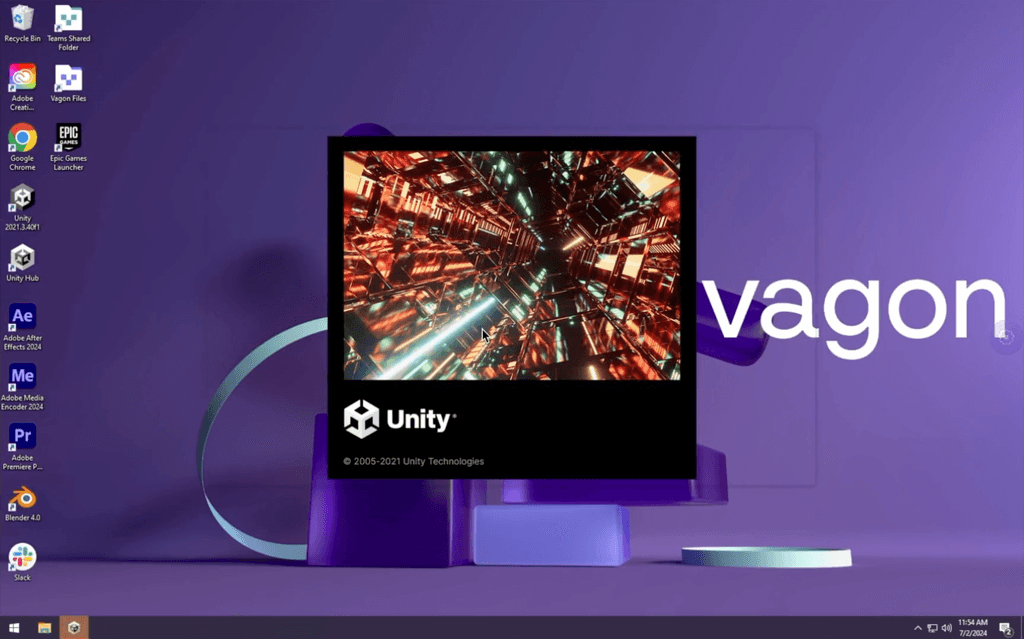
Get Beyond Your Computer Performance
Run applications on your cloud computer with the latest generation hardware. No more crashes or lags.

Trial includes 1 hour usage + 7 days of storage.

Ready to focus on just creativty?
Vagon gives you the ability to enjoy, play and compete with the power of the best hardware.

Vagon Blog
Run heavy applications on any device with
your personal computer on the cloud.
San Francisco, California
Solutions
Vagon Teams
Vagon Streams
Use Cases
Resources
Vagon Blog
Top AI Plugins for Unity in 2026: Best Tools for NPCs, ML, and Runtime AI
Top AI Plugins for AutoCAD: Best Tools, Built-In Features, and Real Use Cases
Top AI Plugins for SketchUp: Best Tools for Rendering, Assets, and Workflow
Why Is Photoshop Generative Fill Freezing Your PC? How to Speed It Up
Photoshop AI: How to Use Generative Fill and Neural Filters Effectively
Fixing After Effects Out of Memory Errors When Using Roto Brush 3
How to Use Roto Brush 3 and Content-Aware Fill in After Effects
Premiere Pro Timeline Freezing? Fix AI Lag, Playback Stutter & Slow Editing
Premiere Pro AI Features Guide: Generative Extend, Enhance Speech & Auto Reframe Explained
Ready to focus on your creativity?
Vagon gives you the ability to create & render projects, collaborate, and stream applications with the power of the best hardware.
Vagon Blog
Run heavy applications on any device with
your personal computer on the cloud.
San Francisco, California
Solutions
Vagon Teams
Vagon Streams
Use Cases
Resources
Vagon Blog
Top AI Plugins for Unity in 2026: Best Tools for NPCs, ML, and Runtime AI
Top AI Plugins for AutoCAD: Best Tools, Built-In Features, and Real Use Cases
Top AI Plugins for SketchUp: Best Tools for Rendering, Assets, and Workflow
Why Is Photoshop Generative Fill Freezing Your PC? How to Speed It Up
Photoshop AI: How to Use Generative Fill and Neural Filters Effectively
Fixing After Effects Out of Memory Errors When Using Roto Brush 3
How to Use Roto Brush 3 and Content-Aware Fill in After Effects
Premiere Pro Timeline Freezing? Fix AI Lag, Playback Stutter & Slow Editing
Premiere Pro AI Features Guide: Generative Extend, Enhance Speech & Auto Reframe Explained
Vagon Blog
Run heavy applications on any device with
your personal computer on the cloud.
San Francisco, California
Solutions
Vagon Teams
Vagon Streams
Use Cases
Resources
Vagon Blog
Top AI Plugins for Unity in 2026: Best Tools for NPCs, ML, and Runtime AI
Top AI Plugins for AutoCAD: Best Tools, Built-In Features, and Real Use Cases
Top AI Plugins for SketchUp: Best Tools for Rendering, Assets, and Workflow
Why Is Photoshop Generative Fill Freezing Your PC? How to Speed It Up
Photoshop AI: How to Use Generative Fill and Neural Filters Effectively
Fixing After Effects Out of Memory Errors When Using Roto Brush 3
How to Use Roto Brush 3 and Content-Aware Fill in After Effects
Premiere Pro Timeline Freezing? Fix AI Lag, Playback Stutter & Slow Editing
Premiere Pro AI Features Guide: Generative Extend, Enhance Speech & Auto Reframe Explained
Vagon Blog
Run heavy applications on any device with
your personal computer on the cloud.
San Francisco, California
Solutions
Vagon Teams
Vagon Streams
Use Cases
Resources
Vagon Blog
Top AI Plugins for Unity in 2026: Best Tools for NPCs, ML, and Runtime AI
Top AI Plugins for AutoCAD: Best Tools, Built-In Features, and Real Use Cases
Top AI Plugins for SketchUp: Best Tools for Rendering, Assets, and Workflow
Why Is Photoshop Generative Fill Freezing Your PC? How to Speed It Up
Photoshop AI: How to Use Generative Fill and Neural Filters Effectively
Fixing After Effects Out of Memory Errors When Using Roto Brush 3
How to Use Roto Brush 3 and Content-Aware Fill in After Effects
Premiere Pro Timeline Freezing? Fix AI Lag, Playback Stutter & Slow Editing
Premiere Pro AI Features Guide: Generative Extend, Enhance Speech & Auto Reframe Explained
Ready to focus on your creativity?
Vagon gives you the ability to create & render projects, collaborate, and stream applications with the power of the best hardware.
Vagon Blog
Run heavy applications on any device with
your personal computer on the cloud.
San Francisco, California
Solutions
Vagon Teams
Vagon Streams
Use Cases
Resources
Vagon Blog