CLOUD COMPUTER
Geometry Nodes
A node-based system for creating and manipulating procedural geometry, allowing for complex model generation.
What are Geometry Nodes in Blender?
Geometry Nodes in Blender are a node-based system for creating and manipulating procedural geometry, allowing for the generation of complex models through a flexible and non-destructive workflow. With Geometry Nodes, artists can build intricate structures, patterns, and effects procedurally, making it easier to create and modify complex models without manual editing.
Use Cases in Blender
Procedural Modeling: Geometry Nodes are used to create parametric models that can be easily adjusted by changing node parameters, such as generating landscapes, architectural elements, or abstract designs.
Animation: In animation, Geometry Nodes can be used to create dynamic effects, like growing vines, shifting terrains, or procedural motion graphics.
Visual Effects: For visual effects, Geometry Nodes allow for the creation of complex particle systems, deformations, and other dynamic elements procedurally.
Enhance Your Procedural Workflow with Vagon
Working with Geometry Nodes, especially in complex projects, can be demanding on your system. Vagon’s cloud PCs, equipped with 48 cores, 4 x 24GB RTX-enabled NVIDIA GPUs, and 192GB of RAM, provide the computational power needed to handle intricate procedural models efficiently.
Learn more about how Vagon can optimize your Blender workflow here, or sign up to experience it yourself!
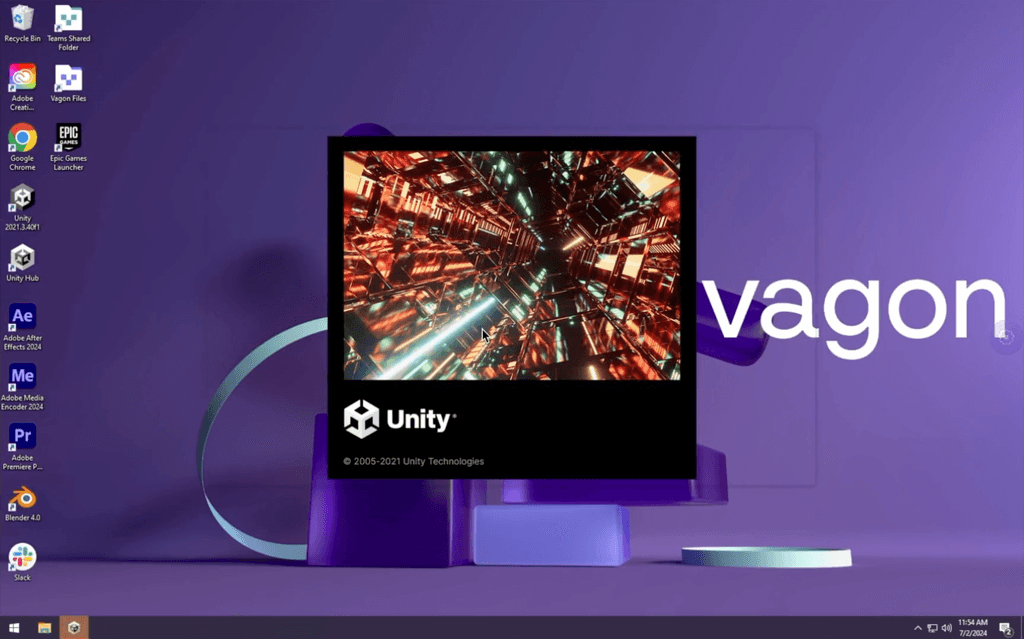
Get Beyond Your Computer Performance
Run applications on your cloud computer with the latest generation hardware. No more crashes or lags.

Trial includes 1 hour usage + 7 days of storage.

Ready to focus on just creativty?
Vagon gives you the ability to enjoy, play and compete with the power of the best hardware.

Vagon Blog
Run heavy applications on any device with
your personal computer on the cloud.
San Francisco, California
Solutions
Vagon Teams
Vagon Streams
Use Cases
Resources
Vagon Blog
Photoshop AI: How to Use Generative Fill and Neural Filters Effectively
Fixing After Effects Out of Memory Errors When Using Roto Brush 3
How to Use Roto Brush 3 and Content-Aware Fill in After Effects
Premiere Pro Timeline Freezing? Fix AI Lag, Playback Stutter & Slow Editing
Premiere Pro AI Features Guide: Generative Extend, Enhance Speech & Auto Reframe Explained
How to Fix DaVinci Resolve “GPU Memory Full” Error
DaVinci Resolve Neural Engine Guide: How to Use Magic Mask & Voice Isolation
How to Use SolidWorks for 3D Printing: STL Export, Settings & Workflow Guide
How to Use Rhino3D for 3D Printing: A Complete Guide to STL, Meshes, and Printable Geometry
Ready to focus on your creativity?
Vagon gives you the ability to create & render projects, collaborate, and stream applications with the power of the best hardware.
Vagon Blog
Run heavy applications on any device with
your personal computer on the cloud.
San Francisco, California
Solutions
Vagon Teams
Vagon Streams
Use Cases
Resources
Vagon Blog
Photoshop AI: How to Use Generative Fill and Neural Filters Effectively
Fixing After Effects Out of Memory Errors When Using Roto Brush 3
How to Use Roto Brush 3 and Content-Aware Fill in After Effects
Premiere Pro Timeline Freezing? Fix AI Lag, Playback Stutter & Slow Editing
Premiere Pro AI Features Guide: Generative Extend, Enhance Speech & Auto Reframe Explained
How to Fix DaVinci Resolve “GPU Memory Full” Error
DaVinci Resolve Neural Engine Guide: How to Use Magic Mask & Voice Isolation
How to Use SolidWorks for 3D Printing: STL Export, Settings & Workflow Guide
How to Use Rhino3D for 3D Printing: A Complete Guide to STL, Meshes, and Printable Geometry
Vagon Blog
Run heavy applications on any device with
your personal computer on the cloud.
San Francisco, California
Solutions
Vagon Teams
Vagon Streams
Use Cases
Resources
Vagon Blog
Photoshop AI: How to Use Generative Fill and Neural Filters Effectively
Fixing After Effects Out of Memory Errors When Using Roto Brush 3
How to Use Roto Brush 3 and Content-Aware Fill in After Effects
Premiere Pro Timeline Freezing? Fix AI Lag, Playback Stutter & Slow Editing
Premiere Pro AI Features Guide: Generative Extend, Enhance Speech & Auto Reframe Explained
How to Fix DaVinci Resolve “GPU Memory Full” Error
DaVinci Resolve Neural Engine Guide: How to Use Magic Mask & Voice Isolation
How to Use SolidWorks for 3D Printing: STL Export, Settings & Workflow Guide
How to Use Rhino3D for 3D Printing: A Complete Guide to STL, Meshes, and Printable Geometry
Vagon Blog
Run heavy applications on any device with
your personal computer on the cloud.
San Francisco, California
Solutions
Vagon Teams
Vagon Streams
Use Cases
Resources
Vagon Blog
Photoshop AI: How to Use Generative Fill and Neural Filters Effectively
Fixing After Effects Out of Memory Errors When Using Roto Brush 3
How to Use Roto Brush 3 and Content-Aware Fill in After Effects
Premiere Pro Timeline Freezing? Fix AI Lag, Playback Stutter & Slow Editing
Premiere Pro AI Features Guide: Generative Extend, Enhance Speech & Auto Reframe Explained
How to Fix DaVinci Resolve “GPU Memory Full” Error
DaVinci Resolve Neural Engine Guide: How to Use Magic Mask & Voice Isolation
How to Use SolidWorks for 3D Printing: STL Export, Settings & Workflow Guide
How to Use Rhino3D for 3D Printing: A Complete Guide to STL, Meshes, and Printable Geometry
Ready to focus on your creativity?
Vagon gives you the ability to create & render projects, collaborate, and stream applications with the power of the best hardware.
Vagon Blog
Run heavy applications on any device with
your personal computer on the cloud.
San Francisco, California
Solutions
Vagon Teams
Vagon Streams
Use Cases
Resources
Vagon Blog