
Best 3D Software Compared: How to Choose in 2026
TL;DR
No 3D app wins everywhere. Blender is the free all-rounder, Maya leads character animation, 3ds Max suits archviz and product work, Cinema 4D suits motion graphics, Rhino and SketchUp suit precise design, and ZBrush leads sculpting. Choose by the job, then check your hardware.
Updated
·
6 chapters
·
8 min read
Start here: read the first post →
See the chapters ↓


Apps




In this guide
What you’ll learn
6 chapters

01
Start with the job, not the app
A short map of what each major 3D package is used for.
Jump to chapter ↓

02
Blender against the paid suites
Where free Blender holds up against Maya, 3ds Max and Cinema 4D, and where it doesn't.
Jump to chapter ↓

03
Maya, 3ds Max, Cinema 4D and Houdini head to head
Animation, archviz, motion graphics and simulation each pull toward a different tool.
Jump to chapter ↓
04
Modeling for architecture and design
Precision tools (Rhino, AutoCAD) against artistic ones (Blender) and the SketchUp question.
Jump to chapter ↓

05
Sculpting, game engines and rendering
Where Blender meets ZBrush, Unreal, Unity, KeyShot and third-party render engines.
Jump to chapter ↓
06
Hardware and AI assistants
What your choice demands from the machine, and what AI helpers can and can't do in 3D apps.
Jump to chapter ↓
There are a dozen serious 3D packages, and most comparison posts end with "it depends". This guide is for students, freelancers and studios choosing a tool, or deciding whether to leave one. It sorts the choice by the job you do, links our head-to-head posts, and finishes with the hardware question. Start with Which 3D Software to Choose.
Start with the job, not the app
Pick the work first. Which 3D software to choose frames Blender, 3ds Max and Maya as three answers to different questions. Blender is the free, open-source default if you are unsure; the post credits its 3.x releases with faster Cycles rendering, better geometry nodes and more Grease Pencil features. Max and Maya make sense when your field or employer asks for them.
The best 3D modeling software widens the list to Maya, 3ds Max, Blender, KeyShot, Cinema 4D, Revit, SketchUp, ZBrush, Modo and Rhino, with pros, cons and system requirements for each. Use it as a catalog, not a ranking.
Two rules show up across the posts. First, learn the fundamentals of several tools and specialize in one or two; our Maya vs Blender post argues a single-tool habit is risky if a program is discontinued. Second, match the machine to the work. Best computers for 3D modeling explains that modeling and animation feel faster with high clock speed, while rendering and simulation reward core count and a strong GPU.
Read next
Blender against the paid suites
The most common question is whether free Blender is enough.
Blender vs Maya says Blender is often seen as more beginner-friendly, while Maya offers more advanced tools for people willing to invest the learning time. Blender vs 3ds Max puts Max in professional studios, especially archviz and game development, with tight links to other Autodesk products. Blender vs Cinema 4D says Cinema 4D is generally easier to learn and is an industry standard in motion graphics, while Blender is free and feature-rich with a steeper curve.
If you are leaving one tool, the alternatives posts are the shortcut. Best Blender alternatives covers Maya, Cinema 4D, ZBrush, 3ds Max and Houdini, and warns they are computationally heavy. Best Maya alternatives lists Blender, Cinema 4D and Tinkercad as beginner-friendly. Best 3ds Max alternatives names Blender for people who do a bit of everything, and says most artists need 2 to 4 weeks for basic comfort and a few months for fluency. Test the switch on a real project, not a feature list.
Prices differ between our older posts, so check the vendor before budgeting. Our creative software pricing guide collects them.
Read next
Maya, 3ds Max, Cinema 4D and Houdini head to head
These tools overlap less than their feature lists suggest.
3ds Max vs Maya is the cleanest split: Max for architectural visualization, product design and static, photorealistic renders; Maya for animation, character rigging and effects. Maya vs Cinema 4D draws the next line. Maya is the pick for character animation and detailed rigging in film, games and simulation. Cinema 4D is the pick for motion graphics, and the post says it is more forgiving on mid-range computers.
Houdini vs Maya recommends Maya as the gentler start and Houdini once you have a foundation and want simulations or procedural work. It notes Houdini has a free Apprentice version for learning. Blender vs Houdini agrees that Blender is the better beginner choice. For characters, Maya vs ZBrush separates scene building and rigging (Maya) from high-detail sculpting (ZBrush); many artists use both.
Read next
Modeling for architecture and design
Artistic and precise modeling are different jobs.
Blender vs Rhino is the clearest example. Rhino models with NURBS and parametric tools like Grasshopper for architecture, jewelry and product design, and the post recommends it for architectural design. Blender is better for realistic renders and animation of that design. They also work together.
Blender vs SketchUp says Blender suits game development and animation, while SketchUp is simpler and common in architecture and interiors; many people import SketchUp models into Blender for rendering. If SketchUp feels limiting, top SketchUp alternatives argues there is no single replacement: Blender, Rhino, Fusion and BIM tools each solve a different problem, so name the friction first.
AutoCAD vs Blender is the widest gap. AutoCAD is for technical drawings and engineering, Blender for creative 3D. For the CAD and BIM side, see our CAD and BIM software guide.
Read next
Sculpting, game engines and rendering
Many projects pass through more than one tool, so these comparisons are about hand-offs.
Blender vs ZBrush calls Blender the all-rounder and ZBrush the specialist for digital sculpting; if sculpting is your career, ZBrush, otherwise Blender is enough. Unreal Engine vs Blender and Blender vs Unity land in the same place: model and animate in Blender, then bring assets into the engine for interactivity. Start with Blender if your focus is modeling or animation, and the engine if it is game logic.
For final images, Blender vs KeyShot compares modeling, lighting, real-time rendering and compute needs. Best Blender render engines separates Cycles and Eevee from third-party engines such as OctaneRender, V-Ray, Redshift, Arnold and D5 Render, and tells you to check version compatibility and long-term support before committing.
Read next
Hardware and AI assistants
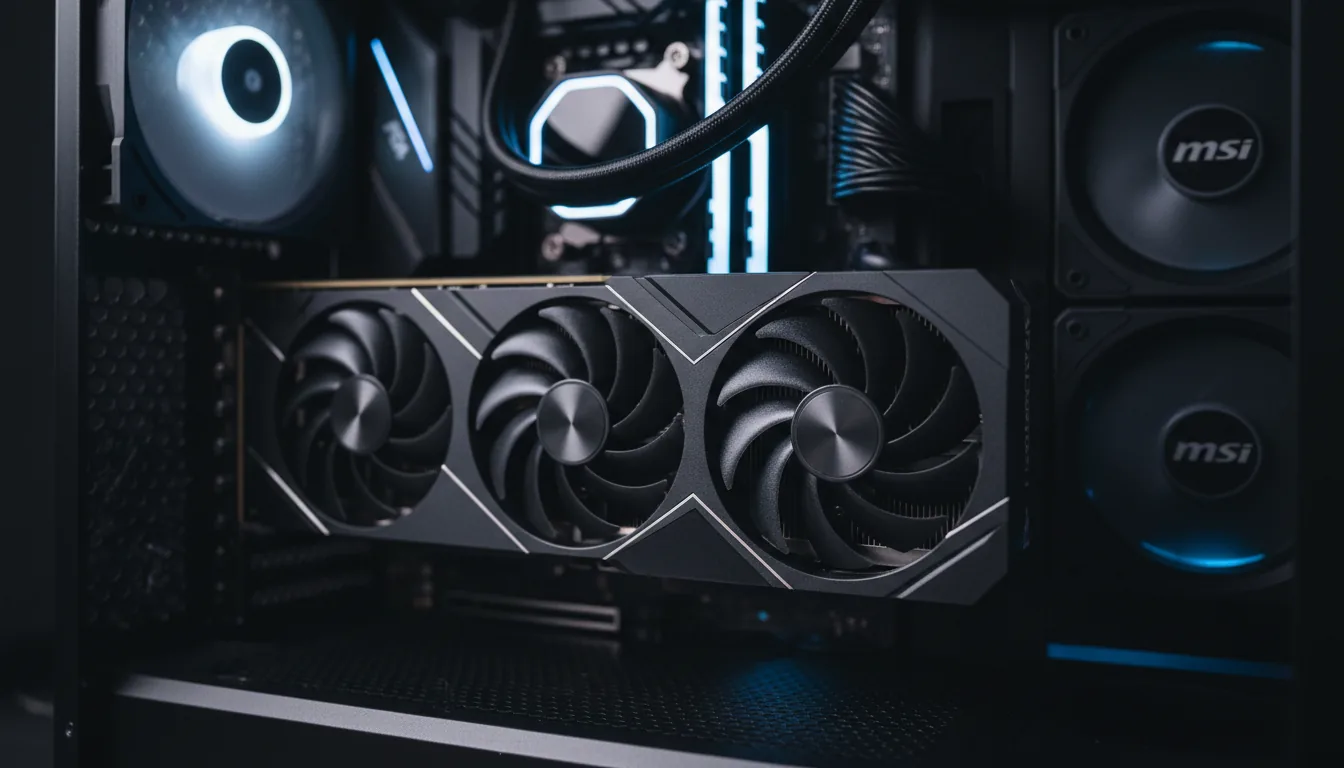
Whatever you pick, the GPU and RAM decide how it feels. Best GPU for Blender explains that Cycles rendering, simulation and Eevee previews lean on the GPU, and that VRAM and software optimization matter alongside raw speed. Best cloud workstations covers the rented alternative for Revit, 3ds Max and V-Ray, and separates a cloud workstation from a render farm. A workstation is where you work; a farm is for final output.
AI is the newer question. Claude vs Codex for 3D modeling says there is no universal winner. Compare three modes: generating a script, connecting to the live scene (MCP) and operating the interface. Judge results by editable geometry, correct dimensions and whether the scene can be revised.
Read next
Which tool to pick
What you make | Start with | Why (from the posts above) |
|---|---|---|
Everything, on a budget | Blender | Free, open source, large community, covers modeling to rendering |
Character animation and rigging | Maya | Strong animation and rigging tools; steeper learning curve |
Archviz, product renders | 3ds Max | Strong modeling and photorealistic rendering, often with V-Ray |
Motion graphics | Cinema 4D | Easier to learn; lighter on mid-range machines |
Simulations and procedural work | Houdini | Better after a 3D foundation; free Apprentice version to learn |
Architecture and precise design | Rhino | NURBS and Grasshopper; pair with Blender for renders |
Quick architectural massing | SketchUp | Simple; import into Blender for rendering |
High-detail sculpting | ZBrush | Specialist sculpting tool |
Models for games | Blender plus Unreal or Unity | Model in Blender, import into the engine |
Doing this on Vagon
Picking a 3D app is easier once your own file has run in it, but most of these apps want a stronger machine than the one you have. A Vagon Cloud Computer gives you a Windows or Linux computer with a GPU in your browser, on a PC, Mac, tablet or phone. Preinstall the apps you are comparing, try them on real work, and switch performance in seconds when a scene gets heavy. The same computer, files included, is there next session.
That makes it practical to test two or three packages in a week without buying hardware. You pay by the minute, and every tier is on the pricing page. Licenses are yours to bring, and if you will work all day, every day on a powerful machine, owning one may cost less.
FAQ
What is the best 3D software for beginners?
Our comparison posts keep landing on Blender for beginners: it is free, open source and has a large community and many tutorials. Cinema 4D is described as easier to learn for motion graphics. Maya is called a better entry point than Houdini, which suits people who already have a 3D foundation.
Is Blender good enough to replace Maya or 3ds Max?
For many jobs, yes. Our 3ds Max alternatives post calls Blender the pick if you do a bit of everything. Maya and 3ds Max are still the names our posts tie to professional studios, character animation and archviz, so check what your studio or clients use.
What is the difference between 3ds Max and Maya?
According to our comparison, 3ds Max is stronger in architectural visualization, product design and static rendering. Maya is stronger in character animation, rigging and visual effects.
Do I need an expensive PC for 3D software?
Heavy scenes and GPU rendering need a strong GPU and plenty of RAM, and our hardware posts say so plainly. If you don't want to buy that, you can run the same software on a cloud computer and pay by the minute.
Can AI assistants model in Blender, Maya or 3ds Max?
They can help through scripting, a live connection (MCP) or computer use. Our Claude vs Codex post says the useful test is whether the result stays editable: topology, dimensions and a scene you can revise, not just a good-looking first render.


Read next
All posts in this guide
All guides →


Keep going
Related guides
All guides →


Hardware
6 chapters
Best GPU for 3D, CAD and video work
Match the GPU to the app, and look at VRAM before speed. CAD and editing work depends on drivers, stability and the CPU as much as raw GPU power. GPU renderers, real-time engines and AI features run out of VRAM first. If your needs change by project, renting by the minute can beat buying.


Read →


AI agents
6 chapters
Claude and Codex for 3D, VFX and Game Engines
Neither Claude nor Codex wins across 3D and VFX apps on its own. The result depends on what connects the assistant to the app (a script, an MCP server or computer use) and how you check the saved scene. Start with a read-only audit of a copy, then approve one change at a time.
Read →


Software decisions
5 chapters
Creative software pricing: Fusion, SketchUp, Maya, V-Ray
The license is only part of the bill. Fusion, SketchUp and Maya each have a free or cheaper route with strict eligibility rules, and the paid plans differ a lot by billing term. Then add the machine that runs the software. Prices below are dated and change, so check the vendor.


Read →
Software
Software in this guide
Browse software →

