Instant Connection for Pixel Streaming
— New Feature Automated Setup
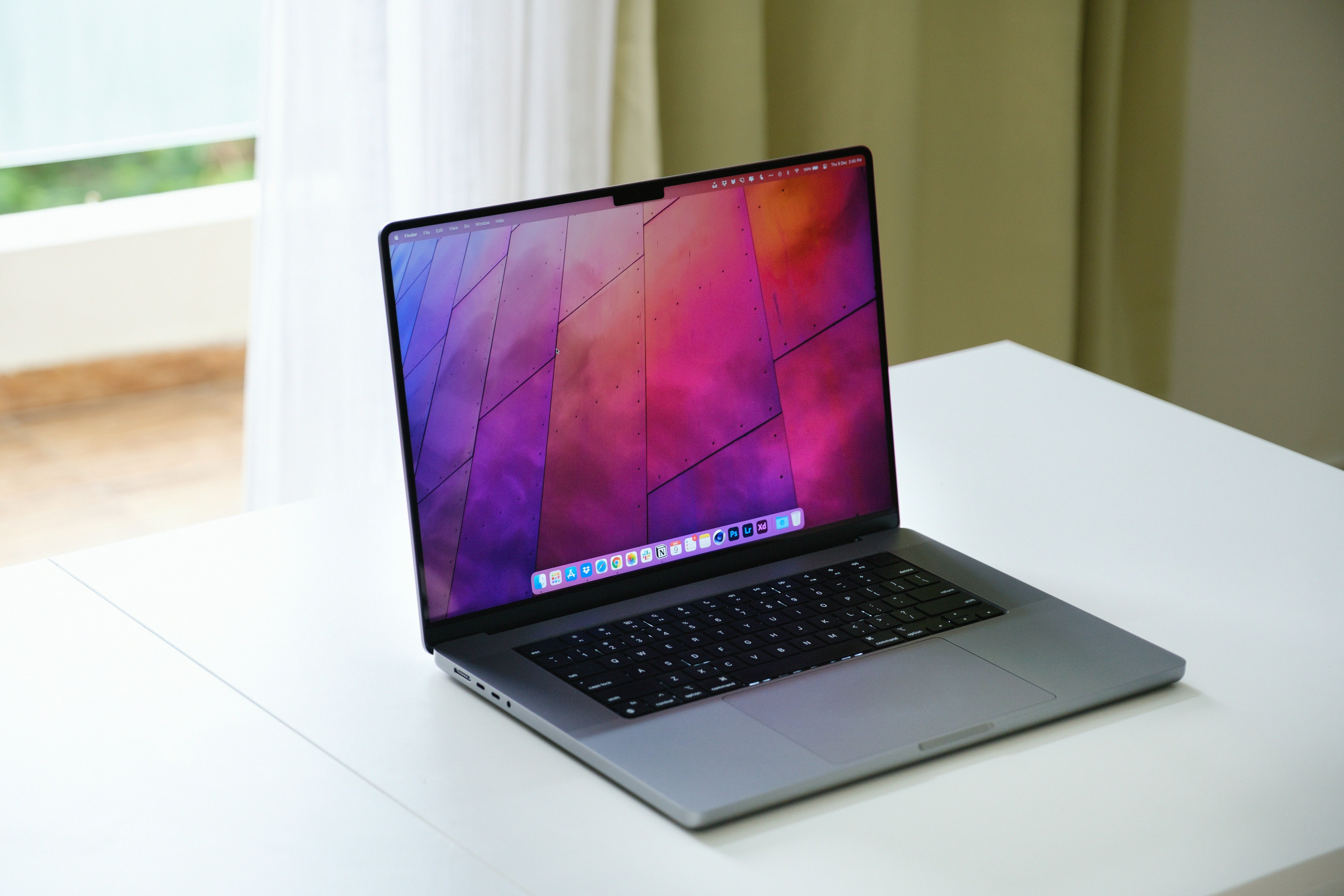
Best Laptops of 2026: What Actually Matters
ComputerPerformance
-
Best Laptops of 2026: What Actually Matters
ComputerPerformance
Best Laptops of 2026: What Actually Matters
ComputerPerformance
-
Table of Contents
Most people are overbuying laptops in 2026. By a lot.
I’ve seen people spend thousands on machines they barely push past 20% usage. High-end CPUs, tons of RAM, even dedicated GPUs… just to browse, stream, and open a few tabs. It used to make sense to “future-proof” your laptop. Now? Not so much.
What changed is simple. Power isn’t just inside your laptop anymore. AI tools run in the cloud. Heavy tasks like rendering or dev environments are often offloaded. Your machine matters, sure. But it’s no longer the whole story.
Here’s the interesting part. The MacBook Air with Apple’s M4 chip is currently showing up as the best overall laptop across a lot of major reviews. Not a Pro model. Not a bulky workstation. A thin, fanless laptop that quietly handles almost everything most people throw at it.
That should tell you something.
This isn’t going to be one of those posts that lists specs and calls it a day. I’ll walk you through what actually matters, which laptops are worth it, and where people usually waste money.
Because the goal isn’t to buy the most powerful laptop.
It’s to buy the right one.
The Upgrades That Matter
If you stopped paying attention to laptops around 2020 and just came back, you’d think everything must be wildly faster by now.
It is. But also… not in the way you’d expect.
The biggest shift isn’t raw performance anymore. It’s efficiency. And a lot of that comes down to how chips are designed now.
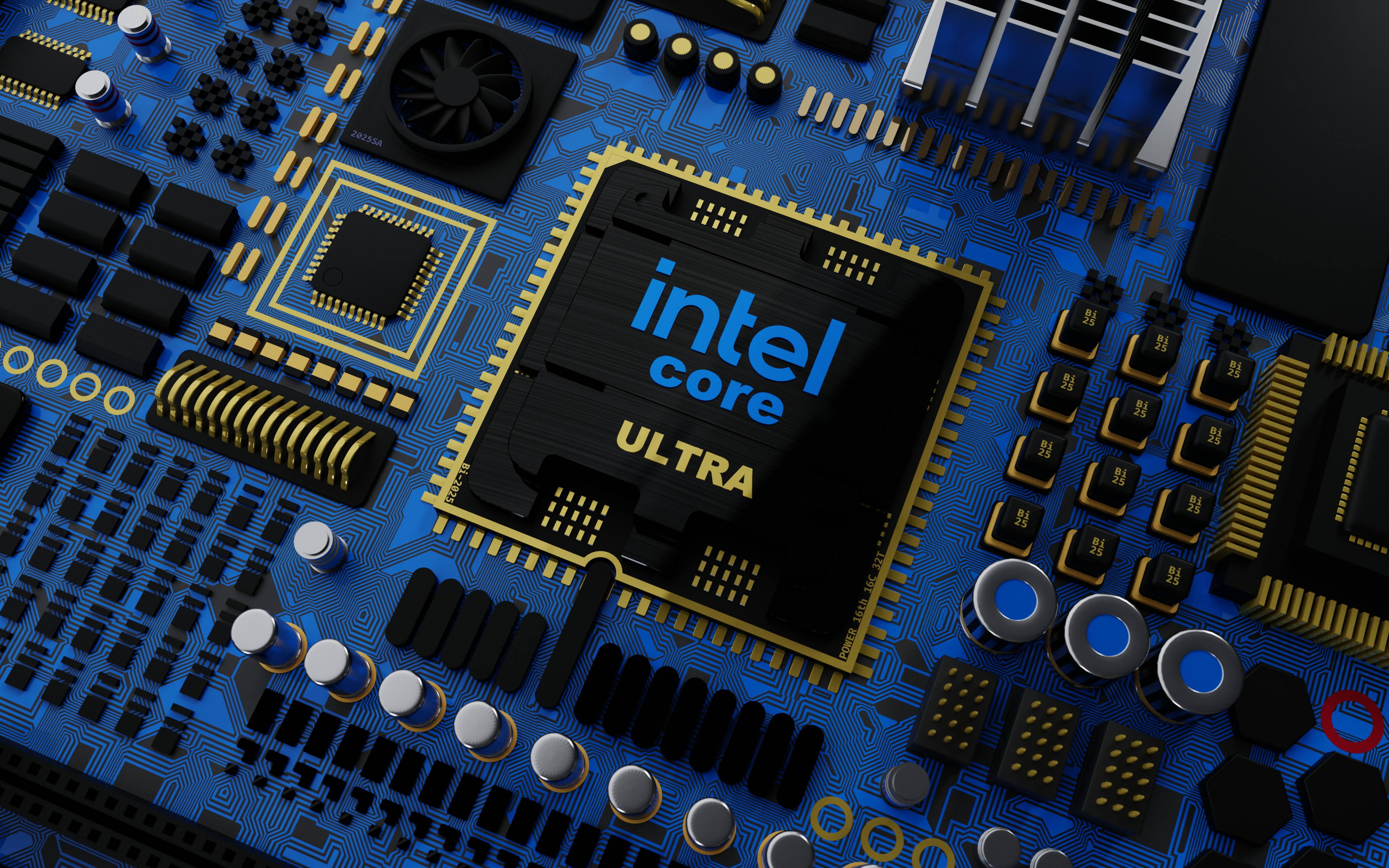
Take Apple’s M-series, Intel’s Lunar Lake, or Qualcomm’s Snapdragon X chips. They’re all pushing toward the same idea. Smarter processing instead of just more power. These laptops don’t just run apps, they handle AI tasks locally, optimize battery usage in real time, and stay cool without sounding like a jet engine.
And battery life? It’s kind of ridiculous now.
Getting 15 to 20 hours on a single charge is no longer impressive. It’s expected in a good ultrabook. You can go a full workday, forget your charger, and still be fine. That alone changes how you think about portability.
Displays quietly leveled up too. OLED screens are everywhere now, not just in premium models. Better contrast, deeper blacks, and honestly, once you get used to it, it’s hard to go back. Even some gaming laptops are ditching traditional panels for OLED.
But here’s the part people don’t talk about enough.
Performance gains have slowed down in ways that actually matter to everyday users. Opening apps, browsing, working on documents, even light editing… these were already fast years ago. Now they’re just… instant.
So upgrading from a 2–3 year old laptop doesn’t feel as dramatic as it used to.
Where things have changed is AI acceleration. New chips are designed to handle AI workloads directly on the device. Things like real-time transcription, image generation, background noise removal, even coding assistance. But again, a lot of heavier AI work still happens in the cloud.

Which brings us back to that earlier point. Your laptop isn’t doing everything anymore.
So what actually matters when buying in 2026?
Battery life matters. A lot.
Display quality matters more than most people think.
Thermals and noise matter if you use your laptop daily.
Raw performance? Only if you know you need it.
Everything else is just numbers on a spec sheet.
The One I’d Recommend Without Overthinking It
If you asked me what laptop to buy without giving me any context, I’d probably say this:
Just get the MacBook Air M4.
Not because it’s perfect. It’s not. But because it gets more things right than almost anything else right now.
I’ve noticed this pattern over the years. The “best” laptop for most people isn’t the most powerful one. It’s the one that disappears. No noise, no overheating, no weird battery anxiety, no random slowdowns. You open it, do your work, close it. That’s it.
The M4 Air nails that.
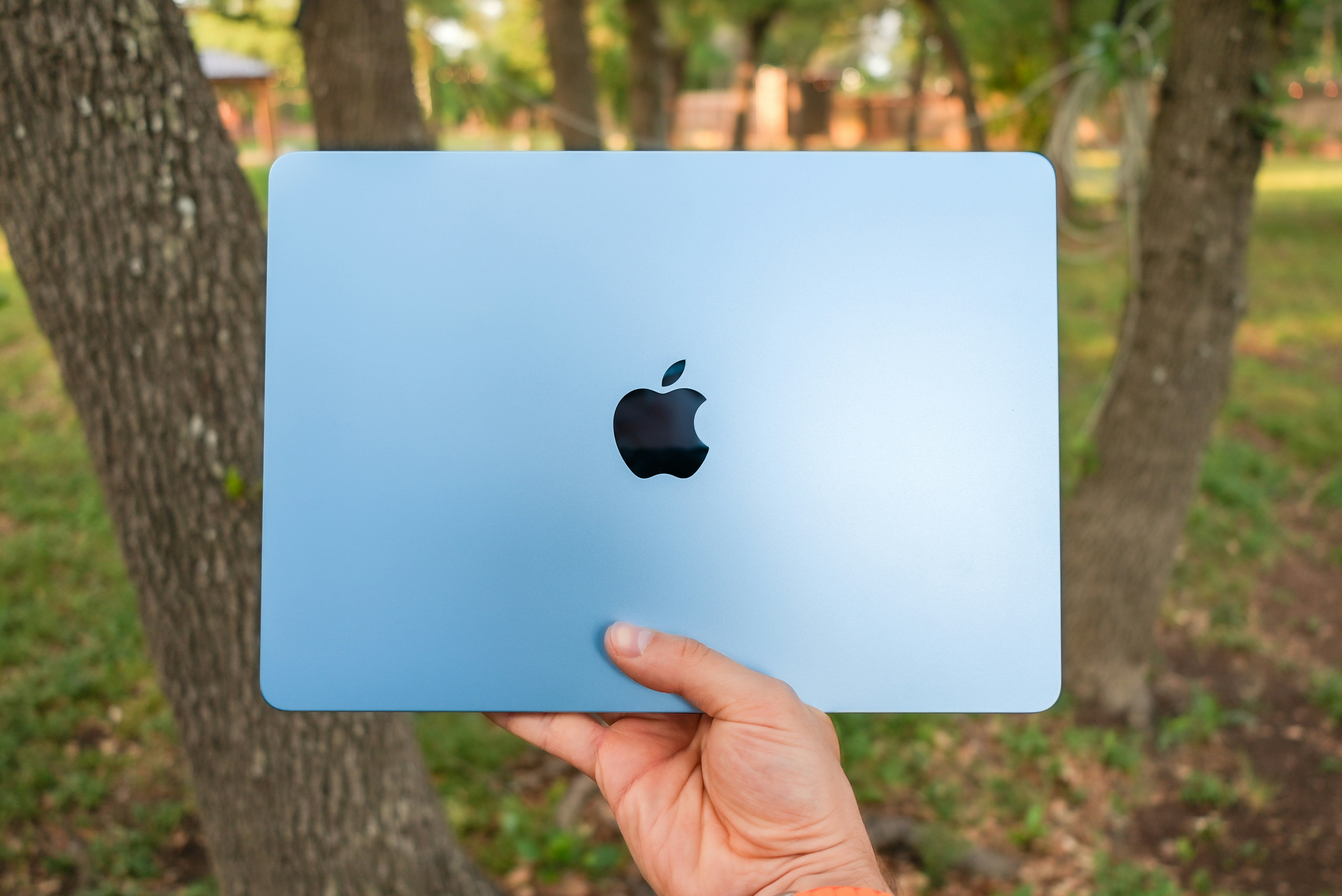
Performance-wise, it’s more than enough for everyday work. Browsing, writing, coding, light photo or video editing… it handles all of it without breaking a sweat. And since it’s fanless, it stays completely silent the whole time. Once you get used to that, loud laptops feel outdated fast.
Battery life is another big reason it stands out. You can realistically get through a full day, sometimes more, without thinking about charging. Not “lab test” battery. Real usage.
And then there’s the build quality. It’s thin, light, and just feels solid in a way a lot of laptops still struggle to match. You throw it in your bag and forget it’s there.
But yeah, it’s not perfect.
You’re not buying this for gaming. Mac gaming is better than it used to be, but it’s still not great.
Ports are limited, so you’ll probably need a dongle at some point.
And Apple’s storage upgrades are… expensive. Painfully so.
So here’s how I think about it.
If your day looks like this:
Browsing with lots of tabs
Writing, spreadsheets, presentations
Light creative work
Some coding
You don’t need anything more than this.
Seriously.
The only time I’d tell someone to skip the Air is if they already know they need more power. Not think. Know. Things like heavy video editing, 3D work, large codebases, or serious multitasking with demanding apps.
Otherwise, this is the easy recommendation.
It’s not flashy. It’s just reliably good.
Real Performance Machines and Who They’re Actually For
Alright, this is where things get serious.
If you’re working with heavy files, complex timelines, large codebases, or anything 3D, you’ve probably already felt the limits of “good enough” laptops. That moment when everything slows down, fans kick in, and your workflow just… drags.
This is where higher-end machines actually make sense.
Let’s start with the obvious one.
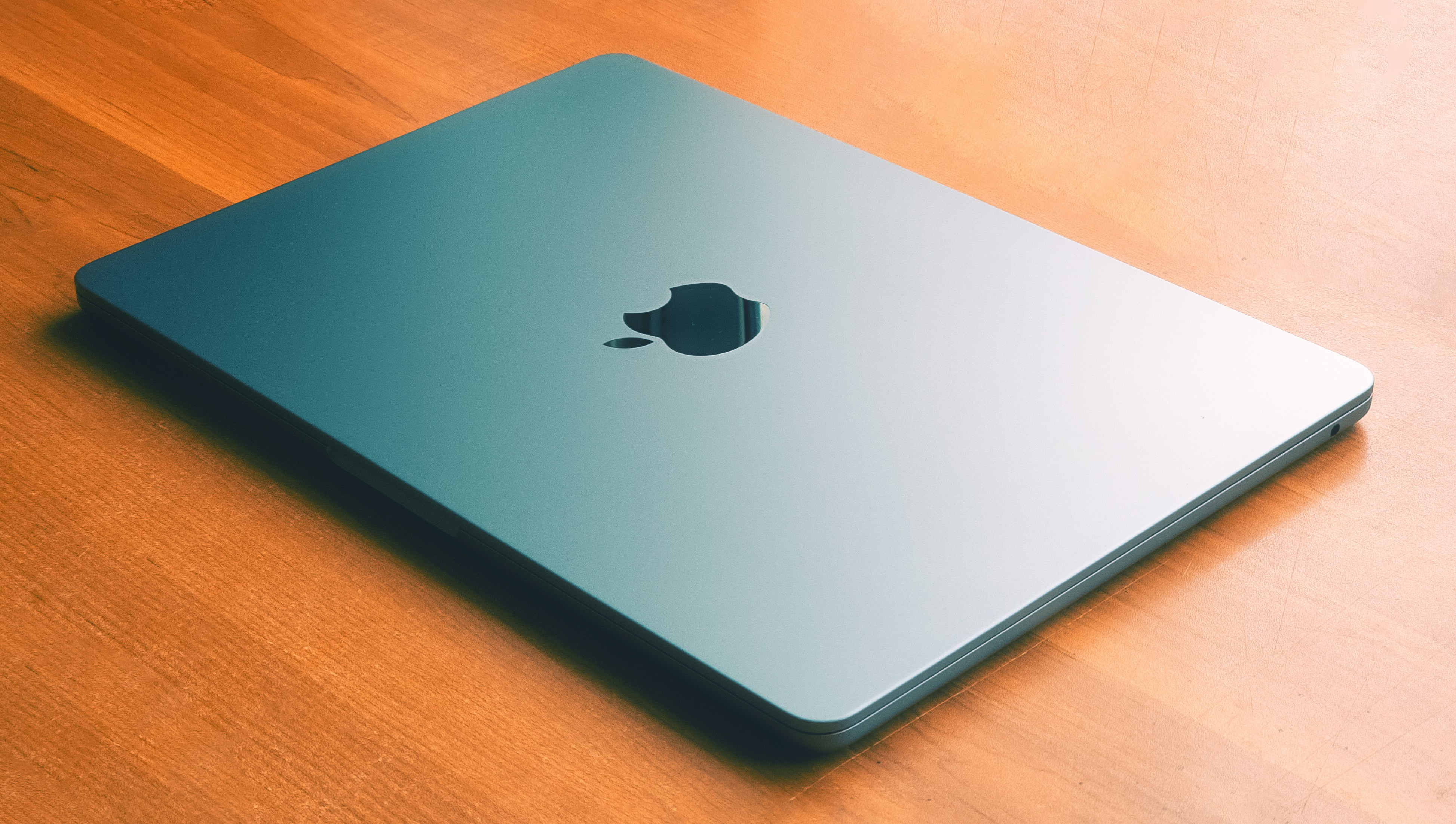
The MacBook Pro with M4 Pro or M4 Max chips is still one of the best tools you can buy for creative work. Not just because it’s fast, but because it stays fast. Long exports, heavy multitasking, large projects… it doesn’t fall apart under pressure. That consistency matters more than peak performance numbers.
Then you’ve got machines like the Asus ProArt PX13. This one’s clearly built for creators. OLED display, high RAM options, strong GPU performance. It’s the kind of laptop you get if you spend hours inside tools like Blender, Premiere Pro, or Unreal Engine.
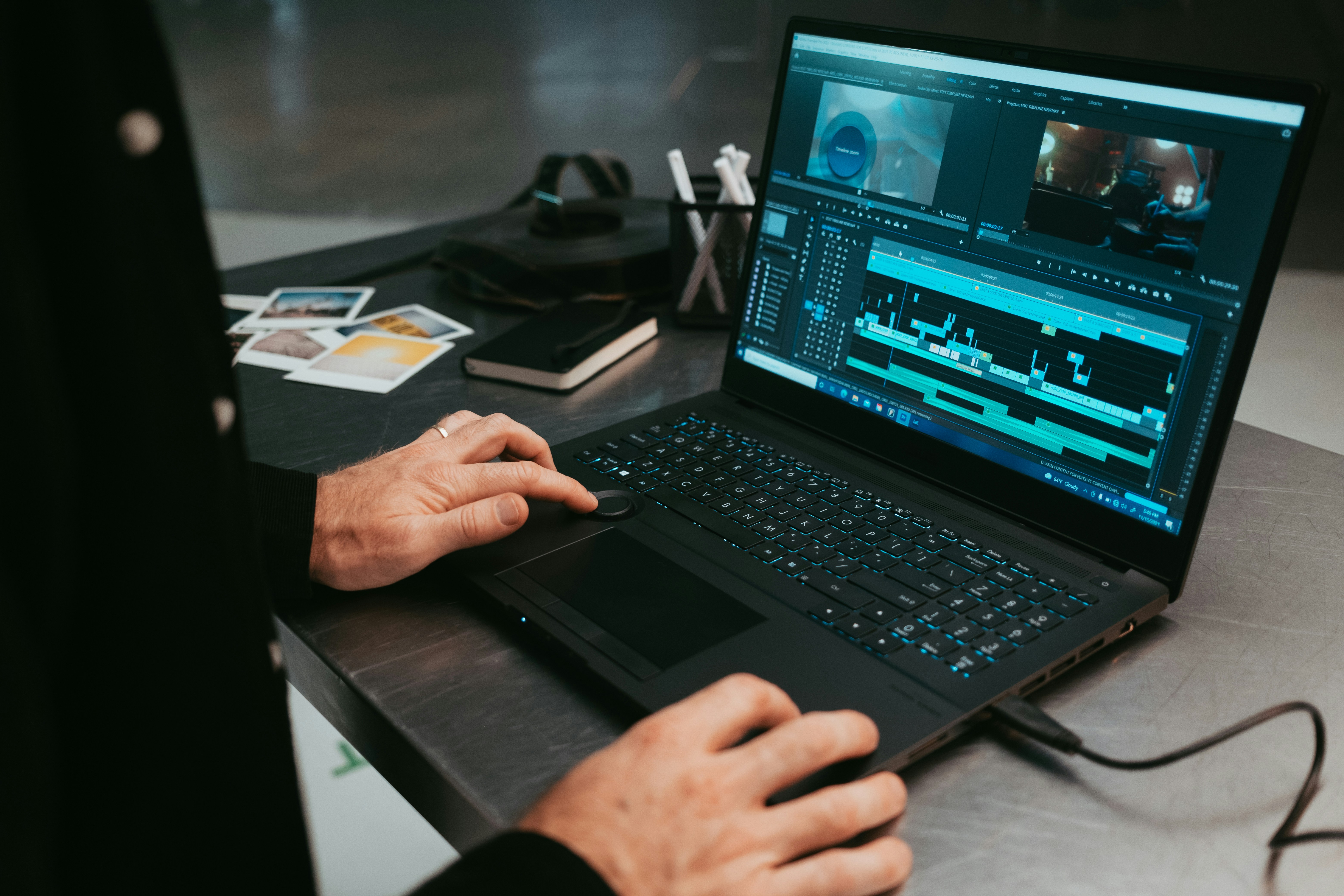
And on the more “workstation” side, something like the Lenovo ThinkPad P16 Gen 3. This isn’t a casual laptop. It’s built for engineers, architects, people running simulations or CAD software. It’s powerful, but also heavy, expensive, and honestly overkill for most people.
That’s the pattern here.
These laptops are great. But they’re very specific tools.
I think this is where a lot of people get it wrong. They see creators using high-end machines and assume they need the same setup. But unless your work actually pushes those limits, you won’t feel much difference in day-to-day use.
And there’s another angle people don’t always consider.
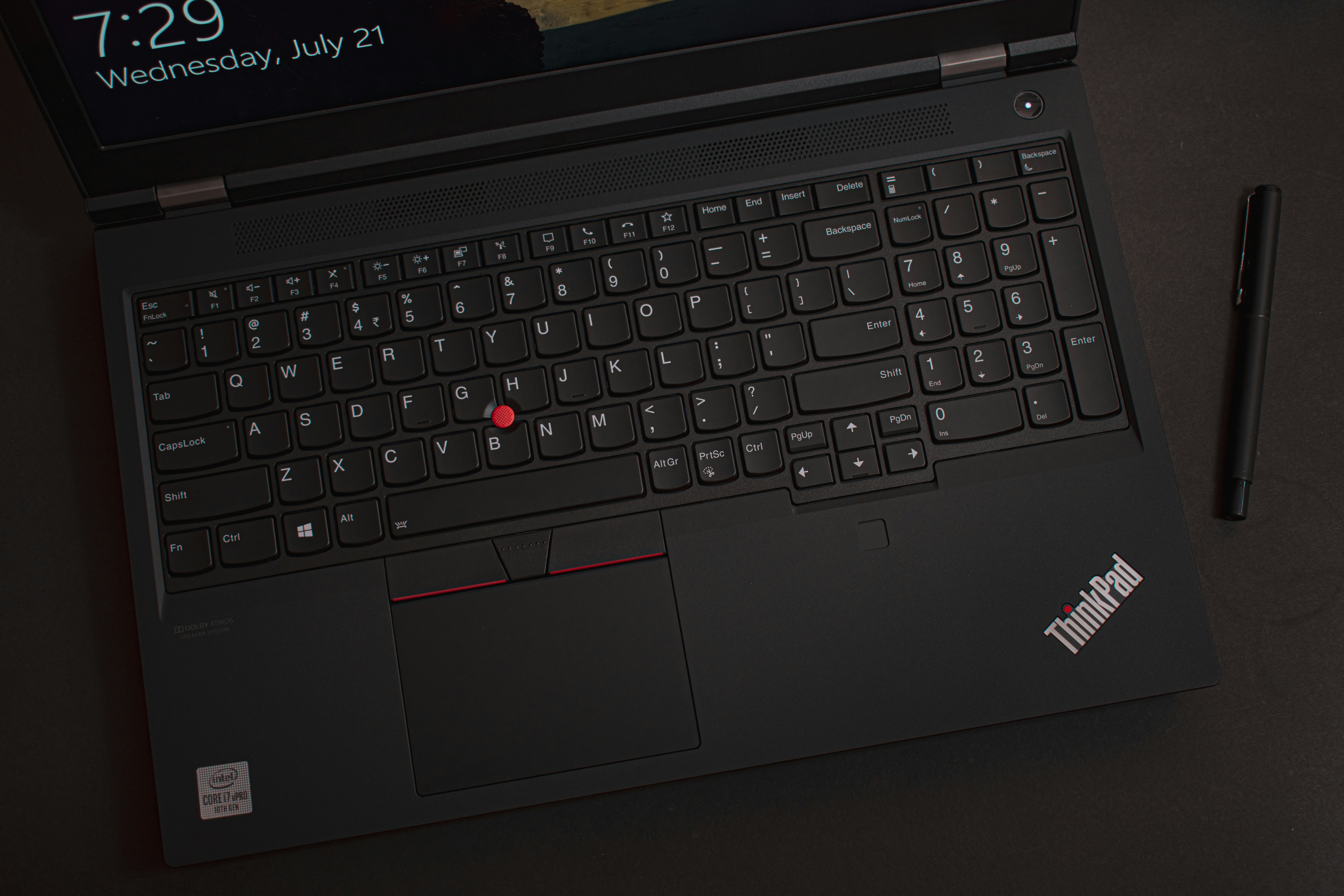
Even these powerful laptops have limits now. Try running complex 3D scenes, training AI models, or rendering large environments, and you’ll still hit a wall eventually. The difference is just how quickly you hit it.
So yes, if your work demands it, investing in a machine like this makes total sense.
Just be honest with yourself first.
If your current laptop feels slow because of real workloads, upgrade.
If it feels slow because of bad optimization, too many apps, or unrealistic expectations… a more expensive laptop won’t fix that.
And if you’re working in Revit, you’ll run into similar limitations pretty quickly on standard laptops. Here’s a solid breakdown.
Raw Power Comes With Tradeoffs
Gaming laptops are in a weird place right now.
On paper, they’ve never been better. You’ve got machines like the Asus ROG Zephyrus G16 or the Razer Blade 16 pushing serious performance. High refresh rate displays, powerful GPUs, sleek designs that don’t scream “gamer” as much as they used to.
And yeah, they’re impressive.
You can run modern AAA games, edit videos, even do some 3D work without needing a desktop. For a lot of people, that all-in-one setup is appealing.

But here’s the part that doesn’t get highlighted enough.
They still come with tradeoffs. Big ones.
Battery life is the obvious one. Even in 2026, gaming laptops struggle here. You’re not getting that 15–20 hour freedom like you do with ultrabooks. It’s more like… a few hours if you’re lucky under load.
Heat is another issue. These machines pack a lot of power into a small space, and physics doesn’t really care about marketing. Fans get loud. Surfaces get warm. Performance can dip during long sessions.
And then there’s price. Once you start looking at higher-end configs with RTX 50-series GPUs, things get expensive fast. At that point, you have to ask yourself… why not just build or buy a desktop?
This is where I’ll push back a bit.
Gaming laptops used to be the only way to get portable power. Now, not so much.
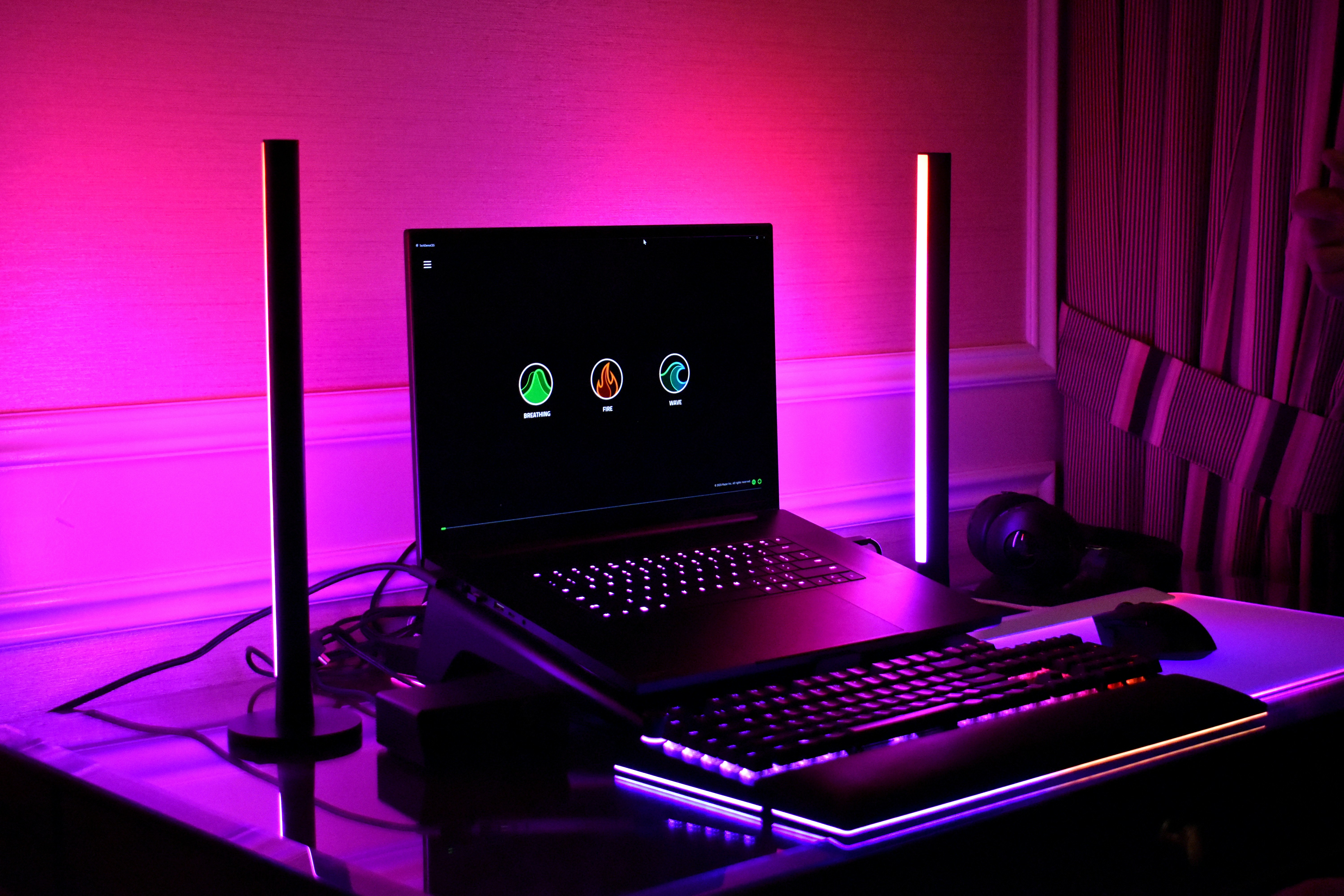
Cloud gaming is getting better. External GPUs are still niche, but improving. And for a lot of people, a combination of a lighter laptop plus remote or cloud-based power actually makes more sense.
So who should still buy a gaming laptop?
If you:
Need portability and gaming in one device
Travel often but still want full performance
Don’t want to manage multiple setups
Then yeah, it can be worth it.
But if you’re mostly stationary, or if gaming isn’t your main priority, there are usually better ways to spend that budget.
Gaming laptops are powerful.
They’re just not as practical as they look at first glance.
If you’re spending serious time in tools like Blender, it’s worth understanding what kind of hardware actually makes a difference. I’d recommend checking out this guide on the best PC for Blender.
If You Don’t Want a Mac
Not everyone wants a Mac. Totally fair.
Windows laptops have gotten a lot more interesting lately, especially with the shift toward ARM-based chips. For the first time in a long while, they’re not just trying to catch up. In some areas, they’re actually doing things better.
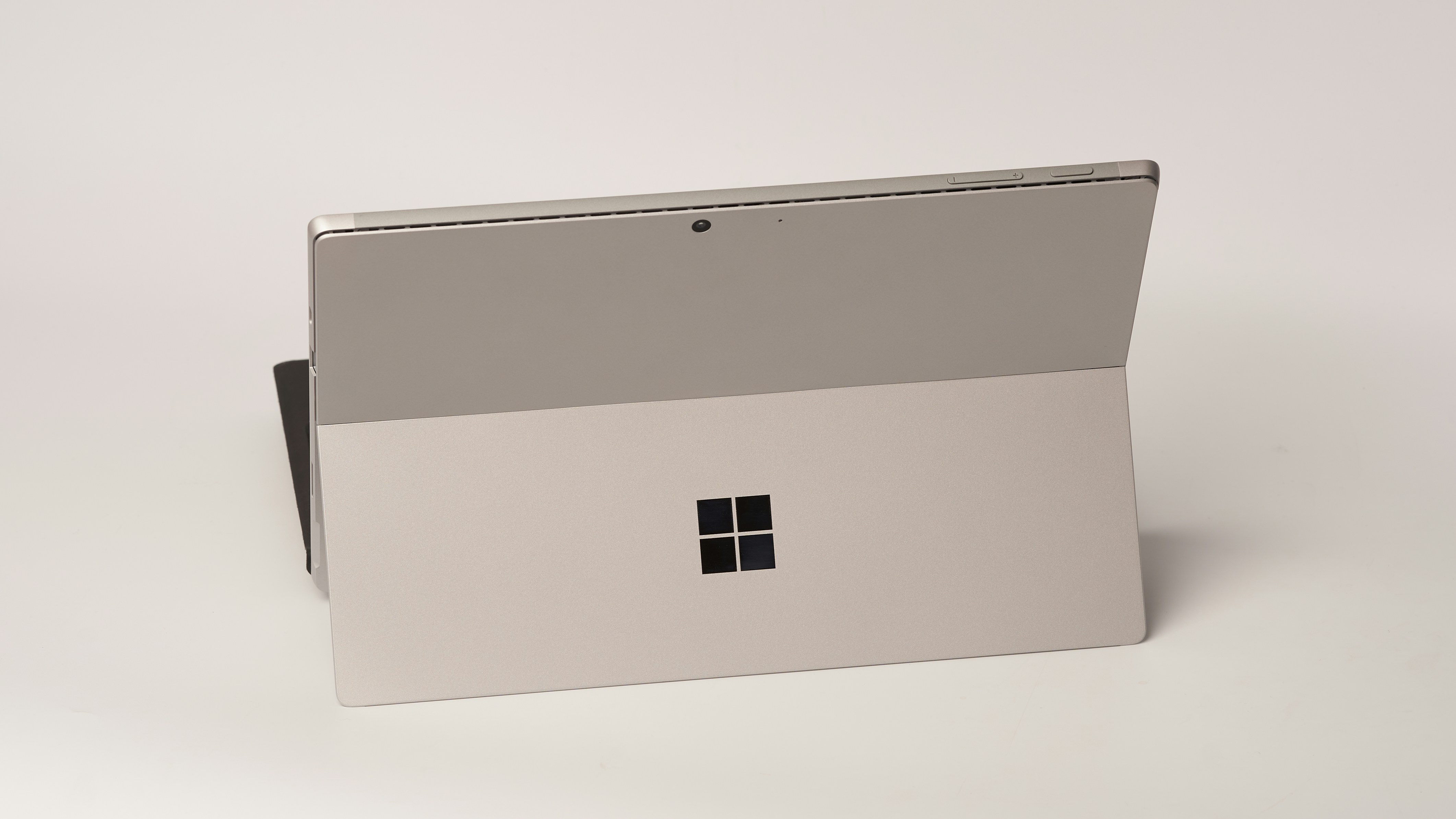
Let’s start with devices like the Lenovo Yoga Slim 7x or the new Surface Laptop 7. Both are running Snapdragon chips, and the big selling point is efficiency. Great battery life, instant wake, cool and quiet operation. It feels… closer to what MacBooks have been doing well for years.
And for everyday use? They’re genuinely solid.
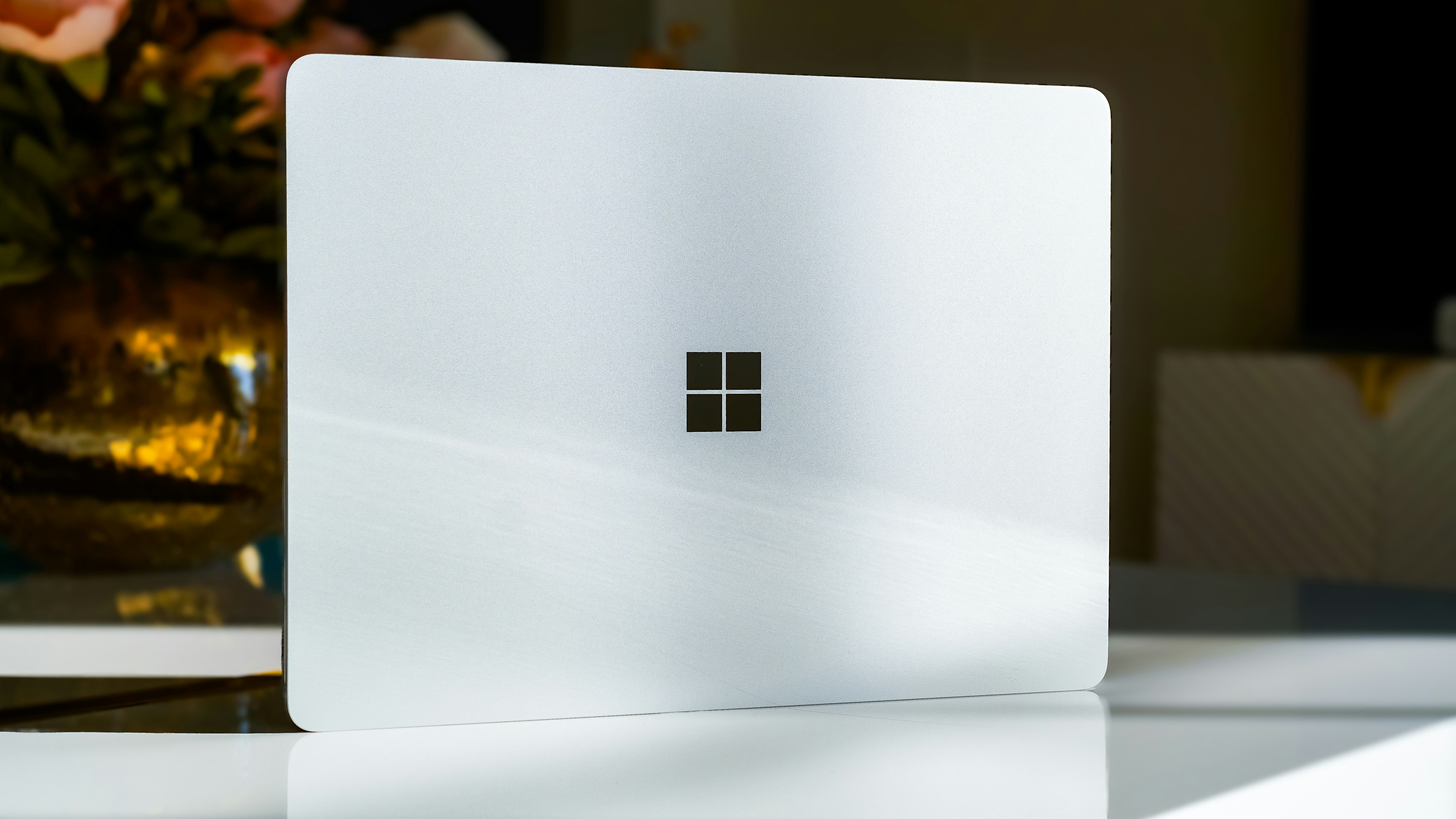
Then you’ve got something like the Asus Zenbook S16. More traditional in terms of architecture, but still incredibly thin, with a great OLED display and strong overall performance. It’s a safe choice if you want premium without experimenting too much.
But here’s where things get a bit messy.
Windows on ARM is good now. Not perfect.
Most common apps run fine, but once you get into more specialized software, things can break. Some apps rely on emulation, which can impact performance or cause weird bugs. If your workflow depends on specific tools, you need to double-check compatibility before buying.
This is one of those situations where the “best” option depends heavily on what you actually use.
If your work is browser-based, office tools, light coding, media consumption… ARM laptops are great. You’ll get excellent battery life and a smooth experience.
If you rely on niche software, older tools, or anything that hasn’t been optimized yet, sticking with a more traditional Intel or AMD machine might save you a lot of frustration.
So yeah, Windows laptops are finally competing in a real way again.
Just don’t assume all of them behave the same.
If you’re working in Unreal Engine, things get even more demanding. This breakdown of the best computer for Unreal Engine 5 gives a pretty clear picture of what you actually need.
Where You Can Save Money Safely
Let’s be honest. Not everyone wants to spend a small fortune on a laptop.
And the good news is, you really don’t have to anymore.
Budget laptops in 2026 are… surprisingly decent. Not exciting, not premium, but totally usable. Machines like the Acer Aspire Go 15 or Lenovo IdeaPad Slim 3x won’t blow you away, but they’ll handle everyday tasks without constant frustration.
That’s a big change from a few years ago.
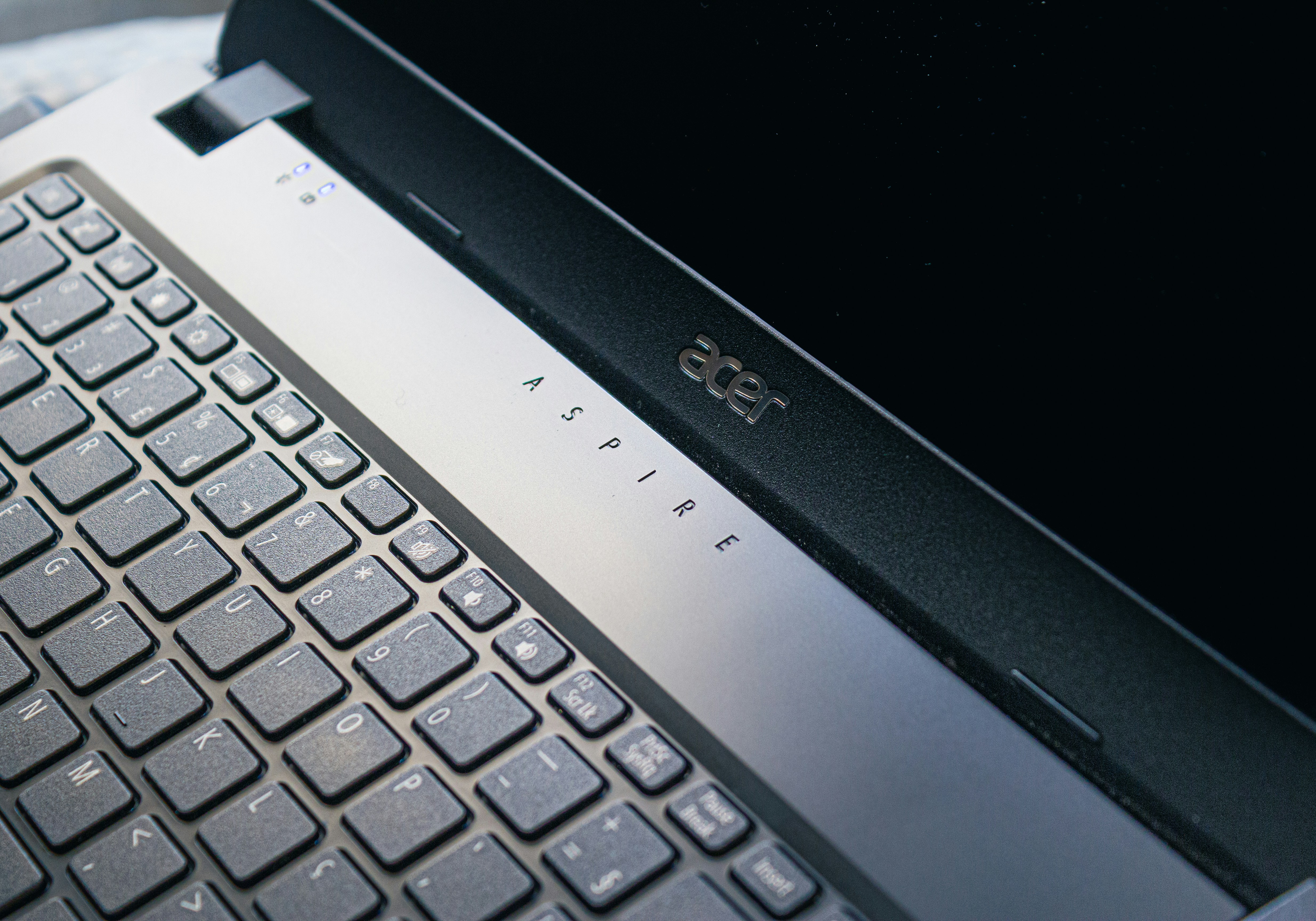
You can browse, stream, work on documents, even do some light multitasking without the system falling apart. For students or casual users, that’s often all you need.
But this is where you need to be a bit careful.
Budget laptops cut corners. They have to.
The most common one? Displays.
A lot of cheaper laptops still ship with dull, low-brightness panels that make everything look… kind of lifeless. If you’re staring at your screen for hours, that matters more than you think.
RAM is another big one.
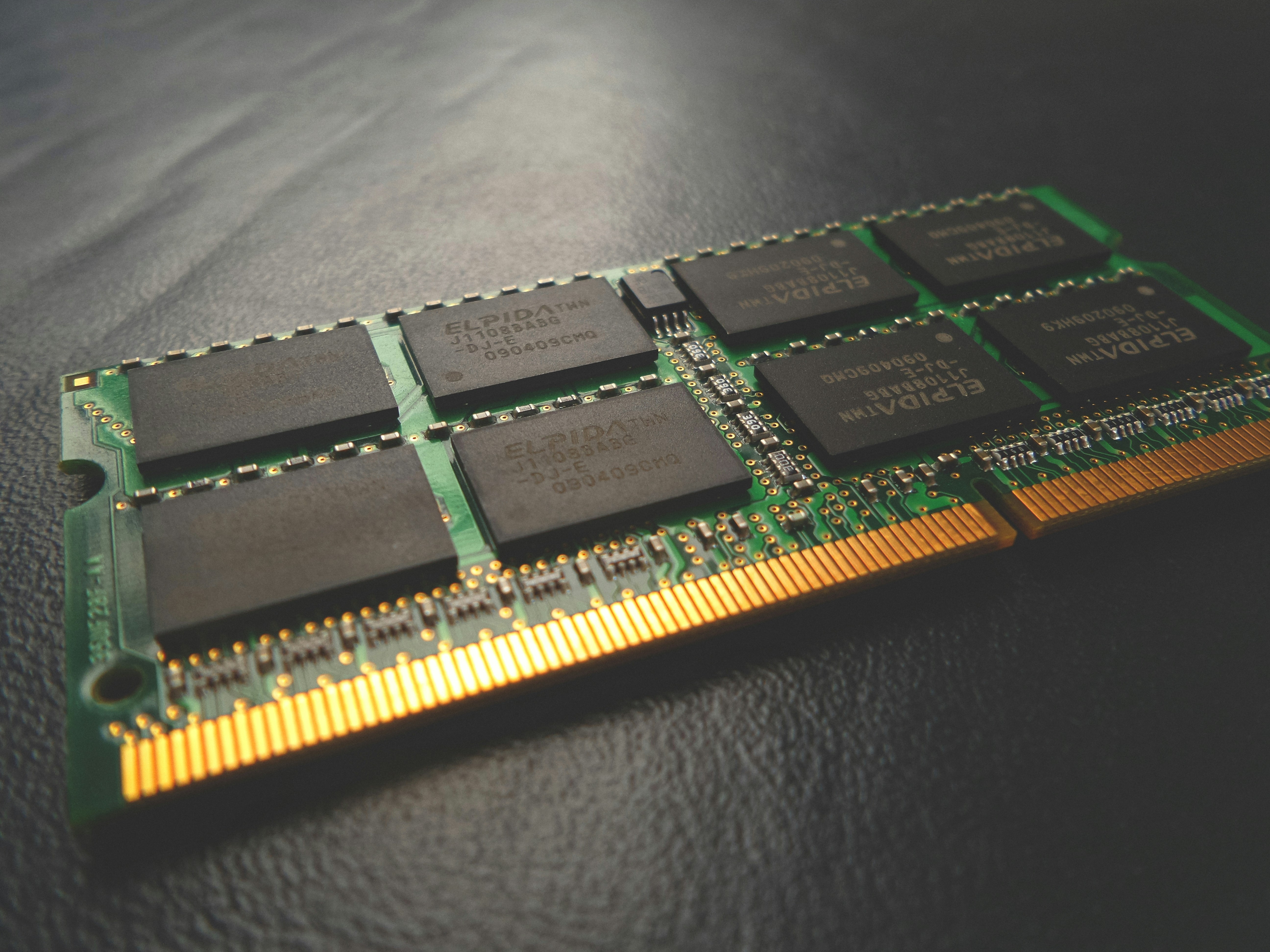
I’d strongly suggest not going below 16GB if you can help it. 8GB might seem fine at first, but once you open multiple tabs, apps, maybe a background tool or two, things start slowing down fast.
Storage is less of a concern, surprisingly. You can always use external drives or cloud storage. But RAM? You’re stuck with what you buy.
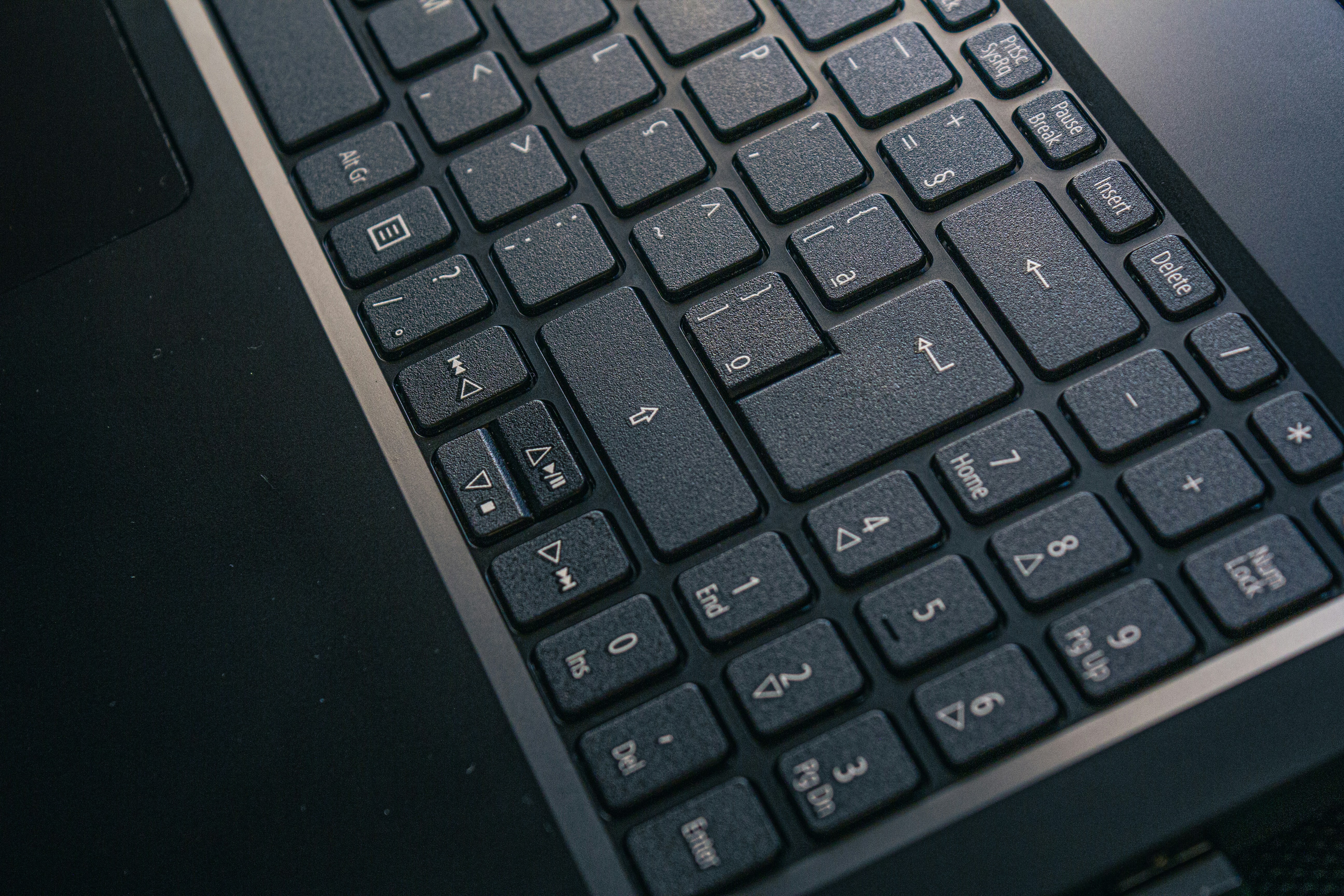
And then there’s build quality. You’ll notice more plastic, a bit of flex, maybe a less satisfying keyboard. Not deal-breakers, but worth knowing.
Here’s how I think about budget laptops.
If your usage looks like:
Web browsing
Streaming
Office work
Online classes
You can save a lot of money and still have a good experience.
But if you’re even slightly pushing into creative work, coding, or heavier multitasking, going too cheap usually ends up costing more in frustration later.
This is one of those cases where spending a little more upfront can save you from wanting to upgrade way sooner than you planned.
If you’re using AutoCAD regularly, this guide explains what kind of setup actually makes sense.
This Is Where Most Money Gets Wasted
This is the part most buying guides skip. Or sugarcoat.
Because honestly, the biggest problem isn’t bad laptops anymore. It’s bad decisions.
I’ve seen people spend way too much on machines they don’t need… and others go too cheap and regret it within months. Both happen all the time.
Let’s start with the most common one.
Buying too much power.
It sounds harmless, even smart. “I’ll just get something future-proof.” But in reality, most people never come close to using that extra performance. You end up paying for potential you’ll never touch.
On the flip side, going too cheap can backfire just as fast. Especially if you ignore RAM or end up with a poor display. That’s where “saving money” turns into daily annoyance.
Another big one is focusing too much on specs.
I get it. Numbers feel objective. More cores, more RAM, higher clock speeds. But they don’t tell the whole story. A well-optimized laptop with balanced components often feels faster than a poorly configured one with better specs on paper.
Then there’s storage.
This one’s almost painful. People overspend heavily on internal storage upgrades, especially on premium laptops. In many cases, you’re better off sticking with a reasonable amount and using external drives or cloud storage instead.
Much cheaper. Same result.
One mistake I keep seeing more recently is ignoring the ARM vs Intel or AMD decision.
It actually matters now.
ARM laptops can give you incredible battery life and efficiency, but they’re not perfect for every workflow. If you rely on specific software, especially older or niche tools, you really need to check compatibility first. Otherwise, you’re signing up for frustration.
And here’s a subtle one.
Waiting too long.
There’s always a “next generation” around the corner. New chip, better GPU, improved efficiency. If you keep waiting for the perfect moment, you’ll never buy anything. At some point, you just need a machine that works for you right now.
If I had to sum it up, most mistakes come down to this:
People buy laptops based on what they think they might need someday, instead of what they actually need today.
And that gap? That’s where the wasted money is.
For SolidWorks users, performance requirements can get pretty intense, especially with complex assemblies. This one is worth a look.
The Shift Nobody Really Talks About
Here’s something that took a lot of people a while to notice.
Your laptop probably isn’t the bottleneck anymore.
A few years ago, if something was slow, it was your hardware. Not enough RAM, weak CPU, slow storage. The fix was obvious. Upgrade.
Now? It’s different.
A lot of the heavy lifting has quietly moved away from your device.
Think about how you actually work today.
AI tools like ChatGPT, image generators, code assistants. They’re not running locally in most cases. They’re happening somewhere else. Same with things like cloud-based dev environments, collaborative tools, even parts of design and editing workflows.

Your laptop is still important. But it’s not doing all the work anymore.
And when you do push it, the limits show up fast.
Try rendering a complex 3D scene.
Or working on a big Unreal Engine project.
Or training even a small AI model locally.
Even high-end laptops start struggling. Fans spin up, performance drops, everything slows down. You can brute-force through it… but it’s not a great experience.
This is where things start to shift.
Instead of upgrading to a bigger, more expensive machine every couple of years, more people are starting to split their workflow. A solid everyday laptop for normal tasks, and something else for heavy workloads.
Because let’s be honest.
You don’t need maximum performance all the time. You need it occasionally. And paying thousands just for those moments doesn’t always make sense.
That’s the gap that didn’t really exist before.
And now, it’s shaping how people think about laptops altogether.
The Smarter Alternative For Heavy Workloads
This is where things get practical.
Let’s say you already have a decent laptop. Maybe a MacBook Air, a Windows ultrabook, or something mid-range from a few years ago. It works perfectly fine… until you hit a heavy task.
You open Blender.
You load a complex scene.
You hit render.
And everything slows down.
At that point, most people think, “I need a better laptop.” But that’s not always the smartest move anymore.
Because the real issue isn’t your laptop. It’s that you’re asking it to do something it wasn’t designed for.
Instead of upgrading your hardware, you can just switch where the work happens.
That’s exactly what Vagon Cloud Computer is built for.
You keep your current laptop. But when you need serious performance, you connect to a high-end cloud machine with powerful GPUs, more RAM, and way more processing power than most laptops can handle locally.
So your setup becomes simple:
Your laptop handles everyday tasks.
Vagon handles the heavy lifting.
In my experience, this works really well for things like:
3D rendering and animation
Unreal Engine or Unity projects
Video editing with large files
AI workflows and model testing
CAD and simulation work
And the biggest advantage? You’re not paying for power you don’t use.
Instead of buying an expensive machine just for occasional heavy tasks, you access that level of performance only when you need it. It’s a very different way of thinking about computing, but it fits how people actually work now.
It also means your laptop lasts longer. You’re not constantly pushing it to its limits, so you don’t feel that pressure to upgrade every couple of years.
Of course, there are trade-offs.
You’ll need a stable internet connection.
Some workflows are still better locally.
But for a lot of people in 2026, this hybrid setup just makes more sense.
The “Best Laptop” Is the One You Don’t Overpay For
If there’s one pattern I keep seeing, it’s this.
People chase the “best” laptop like it’s a fixed thing. The fastest chip, the highest specs, the most expensive model they can justify. And sure, those machines are impressive.
But most of the time, they’re unnecessary.
For a lot of people, something like a MacBook Air or a solid Windows ultrabook is already more than enough. Smooth, reliable, long battery life. No friction. That’s what actually improves your day-to-day experience.
Then there’s a smaller group who genuinely need more. Creators, developers, engineers. If your work pushes your machine to its limits every day, investing in a more powerful laptop makes total sense.
But even then, that doesn’t mean you need maximum power all the time.
That’s the shift.
In 2026, it’s less about owning the most powerful machine and more about having access to power when you need it. A balanced laptop for everyday work, combined with something like Vagon Cloud Computer for heavier tasks, often ends up being the smarter setup.
You spend less. You get more flexibility. And you avoid carrying around hardware that’s overkill 90% of the time.
So instead of asking, “What’s the best laptop I can buy?”
A better question is, “What do I actually need this to do?”
Answer that honestly, and the decision gets a lot easier.
And usually, a lot cheaper too.
If you’ve ever looked at the hardware requirements for tools like Blender or Unreal Engine, you’ve probably noticed how quickly things escalate. Guides like this Blender PC breakdown or Unreal Engine system guide make it pretty clear why laptops hit limits so fast.
Frequently Asked Questions
1. Do I really need a powerful laptop in 2026?
Honestly, most people don’t. If your daily work is browsing, writing, streaming, or even light coding, modern mid-range laptops are already more than enough. You’ll hit “good enough” performance way earlier than you expect. The only time you truly need a powerful machine is if your work consistently pushes it. Things like 3D rendering, large video projects, heavy simulations, or AI workloads. Otherwise, you’re probably overpaying.
2. How much RAM is actually enough?
For most people, 16GB is the sweet spot right now. 8GB can still work, but it starts to feel tight pretty quickly, especially with lots of browser tabs or multitasking. 32GB and above is great, but only if you know why you need it. If you’re unsure, go with 16GB and you’ll be fine.
3. Are MacBooks still better than Windows laptops?
It depends on what you care about. MacBooks tend to win in battery life, build quality, and overall consistency. They’re predictable. Things just work. Windows laptops offer more variety. More designs, more price points, better gaming support, and often more flexibility. If you want something simple and reliable, MacBook is an easy choice. If you need specific software or more customization, Windows might suit you better.
4. Is Windows on ARM actually worth it now?
It’s a lot better than it used to be. Battery life is excellent, and everyday performance is smooth. But compatibility can still be an issue depending on what apps you use. If your workflow is mostly browser-based or uses common tools, you’ll probably have a great experience. If you rely on niche or older software, double-check before buying.
5. Should I buy a gaming laptop or a desktop instead?
If you mostly stay in one place, I’d lean toward a desktop. You’ll get better performance for the price, better cooling, and more upgrade options. Gaming laptops are great for portability, but they still come with compromises like heat, noise, and shorter battery life. So it really comes down to how much you value mobility.
6. How long should a laptop last in 2026?
A good laptop should easily last 4 to 6 years, sometimes more. Performance improvements have slowed down for everyday tasks, so you don’t feel the need to upgrade as often. What usually ages first is battery health, not performance. If you buy something balanced today, you’ll likely be fine for years.
7. Is upgrading storage worth it?
Usually, no. At least not the expensive internal upgrades. Many brands, especially premium ones, charge a lot for extra storage. You’re often better off getting a reasonable base configuration and using external drives or cloud storage when needed. It’s cheaper and more flexible.
8. Should I wait for the next generation of laptops?
You can. But there’s always something new coming. If your current laptop is slowing you down today, it’s usually better to upgrade now rather than wait months for incremental improvements. There’s no perfect timing. Just the right timing for your needs.
Most people are overbuying laptops in 2026. By a lot.
I’ve seen people spend thousands on machines they barely push past 20% usage. High-end CPUs, tons of RAM, even dedicated GPUs… just to browse, stream, and open a few tabs. It used to make sense to “future-proof” your laptop. Now? Not so much.
What changed is simple. Power isn’t just inside your laptop anymore. AI tools run in the cloud. Heavy tasks like rendering or dev environments are often offloaded. Your machine matters, sure. But it’s no longer the whole story.
Here’s the interesting part. The MacBook Air with Apple’s M4 chip is currently showing up as the best overall laptop across a lot of major reviews. Not a Pro model. Not a bulky workstation. A thin, fanless laptop that quietly handles almost everything most people throw at it.
That should tell you something.
This isn’t going to be one of those posts that lists specs and calls it a day. I’ll walk you through what actually matters, which laptops are worth it, and where people usually waste money.
Because the goal isn’t to buy the most powerful laptop.
It’s to buy the right one.
The Upgrades That Matter
If you stopped paying attention to laptops around 2020 and just came back, you’d think everything must be wildly faster by now.
It is. But also… not in the way you’d expect.
The biggest shift isn’t raw performance anymore. It’s efficiency. And a lot of that comes down to how chips are designed now.
Take Apple’s M-series, Intel’s Lunar Lake, or Qualcomm’s Snapdragon X chips. They’re all pushing toward the same idea. Smarter processing instead of just more power. These laptops don’t just run apps, they handle AI tasks locally, optimize battery usage in real time, and stay cool without sounding like a jet engine.
And battery life? It’s kind of ridiculous now.
Getting 15 to 20 hours on a single charge is no longer impressive. It’s expected in a good ultrabook. You can go a full workday, forget your charger, and still be fine. That alone changes how you think about portability.
Displays quietly leveled up too. OLED screens are everywhere now, not just in premium models. Better contrast, deeper blacks, and honestly, once you get used to it, it’s hard to go back. Even some gaming laptops are ditching traditional panels for OLED.
But here’s the part people don’t talk about enough.
Performance gains have slowed down in ways that actually matter to everyday users. Opening apps, browsing, working on documents, even light editing… these were already fast years ago. Now they’re just… instant.
So upgrading from a 2–3 year old laptop doesn’t feel as dramatic as it used to.
Where things have changed is AI acceleration. New chips are designed to handle AI workloads directly on the device. Things like real-time transcription, image generation, background noise removal, even coding assistance. But again, a lot of heavier AI work still happens in the cloud.
Which brings us back to that earlier point. Your laptop isn’t doing everything anymore.
So what actually matters when buying in 2026?
Battery life matters. A lot.
Display quality matters more than most people think.
Thermals and noise matter if you use your laptop daily.
Raw performance? Only if you know you need it.
Everything else is just numbers on a spec sheet.
The One I’d Recommend Without Overthinking It
If you asked me what laptop to buy without giving me any context, I’d probably say this:
Just get the MacBook Air M4.
Not because it’s perfect. It’s not. But because it gets more things right than almost anything else right now.
I’ve noticed this pattern over the years. The “best” laptop for most people isn’t the most powerful one. It’s the one that disappears. No noise, no overheating, no weird battery anxiety, no random slowdowns. You open it, do your work, close it. That’s it.
The M4 Air nails that.
Performance-wise, it’s more than enough for everyday work. Browsing, writing, coding, light photo or video editing… it handles all of it without breaking a sweat. And since it’s fanless, it stays completely silent the whole time. Once you get used to that, loud laptops feel outdated fast.
Battery life is another big reason it stands out. You can realistically get through a full day, sometimes more, without thinking about charging. Not “lab test” battery. Real usage.
And then there’s the build quality. It’s thin, light, and just feels solid in a way a lot of laptops still struggle to match. You throw it in your bag and forget it’s there.
But yeah, it’s not perfect.
You’re not buying this for gaming. Mac gaming is better than it used to be, but it’s still not great.
Ports are limited, so you’ll probably need a dongle at some point.
And Apple’s storage upgrades are… expensive. Painfully so.
So here’s how I think about it.
If your day looks like this:
Browsing with lots of tabs
Writing, spreadsheets, presentations
Light creative work
Some coding
You don’t need anything more than this.
Seriously.
The only time I’d tell someone to skip the Air is if they already know they need more power. Not think. Know. Things like heavy video editing, 3D work, large codebases, or serious multitasking with demanding apps.
Otherwise, this is the easy recommendation.
It’s not flashy. It’s just reliably good.
Real Performance Machines and Who They’re Actually For
Alright, this is where things get serious.
If you’re working with heavy files, complex timelines, large codebases, or anything 3D, you’ve probably already felt the limits of “good enough” laptops. That moment when everything slows down, fans kick in, and your workflow just… drags.
This is where higher-end machines actually make sense.
Let’s start with the obvious one.
The MacBook Pro with M4 Pro or M4 Max chips is still one of the best tools you can buy for creative work. Not just because it’s fast, but because it stays fast. Long exports, heavy multitasking, large projects… it doesn’t fall apart under pressure. That consistency matters more than peak performance numbers.
Then you’ve got machines like the Asus ProArt PX13. This one’s clearly built for creators. OLED display, high RAM options, strong GPU performance. It’s the kind of laptop you get if you spend hours inside tools like Blender, Premiere Pro, or Unreal Engine.
And on the more “workstation” side, something like the Lenovo ThinkPad P16 Gen 3. This isn’t a casual laptop. It’s built for engineers, architects, people running simulations or CAD software. It’s powerful, but also heavy, expensive, and honestly overkill for most people.
That’s the pattern here.
These laptops are great. But they’re very specific tools.
I think this is where a lot of people get it wrong. They see creators using high-end machines and assume they need the same setup. But unless your work actually pushes those limits, you won’t feel much difference in day-to-day use.
And there’s another angle people don’t always consider.
Even these powerful laptops have limits now. Try running complex 3D scenes, training AI models, or rendering large environments, and you’ll still hit a wall eventually. The difference is just how quickly you hit it.
So yes, if your work demands it, investing in a machine like this makes total sense.
Just be honest with yourself first.
If your current laptop feels slow because of real workloads, upgrade.
If it feels slow because of bad optimization, too many apps, or unrealistic expectations… a more expensive laptop won’t fix that.
And if you’re working in Revit, you’ll run into similar limitations pretty quickly on standard laptops. Here’s a solid breakdown.
Raw Power Comes With Tradeoffs
Gaming laptops are in a weird place right now.
On paper, they’ve never been better. You’ve got machines like the Asus ROG Zephyrus G16 or the Razer Blade 16 pushing serious performance. High refresh rate displays, powerful GPUs, sleek designs that don’t scream “gamer” as much as they used to.
And yeah, they’re impressive.
You can run modern AAA games, edit videos, even do some 3D work without needing a desktop. For a lot of people, that all-in-one setup is appealing.
But here’s the part that doesn’t get highlighted enough.
They still come with tradeoffs. Big ones.
Battery life is the obvious one. Even in 2026, gaming laptops struggle here. You’re not getting that 15–20 hour freedom like you do with ultrabooks. It’s more like… a few hours if you’re lucky under load.
Heat is another issue. These machines pack a lot of power into a small space, and physics doesn’t really care about marketing. Fans get loud. Surfaces get warm. Performance can dip during long sessions.
And then there’s price. Once you start looking at higher-end configs with RTX 50-series GPUs, things get expensive fast. At that point, you have to ask yourself… why not just build or buy a desktop?
This is where I’ll push back a bit.
Gaming laptops used to be the only way to get portable power. Now, not so much.
Cloud gaming is getting better. External GPUs are still niche, but improving. And for a lot of people, a combination of a lighter laptop plus remote or cloud-based power actually makes more sense.
So who should still buy a gaming laptop?
If you:
Need portability and gaming in one device
Travel often but still want full performance
Don’t want to manage multiple setups
Then yeah, it can be worth it.
But if you’re mostly stationary, or if gaming isn’t your main priority, there are usually better ways to spend that budget.
Gaming laptops are powerful.
They’re just not as practical as they look at first glance.
If you’re spending serious time in tools like Blender, it’s worth understanding what kind of hardware actually makes a difference. I’d recommend checking out this guide on the best PC for Blender.
If You Don’t Want a Mac
Not everyone wants a Mac. Totally fair.
Windows laptops have gotten a lot more interesting lately, especially with the shift toward ARM-based chips. For the first time in a long while, they’re not just trying to catch up. In some areas, they’re actually doing things better.
Let’s start with devices like the Lenovo Yoga Slim 7x or the new Surface Laptop 7. Both are running Snapdragon chips, and the big selling point is efficiency. Great battery life, instant wake, cool and quiet operation. It feels… closer to what MacBooks have been doing well for years.
And for everyday use? They’re genuinely solid.
Then you’ve got something like the Asus Zenbook S16. More traditional in terms of architecture, but still incredibly thin, with a great OLED display and strong overall performance. It’s a safe choice if you want premium without experimenting too much.
But here’s where things get a bit messy.
Windows on ARM is good now. Not perfect.
Most common apps run fine, but once you get into more specialized software, things can break. Some apps rely on emulation, which can impact performance or cause weird bugs. If your workflow depends on specific tools, you need to double-check compatibility before buying.
This is one of those situations where the “best” option depends heavily on what you actually use.
If your work is browser-based, office tools, light coding, media consumption… ARM laptops are great. You’ll get excellent battery life and a smooth experience.
If you rely on niche software, older tools, or anything that hasn’t been optimized yet, sticking with a more traditional Intel or AMD machine might save you a lot of frustration.
So yeah, Windows laptops are finally competing in a real way again.
Just don’t assume all of them behave the same.
If you’re working in Unreal Engine, things get even more demanding. This breakdown of the best computer for Unreal Engine 5 gives a pretty clear picture of what you actually need.
Where You Can Save Money Safely
Let’s be honest. Not everyone wants to spend a small fortune on a laptop.
And the good news is, you really don’t have to anymore.
Budget laptops in 2026 are… surprisingly decent. Not exciting, not premium, but totally usable. Machines like the Acer Aspire Go 15 or Lenovo IdeaPad Slim 3x won’t blow you away, but they’ll handle everyday tasks without constant frustration.
That’s a big change from a few years ago.
You can browse, stream, work on documents, even do some light multitasking without the system falling apart. For students or casual users, that’s often all you need.
But this is where you need to be a bit careful.
Budget laptops cut corners. They have to.
The most common one? Displays.
A lot of cheaper laptops still ship with dull, low-brightness panels that make everything look… kind of lifeless. If you’re staring at your screen for hours, that matters more than you think.
RAM is another big one.
I’d strongly suggest not going below 16GB if you can help it. 8GB might seem fine at first, but once you open multiple tabs, apps, maybe a background tool or two, things start slowing down fast.
Storage is less of a concern, surprisingly. You can always use external drives or cloud storage. But RAM? You’re stuck with what you buy.
And then there’s build quality. You’ll notice more plastic, a bit of flex, maybe a less satisfying keyboard. Not deal-breakers, but worth knowing.
Here’s how I think about budget laptops.
If your usage looks like:
Web browsing
Streaming
Office work
Online classes
You can save a lot of money and still have a good experience.
But if you’re even slightly pushing into creative work, coding, or heavier multitasking, going too cheap usually ends up costing more in frustration later.
This is one of those cases where spending a little more upfront can save you from wanting to upgrade way sooner than you planned.
If you’re using AutoCAD regularly, this guide explains what kind of setup actually makes sense.
This Is Where Most Money Gets Wasted
This is the part most buying guides skip. Or sugarcoat.
Because honestly, the biggest problem isn’t bad laptops anymore. It’s bad decisions.
I’ve seen people spend way too much on machines they don’t need… and others go too cheap and regret it within months. Both happen all the time.
Let’s start with the most common one.
Buying too much power.
It sounds harmless, even smart. “I’ll just get something future-proof.” But in reality, most people never come close to using that extra performance. You end up paying for potential you’ll never touch.
On the flip side, going too cheap can backfire just as fast. Especially if you ignore RAM or end up with a poor display. That’s where “saving money” turns into daily annoyance.
Another big one is focusing too much on specs.
I get it. Numbers feel objective. More cores, more RAM, higher clock speeds. But they don’t tell the whole story. A well-optimized laptop with balanced components often feels faster than a poorly configured one with better specs on paper.
Then there’s storage.
This one’s almost painful. People overspend heavily on internal storage upgrades, especially on premium laptops. In many cases, you’re better off sticking with a reasonable amount and using external drives or cloud storage instead.
Much cheaper. Same result.
One mistake I keep seeing more recently is ignoring the ARM vs Intel or AMD decision.
It actually matters now.
ARM laptops can give you incredible battery life and efficiency, but they’re not perfect for every workflow. If you rely on specific software, especially older or niche tools, you really need to check compatibility first. Otherwise, you’re signing up for frustration.
And here’s a subtle one.
Waiting too long.
There’s always a “next generation” around the corner. New chip, better GPU, improved efficiency. If you keep waiting for the perfect moment, you’ll never buy anything. At some point, you just need a machine that works for you right now.
If I had to sum it up, most mistakes come down to this:
People buy laptops based on what they think they might need someday, instead of what they actually need today.
And that gap? That’s where the wasted money is.
For SolidWorks users, performance requirements can get pretty intense, especially with complex assemblies. This one is worth a look.
The Shift Nobody Really Talks About
Here’s something that took a lot of people a while to notice.
Your laptop probably isn’t the bottleneck anymore.
A few years ago, if something was slow, it was your hardware. Not enough RAM, weak CPU, slow storage. The fix was obvious. Upgrade.
Now? It’s different.
A lot of the heavy lifting has quietly moved away from your device.
Think about how you actually work today.
AI tools like ChatGPT, image generators, code assistants. They’re not running locally in most cases. They’re happening somewhere else. Same with things like cloud-based dev environments, collaborative tools, even parts of design and editing workflows.
Your laptop is still important. But it’s not doing all the work anymore.
And when you do push it, the limits show up fast.
Try rendering a complex 3D scene.
Or working on a big Unreal Engine project.
Or training even a small AI model locally.
Even high-end laptops start struggling. Fans spin up, performance drops, everything slows down. You can brute-force through it… but it’s not a great experience.
This is where things start to shift.
Instead of upgrading to a bigger, more expensive machine every couple of years, more people are starting to split their workflow. A solid everyday laptop for normal tasks, and something else for heavy workloads.
Because let’s be honest.
You don’t need maximum performance all the time. You need it occasionally. And paying thousands just for those moments doesn’t always make sense.
That’s the gap that didn’t really exist before.
And now, it’s shaping how people think about laptops altogether.
The Smarter Alternative For Heavy Workloads
This is where things get practical.
Let’s say you already have a decent laptop. Maybe a MacBook Air, a Windows ultrabook, or something mid-range from a few years ago. It works perfectly fine… until you hit a heavy task.
You open Blender.
You load a complex scene.
You hit render.
And everything slows down.
At that point, most people think, “I need a better laptop.” But that’s not always the smartest move anymore.
Because the real issue isn’t your laptop. It’s that you’re asking it to do something it wasn’t designed for.
Instead of upgrading your hardware, you can just switch where the work happens.
That’s exactly what Vagon Cloud Computer is built for.
You keep your current laptop. But when you need serious performance, you connect to a high-end cloud machine with powerful GPUs, more RAM, and way more processing power than most laptops can handle locally.
So your setup becomes simple:
Your laptop handles everyday tasks.
Vagon handles the heavy lifting.
In my experience, this works really well for things like:
3D rendering and animation
Unreal Engine or Unity projects
Video editing with large files
AI workflows and model testing
CAD and simulation work
And the biggest advantage? You’re not paying for power you don’t use.
Instead of buying an expensive machine just for occasional heavy tasks, you access that level of performance only when you need it. It’s a very different way of thinking about computing, but it fits how people actually work now.
It also means your laptop lasts longer. You’re not constantly pushing it to its limits, so you don’t feel that pressure to upgrade every couple of years.
Of course, there are trade-offs.
You’ll need a stable internet connection.
Some workflows are still better locally.
But for a lot of people in 2026, this hybrid setup just makes more sense.
The “Best Laptop” Is the One You Don’t Overpay For
If there’s one pattern I keep seeing, it’s this.
People chase the “best” laptop like it’s a fixed thing. The fastest chip, the highest specs, the most expensive model they can justify. And sure, those machines are impressive.
But most of the time, they’re unnecessary.
For a lot of people, something like a MacBook Air or a solid Windows ultrabook is already more than enough. Smooth, reliable, long battery life. No friction. That’s what actually improves your day-to-day experience.
Then there’s a smaller group who genuinely need more. Creators, developers, engineers. If your work pushes your machine to its limits every day, investing in a more powerful laptop makes total sense.
But even then, that doesn’t mean you need maximum power all the time.
That’s the shift.
In 2026, it’s less about owning the most powerful machine and more about having access to power when you need it. A balanced laptop for everyday work, combined with something like Vagon Cloud Computer for heavier tasks, often ends up being the smarter setup.
You spend less. You get more flexibility. And you avoid carrying around hardware that’s overkill 90% of the time.
So instead of asking, “What’s the best laptop I can buy?”
A better question is, “What do I actually need this to do?”
Answer that honestly, and the decision gets a lot easier.
And usually, a lot cheaper too.
If you’ve ever looked at the hardware requirements for tools like Blender or Unreal Engine, you’ve probably noticed how quickly things escalate. Guides like this Blender PC breakdown or Unreal Engine system guide make it pretty clear why laptops hit limits so fast.
Frequently Asked Questions
1. Do I really need a powerful laptop in 2026?
Honestly, most people don’t. If your daily work is browsing, writing, streaming, or even light coding, modern mid-range laptops are already more than enough. You’ll hit “good enough” performance way earlier than you expect. The only time you truly need a powerful machine is if your work consistently pushes it. Things like 3D rendering, large video projects, heavy simulations, or AI workloads. Otherwise, you’re probably overpaying.
2. How much RAM is actually enough?
For most people, 16GB is the sweet spot right now. 8GB can still work, but it starts to feel tight pretty quickly, especially with lots of browser tabs or multitasking. 32GB and above is great, but only if you know why you need it. If you’re unsure, go with 16GB and you’ll be fine.
3. Are MacBooks still better than Windows laptops?
It depends on what you care about. MacBooks tend to win in battery life, build quality, and overall consistency. They’re predictable. Things just work. Windows laptops offer more variety. More designs, more price points, better gaming support, and often more flexibility. If you want something simple and reliable, MacBook is an easy choice. If you need specific software or more customization, Windows might suit you better.
4. Is Windows on ARM actually worth it now?
It’s a lot better than it used to be. Battery life is excellent, and everyday performance is smooth. But compatibility can still be an issue depending on what apps you use. If your workflow is mostly browser-based or uses common tools, you’ll probably have a great experience. If you rely on niche or older software, double-check before buying.
5. Should I buy a gaming laptop or a desktop instead?
If you mostly stay in one place, I’d lean toward a desktop. You’ll get better performance for the price, better cooling, and more upgrade options. Gaming laptops are great for portability, but they still come with compromises like heat, noise, and shorter battery life. So it really comes down to how much you value mobility.
6. How long should a laptop last in 2026?
A good laptop should easily last 4 to 6 years, sometimes more. Performance improvements have slowed down for everyday tasks, so you don’t feel the need to upgrade as often. What usually ages first is battery health, not performance. If you buy something balanced today, you’ll likely be fine for years.
7. Is upgrading storage worth it?
Usually, no. At least not the expensive internal upgrades. Many brands, especially premium ones, charge a lot for extra storage. You’re often better off getting a reasonable base configuration and using external drives or cloud storage when needed. It’s cheaper and more flexible.
8. Should I wait for the next generation of laptops?
You can. But there’s always something new coming. If your current laptop is slowing you down today, it’s usually better to upgrade now rather than wait months for incremental improvements. There’s no perfect timing. Just the right timing for your needs.
Get Beyond Your Computer Performance
Run applications on your cloud computer with the latest generation hardware. No more crashes or lags.

Trial includes 1 hour usage + 7 days of storage.
Summarize with AI

Ready to focus on your creativity?
Vagon gives you the ability to create & render projects, collaborate, and stream applications with the power of the best hardware.

Vagon Blog
Run heavy applications on any device with
your personal computer on the cloud.
San Francisco, California
Solutions
Vagon Teams
Vagon Streams
Use Cases
Resources
Vagon Blog
How to Use DaVinci Resolve With Codex: MCP & Computer Use
How to Use ComfyUI With Claude: MCP & Computer Use Guide
How to Use Rhino With Codex: MCP & Computer Use Guide
How to Use KiCad With Codex: MCP & Computer Use Guide
How to Use KiCad With Claude: MCP & Computer Use Guide Meta
How to Use FreeCAD With Codex: MCP & Computer Use
How to Use FreeCAD With Claude: MCP & Computer Use
How to Use 3ds Max With Codex: MCP & Computer Use
How to Use Houdini With Claude: MCP & Computer Use
Vagon Blog
Run heavy applications on any device with
your personal computer on the cloud.
San Francisco, California
Solutions
Vagon Teams
Vagon Streams
Use Cases
Resources
Vagon Blog
How to Use DaVinci Resolve With Codex: MCP & Computer Use
How to Use ComfyUI With Claude: MCP & Computer Use Guide
How to Use Rhino With Codex: MCP & Computer Use Guide
How to Use KiCad With Codex: MCP & Computer Use Guide
How to Use KiCad With Claude: MCP & Computer Use Guide Meta
How to Use FreeCAD With Codex: MCP & Computer Use
How to Use FreeCAD With Claude: MCP & Computer Use
How to Use 3ds Max With Codex: MCP & Computer Use
How to Use Houdini With Claude: MCP & Computer Use
Vagon Blog
Run heavy applications on any device with
your personal computer on the cloud.
San Francisco, California
Solutions
Vagon Teams
Vagon Streams
Use Cases
Resources
Vagon Blog