Instant Connection for Pixel Streaming
— New Feature Automated Setup
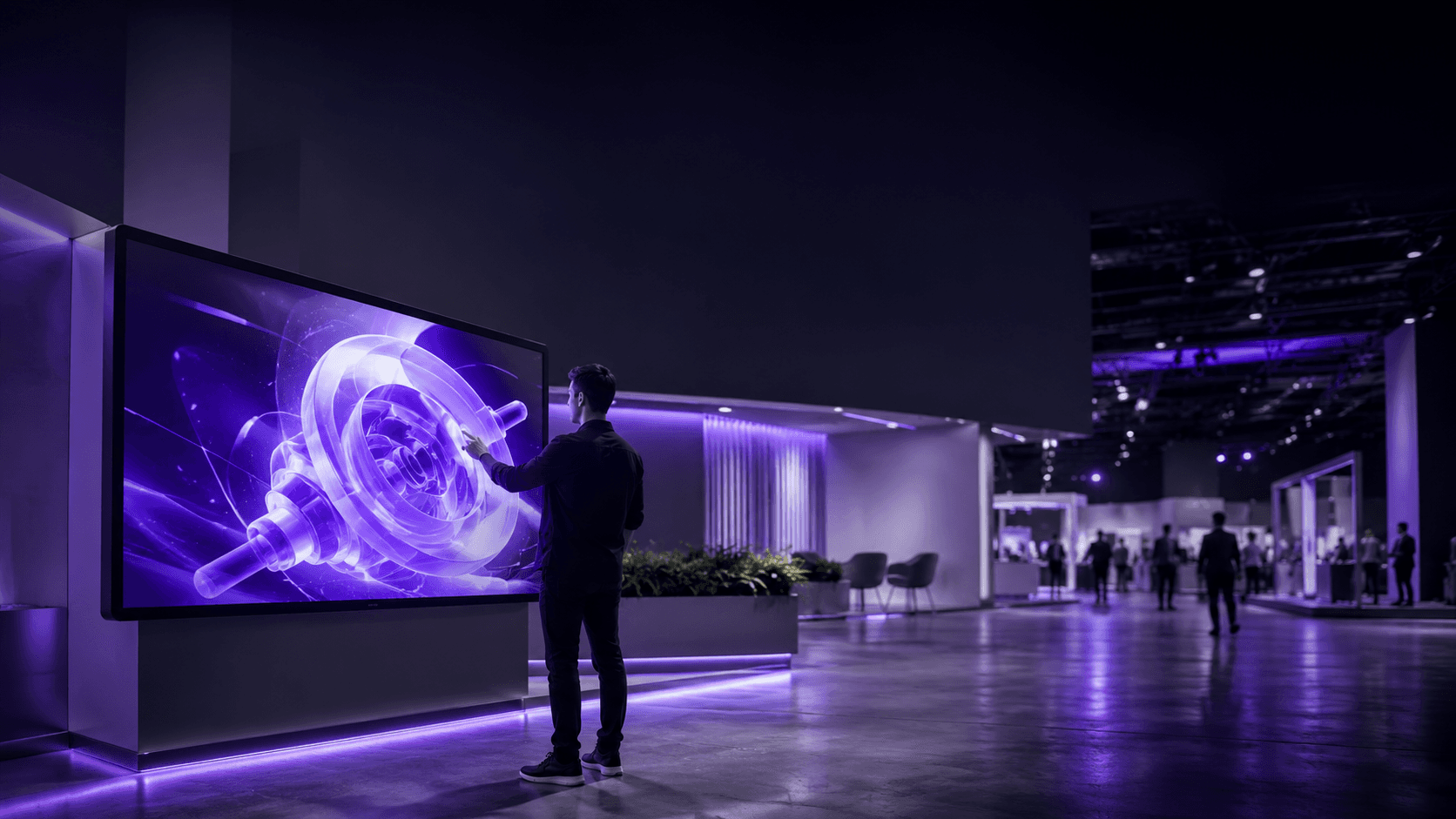
Pixel Streaming for Exhibitions & Events: A Practical Guide
Streams
Pixel Streaming for Exhibitions & Events: A Practical Guide
Streams
Pixel Streaming for Exhibitions & Events: A Practical Guide
Streams
Table of Contents
A booth on opening morning. Screens mounted, carpet down, the interactive 3D walkthrough your team spent three months building is loaded and waiting. Someone walks up, touches the screen, and it stutters. Freezes. Drops the connection completely.
I've watched a version of that happen more than once, and it almost never gets blamed on the right thing. Everyone assumes the machine choked. Usually it didn't. The internet did.
Here's a number that still gets me: at a tech show in Florida last summer, the early-bird price for a single wired 3 Mbps line ran close to $3,500. Three megabits. That's less than one clean HD stream needs, for the cost of a decent used car. And roughly two-thirds of event organizers say connectivity is the operational problem that keeps them up at night, according to the Event Industry Council.
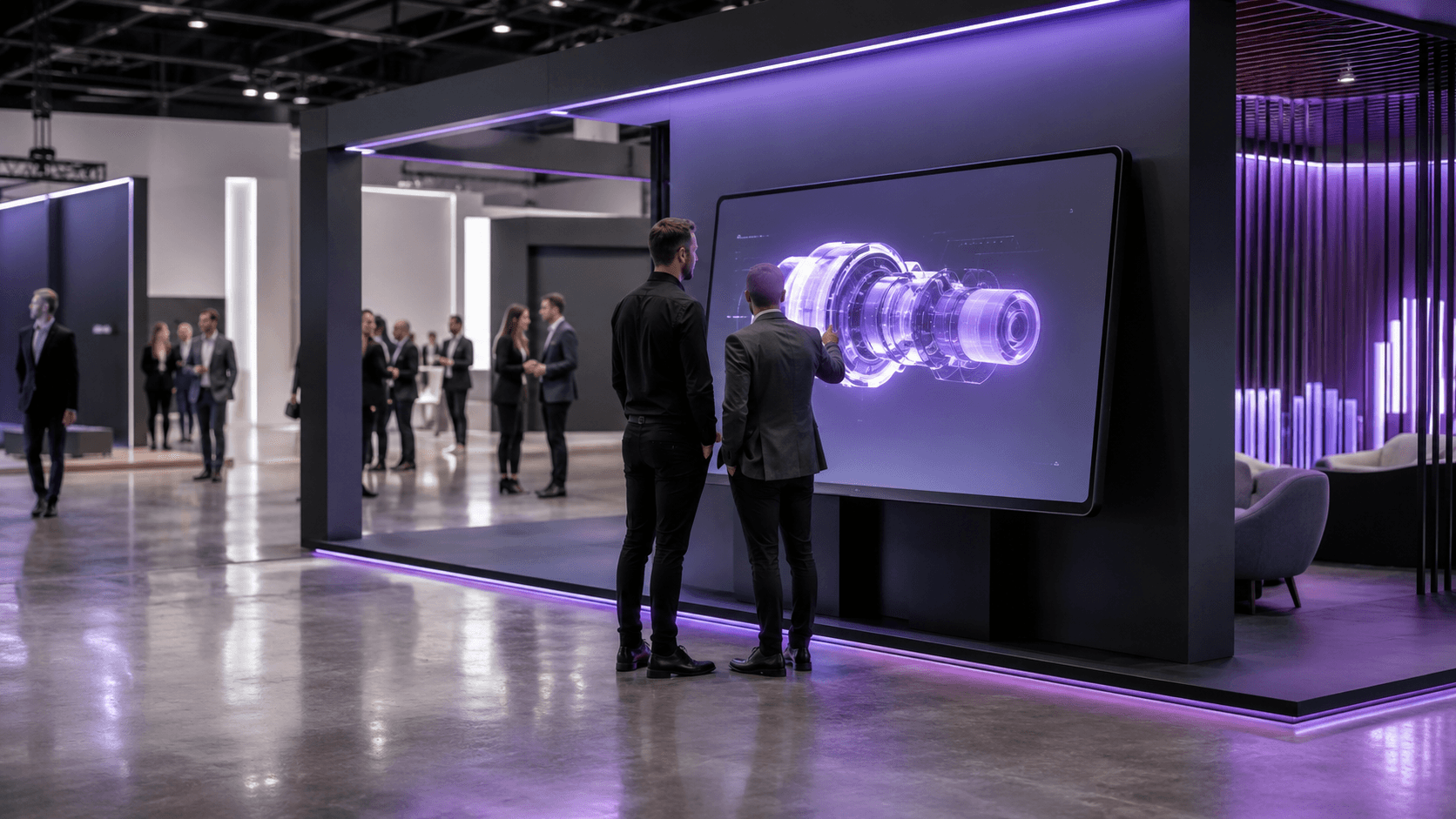
So why should you care if you build interactive 3D? Because the stuff people now expect on a show floor, the configurators, the walkthroughs, the real-time product demos, is heavier and hungrier than ever. Visitors want to touch it, spin it, break it apart. And the moment you commit to delivering that on a physical floor, you run straight into a question with no clean answer: where does all that rendering actually happen?
You've basically got two old ways to solve it. Both leave a mark. Streaming is the third, and it's better, but only if you go in knowing exactly where it bites.
Why a trade show booth needs more than a screen and a brochure
Walk a show floor today and count the static displays. The printed banners, the looping sizzle reel nobody's watching, the brochure stack that gets thinned out by people who just want something to fidget with on the train home. They're still there. They're also invisible. People glide right past them.
What stops someone now is the thing they can touch. A screen that responds. A product they can spin, recolor, take apart, drop into their own space. Museums figured this out years ago and never looked back, swapping placards for touch tables because a visitor who pokes at something stays three or four times longer than one who reads at it. The trade show floor is just catching up to the same truth, with higher stakes, because here the goal isn't a longer visit. It's a lead, a demo booked, a deal that starts moving.
And the experiences that pull that off keep getting heavier. We're past the era of a slick video. People want to configure the actual car, walk the actual building that hasn't been built yet, watch the machine run in cutaway. That's real-time 3D, the kind of thing that used to live only inside a designer's beefy workstation, now expected to run flawlessly on a screen a stranger is jabbing at with one finger.
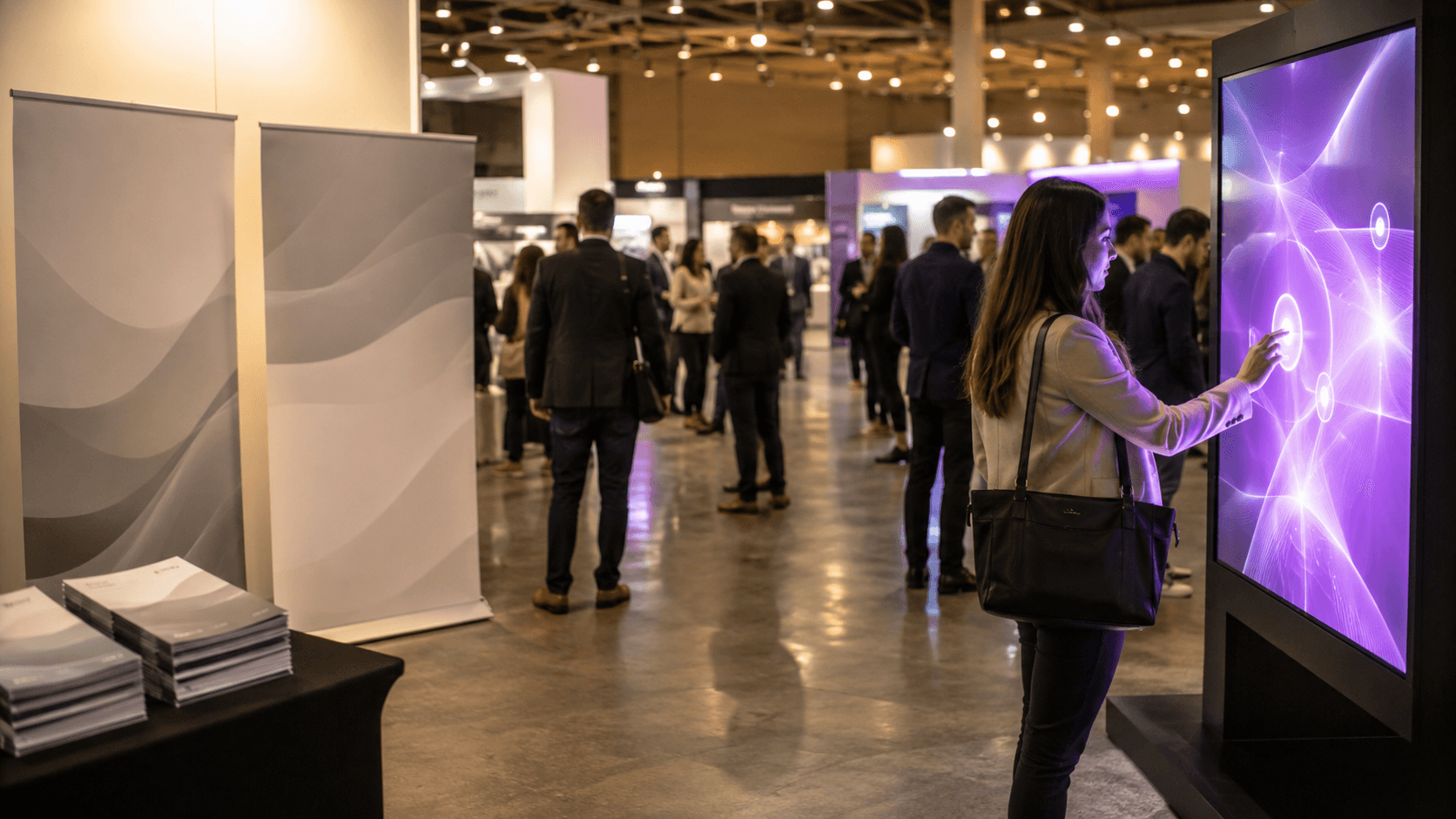
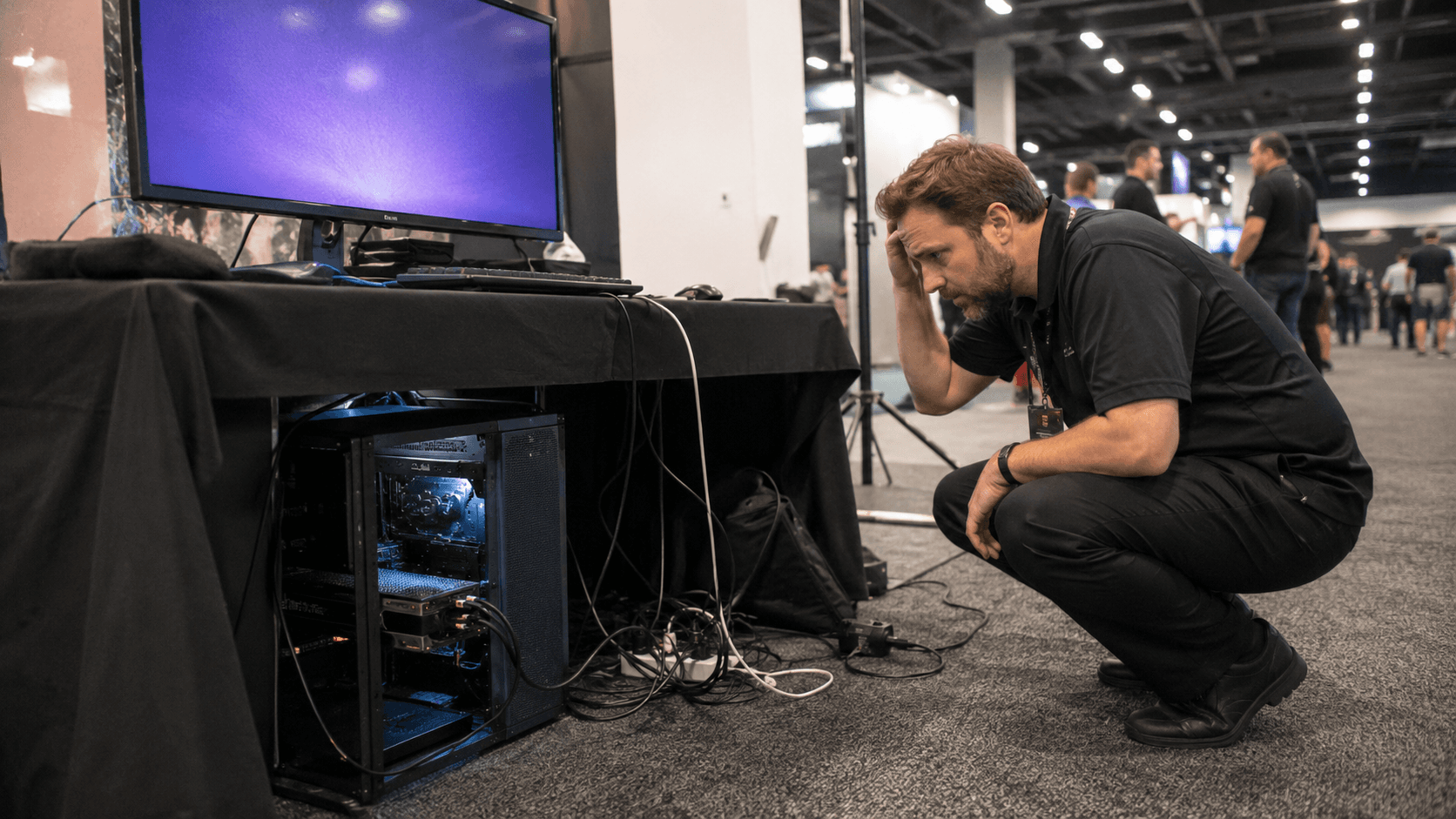
So here's what "seamless" really means on a floor, and it's a low bar that's weirdly hard to clear. It means someone walks up, touches the screen, and it just works. No loading wheel. No stutter. No staffer crouched behind the kiosk muttering at a tangle of cables. That's the whole game. Everything else we'll talk about is in service of clearing that one bar, every time, for eight hours straight, for three days running.
The hard part isn't building the experience. It's where you decide to run it.
The two old playbooks, and why both leave a mark
The first is to haul the hardware. Build your experience to run locally, then bring the machine that can run it. For real-time 3D that means a proper workstation, the kind with a GPU that costs more than the flight you took to the show. One screen, one tower humming under the table.
It works. Right up until it doesn't. You're now shipping a fragile, expensive box across the country and praying it survives the freight handlers. You're paying someone to set it up, babysit it, and troubleshoot it on the floor. And the part that really stings: it doesn't clone. Want the same demo running on five kiosks across the booth? That's five workstations to buy or rent, five to ship, five to configure, five that can each pick a different morning to die on you. I've seen a team show up to a corner booth with one machine because the second one didn't make it through baggage, and spend the whole show funneling a crowd through a single station. The line was long. The leads were not.
The second is to go lightweight. Build the whole thing to run in a browser with WebGL, or lean on WebAR so visitors scan a QR code and it launches on their own phone. No tower to ship, no machine to babysit, and it scales to however many phones walk in the door. On paper this is the dream.
In practice you pay for it in fidelity. A phone or a stripped-down web build can only render so much before it overheats, drains, or just looks flat next to what you actually designed. So you compromise. You strip the lighting, simplify the geometry, cut the thing that made people stop. You end up with something that's accessible to everyone and impressive to no one. Good enough, never wow. And on a floor where the booth next door is fighting for the same eyeballs, good enough loses.
So that's the trap. One path gives you the fidelity and crushes you on logistics and scale. The other scales beautifully and quietly guts the experience. For a long time those were the only two doors, and every team I know just picked the one whose pain they could stomach.
There's a third door now. It's the reason this whole post exists.
How pixel streaming actually lands on a show floor
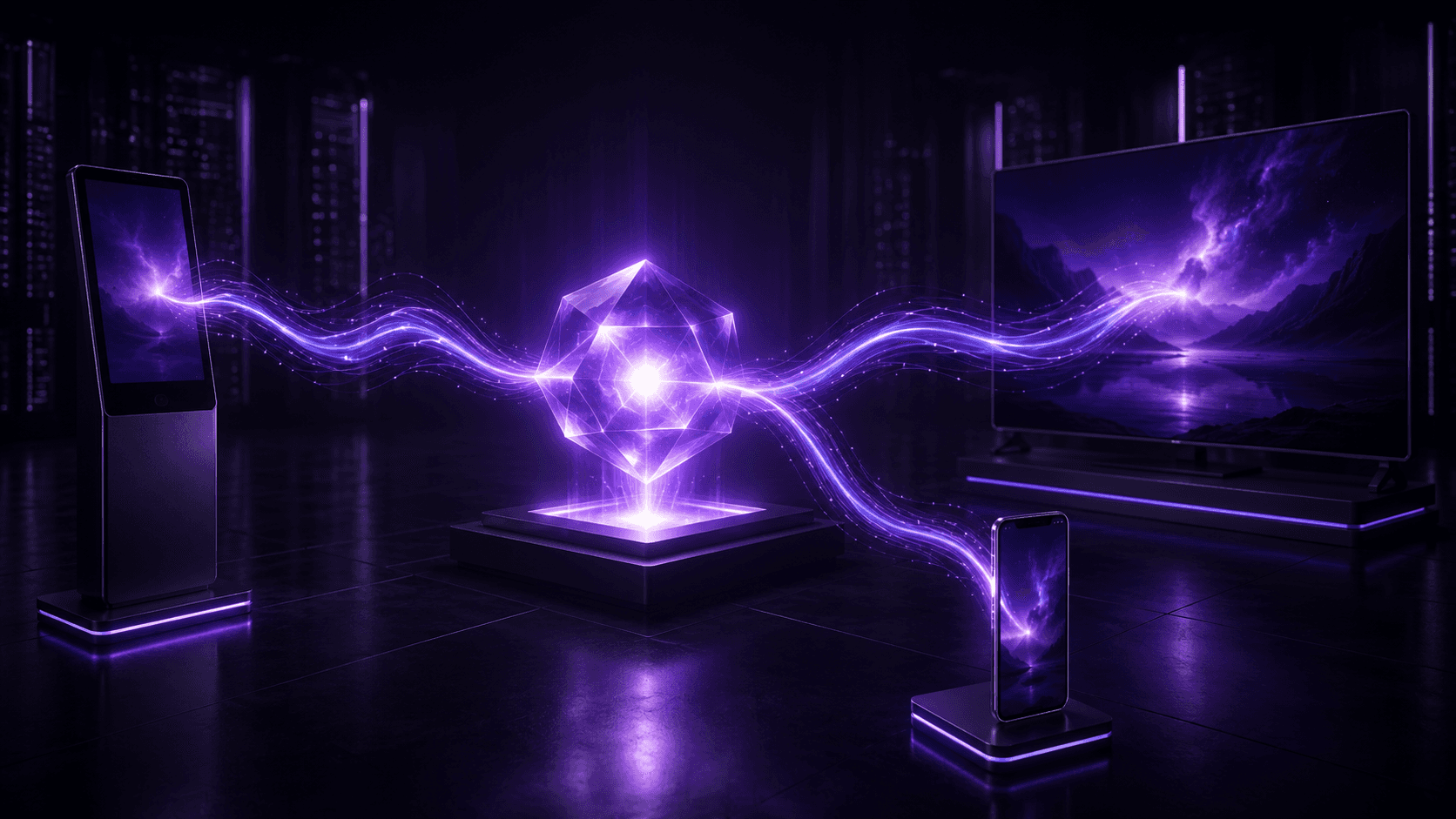
The idea is almost annoyingly simple once it clicks. You don't run the heavy 3D on anything at the booth. You run it on a powerful machine in the cloud, somewhere in a data center, and what travels to your screen is just the picture. The rendering happens far away. Pixels come back. Touches go out. That round trip is fast enough that, when it's set up right, the person standing at the screen can't tell the engine isn't in the box.
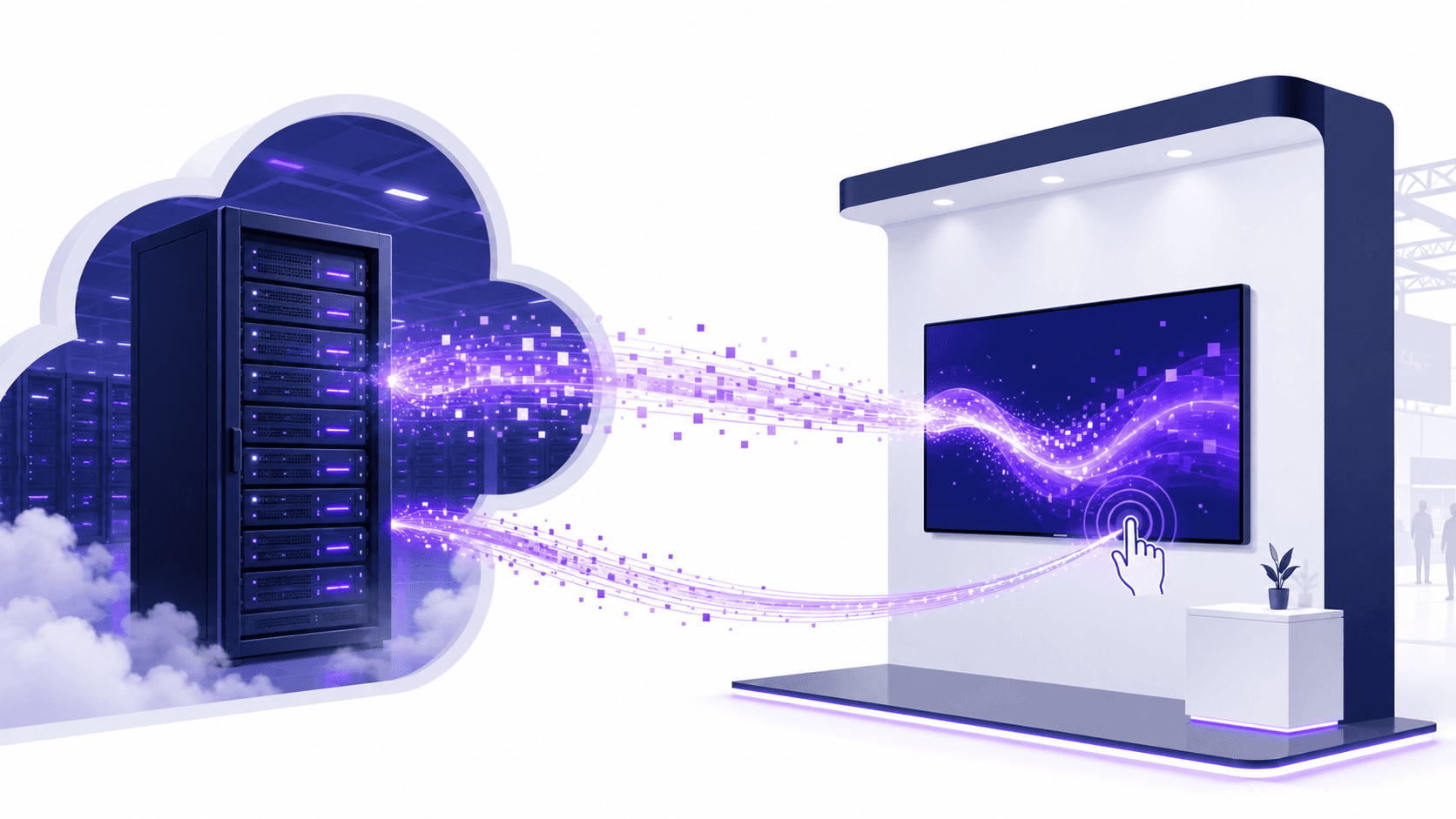
That one shift quietly fixes the logistics trap from a minute ago. Nothing heavy ships. The screen at the booth can be a cheap panel, a plain tablet, a thin little media stick taped behind a monitor. The expensive part, the GPU doing the actual work, never leaves the data center. It can't get dropped by freight. It can't pick a bad morning. And it doesn't get cloned in the painful sense, because you're not buying five workstations. You're pointing five screens at the same thing running in the cloud.
That's the part worth sitting with. One build, many screens. You make the experience once. Then the same thing feeds whatever you put it on, and on a floor that turns out to mean a few different shapes.
A touch kiosk is the obvious one. A panel people walk up to and drive themselves, configuring the product, spinning the model, no staffer required. A video wall is the other end of the scale, the big cinematic surface that pulls people in from across the hall, running the same high-fidelity build at a size that would melt a laptop. And then there's the one teams forget: the visitor's own phone. Hand them a QR code, they scan it, and the full experience opens in their browser, streamed, no app to install and no compromise on what it looks like, because their phone isn't doing the rendering. It's just showing the picture, same as the kiosk.
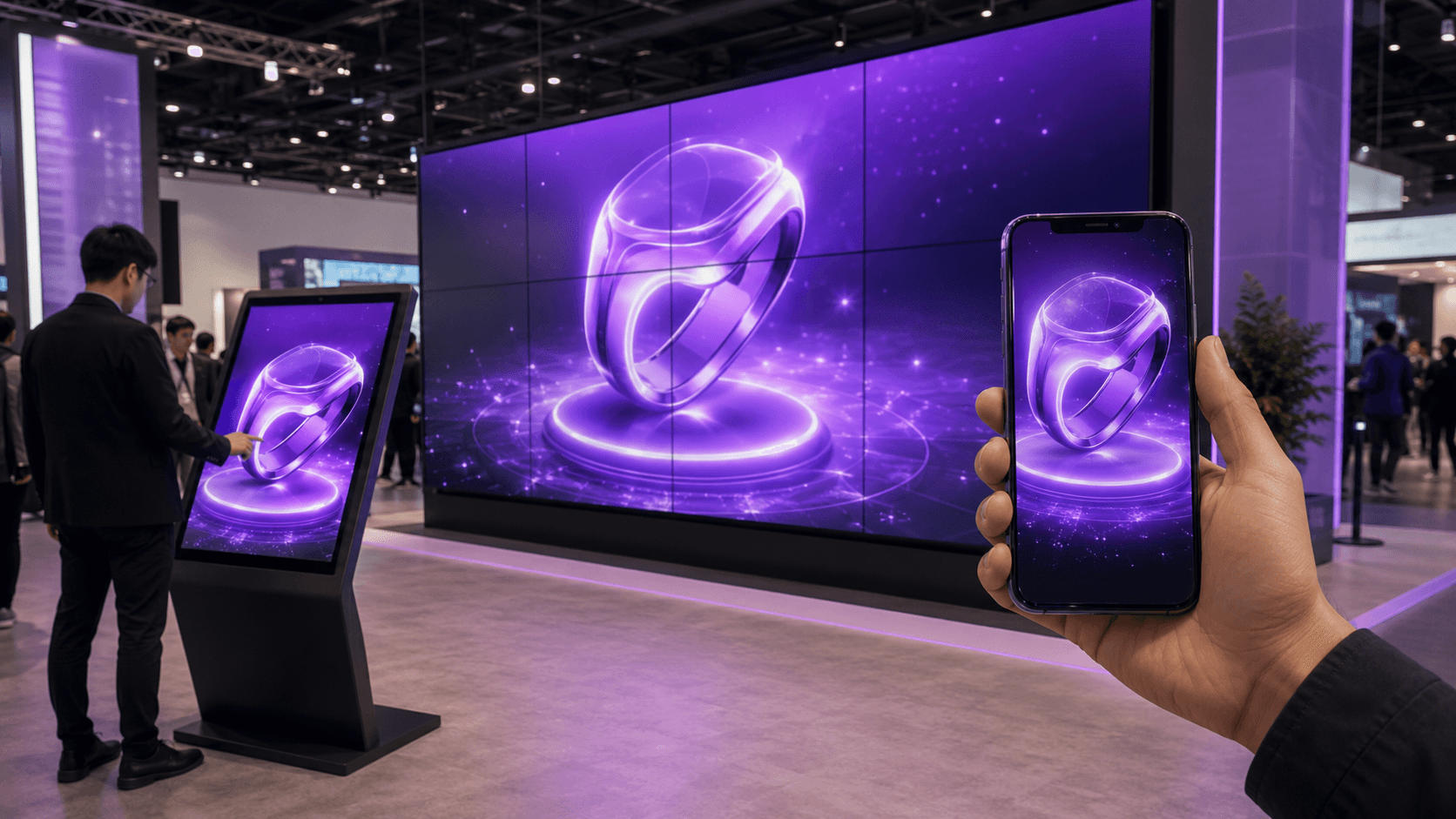
Notice what didn't happen there. You didn't strip the lighting for the phone build and ship the fancy one to the wall. It's one build. The phone gets the same thing the video wall gets, because neither of them is actually running it. That's the move the lightweight-web path could never pull off, and it's why streaming isn't just the workstation approach with better shipping. It's a different shape entirely.
Which is the point where I have to be honest with you, because everything I just described has one string attached, and it's a big one.
If you want the full mechanics of how pixel streaming works under the hood before going further, we broke it down here.
The part nobody puts on the brochure: your demo runs on the venue's WiFi now
Here's the string. The moment your experience lives in the cloud, it needs a way to phone home, and the way it phones home is whatever internet exists at your booth. Which, on a show floor, is often a disaster.
I'm not being dramatic. Convention centers are steel and concrete, the two things radio signals hate most. Your booth might sit in a corner, two hundred feet from the nearest access point, behind a structural column that eats the signal whole. Then add the crowd. Venue WiFi gets shared across every exhibitor and every attendee in the building, and the morning the doors open, thousands of devices pile onto it at once. The connection that tested fine during setup the night before falls over the second it actually matters. Mobile hotspots do the same trick. Flawless at 8am, useless at 10 when the hall fills up and the cellular towers choke.
That's why a wired drop from the venue costs what it costs, and it's worth understanding why that $3,500 number from the top of this post isn't a ripoff so much as a signal. They're charging that because reliable bandwidth at an event is genuinely scarce, and they know what it's worth to you when your whole demo depends on it.
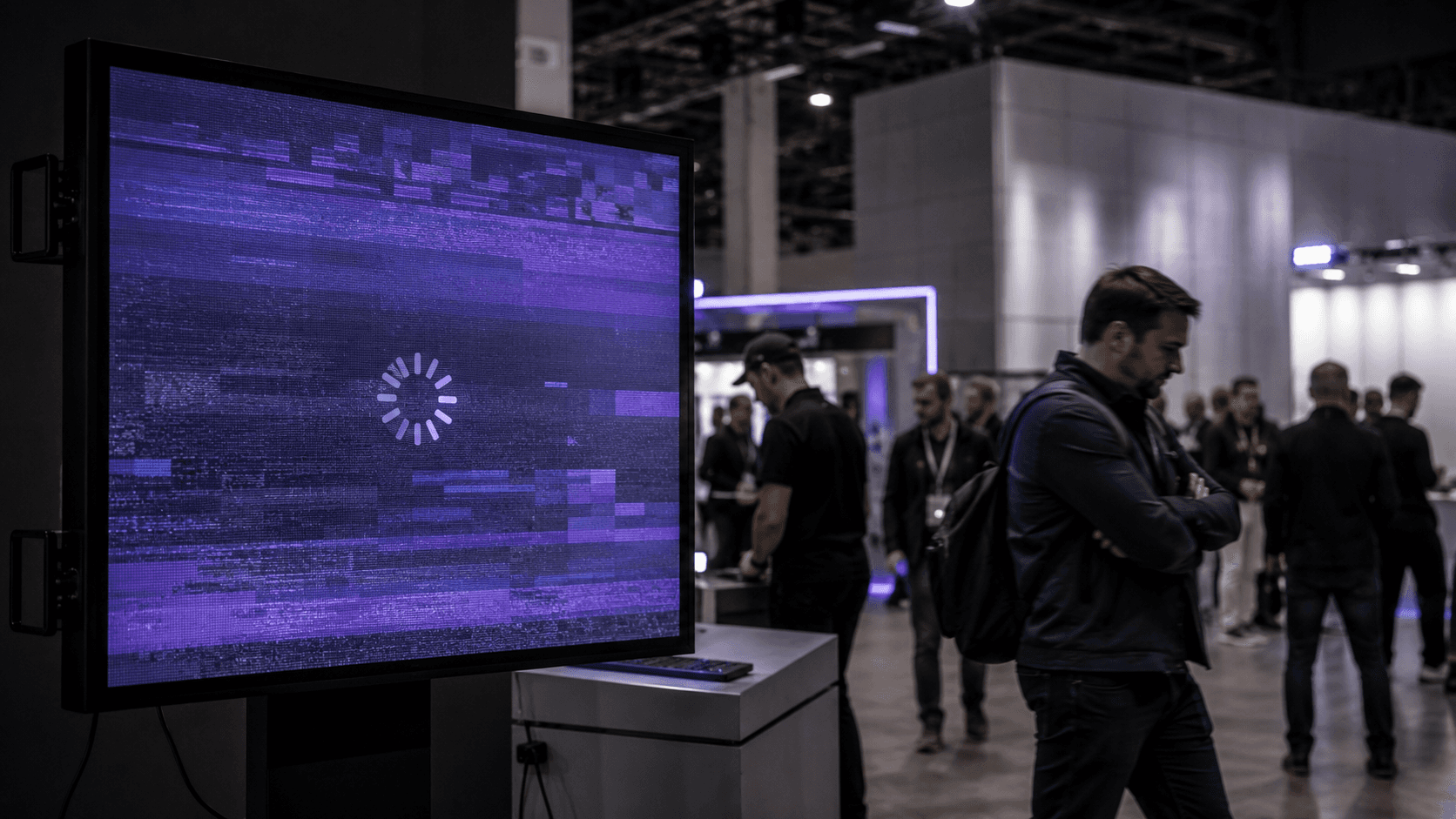
So you plan around it. You don't hope. A streamed experience needs real, steady upload and download, not a best-effort connection it shares with the espresso bar's tablet. A single clean stream wants a few megabits all to itself, and every extra screen stacks on top of that, so do the math before the show, not during it. Five kiosks is not one connection's job.
A few things that actually help, learned the hard way:
Pay for the wired line, and get it in writing. A dedicated wired drop is the closest thing to a guarantee you'll get on a floor. It's expensive and it's worth it when the alternative is a frozen screen in front of a prospect.
Treat cellular as backup, not the plan. Bonded cellular routers, the kind that fuse several connections into one, are a solid safety net. As your only line into a packed hall, they're a gamble.
Test at the booth, not at the office. Your demo ran perfectly on your studio's fiber. That tells you nothing. Walk the build the morning of the show, on the actual connection, standing where the actual screen will be.
Have a fallback that needs nothing. A pre-rendered video loop of the experience, sitting locally on the machine, ready to play the instant the connection dies. It's not the demo. It's the thing that saves you from a black screen while you sort the demo out.
None of this is meant to scare you off. It's the opposite. Streaming is the best answer we've got for heavy 3D on a floor, and the teams that get burned by it are almost always the ones who treated the network as somebody else's problem. The ones who plan the connection as carefully as they planned the booth design tend to walk away looking like wizards. Same technology. The only difference is whether they respected the one string attached.
Getting interactive 3D right before the doors open
Connectivity is the thing most likely to sink you, so it gets its own attention up above. But it's not the only thing, and the gap between a booth that hums and a booth that limps is usually a stack of small decisions made weeks ahead. Here's the field-notes version of what to lock down before anyone walks up.
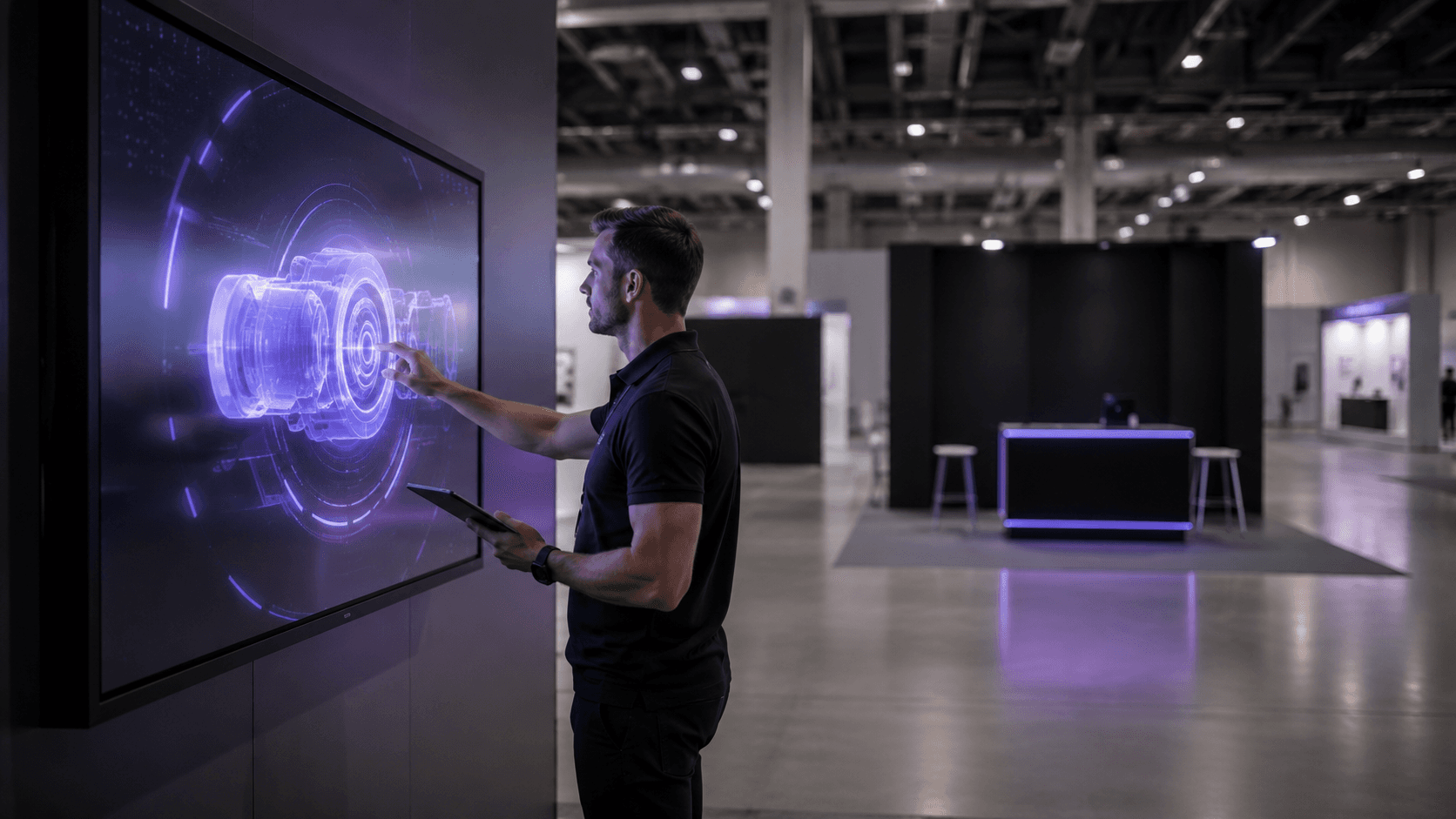
Decide your latency tolerance honestly. A configurator where someone taps and waits half a beat is fine. A fast, twitchy experience where lag feels like the thing is broken is not. Know which one you've built, and pick a cloud location close to the venue so the round trip stays short.
Match resolution to the screen, not your ego. A 4K stream looks gorgeous and eats bandwidth for breakfast. On a small kiosk panel, nobody can tell it apart from a clean 1080p that costs you half the data. Stream what the screen can actually show, then spend the savings on stability.
Count your concurrent stations before you commit. This is the one teams botch. Each screen running live is its own stream and its own slice of bandwidth and its own cloud session. Three kiosks and a video wall is four of everything. Size the connection and the plan for the peak, not the average.
Design for thirty seconds, then forty more. A show floor is not a sit-down demo. Most people give you a few seconds before they drift. The experience has to hook in one touch, reward the next one fast, and make leaving feel like missing out. Save the deep, slow, beautiful walkthrough for the people who lean in. Don't open with it.
Build the lead capture into the moment, not after it. The worst time to ask for an email is when someone's already turning to leave. Fold it into the experience while they're engaged. Let them send their custom configuration to themselves, scan to keep exploring on their phone, something that trades value for the contact instead of begging for it.
Walk it the morning of, on the real setup. Not a similar machine. Not last night. The actual screen, the actual connection, the actual spot on the floor, in the hour before doors. Tap through the whole thing once. Most show-floor disasters are things that would have been obvious in a five-minute walkthrough nobody did.
If I had to rank those by how often they get skipped, concurrent stations and the morning-of walkthrough win by a mile. Everyone plans the experience. Far fewer plan for four of them running at once in front of a crowd, on a network they tested while the hall was empty.
Get this part boring and predictable, and the experience gets to be the exciting thing. That's the trade you want.
If you'd rather see this in action than read about it, the Streams experiences gallery is full of the kind of interactive demos teams actually put on a floor.
Don't let it die at teardown
Think about what usually happens to a booth experience when the show ends. The screens come down, the machine ships back, and the thing your team poured months into goes dark. Whatever momentum it built on the floor just evaporates. The people who loved it can't show their boss. The people who missed it never get another shot.
That's a waste, and with streaming it's an avoidable one, because the experience was never tied to the room in the first place. It's running in the cloud. The booth was just one window into it. Take that window away and the thing is still there, still running, still ready for anyone you point at it.
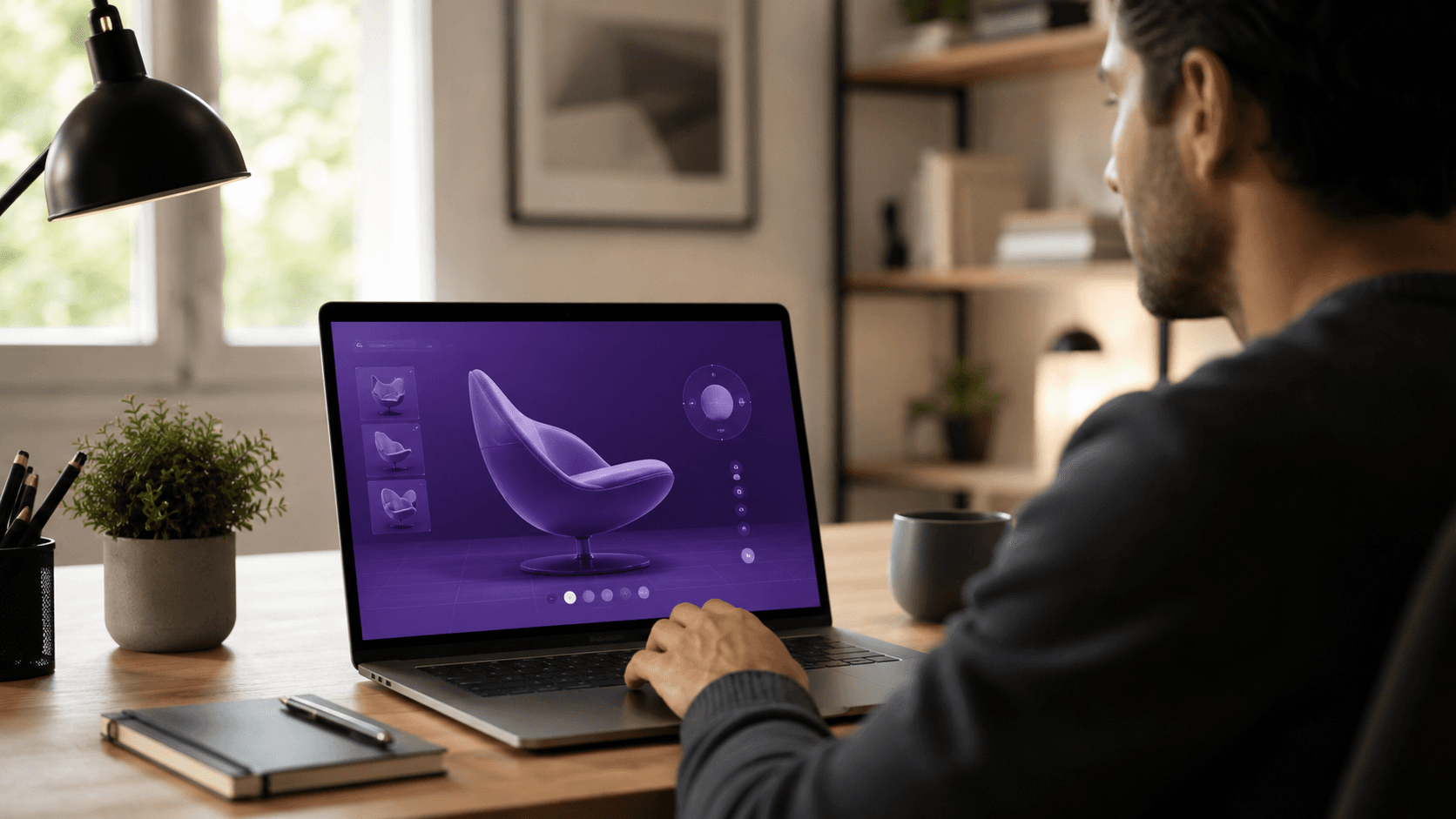
Which opens up the part that actually moves deals. The buyer who spent ten minutes at your kiosk and then flew home? Send them a link. Same experience, full fidelity, opening in their browser at their desk, no install, nothing to set up. They walk their colleagues through the exact thing that hooked them, except now they're doing your selling for you. The prospect who couldn't make the show at all gets the same link and the same experience, minus the plane ticket.
And your own team keeps it. The sales rep on a call three weeks later doesn't describe the product. They drop a link mid-conversation and let the person drive it, live, from wherever they are. The expensive, gorgeous thing you built for three days on a floor quietly becomes a tool you use all year.
That's the shift worth sitting with. A hauled-in workstation gives you an experience that exists where the machine is. A streamed one gives you an experience that exists wherever you send a link. The show floor stops being the whole point and becomes the launch.
So the real question isn't whether streaming can carry a heavy 3D experience on a show floor. We've covered that it can, with the network respected. The question is what you run it on. Because the difference between wrestling cloud infrastructure yourself and having it just work is enormous, and it's exactly where the right platform earns its keep.
Where Vagon Streams fits
Everything up to here is true no matter whose tool you use. Streaming beats hauling hardware, one build can feed every screen, the network is the thing to respect, and the experience should outlive the floor. The open question was always the same one: who actually runs the cloud part so you don't have to? This is where I'll talk about Vagon Streams, because it's built for exactly the situation this whole post describes.
Go back to the logistics trap. The reason hauling hardware hurts is that the expensive machine has to physically be there. Streams takes that machine off your plate entirely. You upload your build, and the GPU rendering happens on Vagon's cloud. The booth just needs a screen and a connection. Nothing to ship, nothing to babysit, nothing to die in transit.
Then the "one build, many screens" idea, which is where this gets practical. You're not configuring five kiosks. You point your screens at the same streamed experience, and Streams launches it on any of them with a single click, on basically any device that can open a browser. The cheap panel, the tablet, the video wall, the visitor's own phone after they scan a code. Same build, same fidelity, no stripped-down phone version and no fancy version fighting for the same shipping crate.
The concurrency worry from the checklist, the one teams botch, is the part a platform either solves or doesn't. A crowd hitting your booth means a lot of people driving the experience at once, each one its own live session. Streams is built to scale to many simultaneous users, so three kiosks and a wall and a stream of phones isn't four separate problems you're holding together with tape. It's the thing the platform is supposed to do.
If you want the full rundown of what the platform handles on your behalf, the features page lays it out.
And the teardown point lands here too. Because the experience lives on Vagon's cloud rather than in a box you shipped home, the link you hand a buyer after the show is the same experience they touched on the floor. The booth was one way in. The platform keeps the door open after the room is gone.
I'd still tell you to respect the network. No platform rewrites physics, and a frozen connection freezes everyone's stream the same. But the part that's genuinely hard, running heavy real-time 3D reliably, on any screen, for a crowd, without a server room under your table, is the part Streams is meant to carry. That's the trade. You handle the experience and the booth. Let the platform handle the machine.
If you're working in a tool like Blender, there's a live example of exactly that running streamed.
The booths that win
Here's the thing I keep coming back to after years of watching floors fill and empty. The booth that wins is almost never the one with the biggest screen or the cleverest gimmick. It's the one where someone walks up, touches the thing, and it just works. No wait. No stutter. No staffer apologizing. That's it. That's the whole edge, and it's harder to pull off than any amount of spectacle.
Spectacle is easy to buy. A massive LED wall, a flashy reel, a VR headset with a line in front of it. What's hard is reliability under a crowd, for three days, on a floor that's actively hostile to it. That's the part that separates the booths people remember from the ones they walk past, and it's almost entirely a function of choices made weeks before anyone shows up. What you run it on. How you feed it. Whether you tested it where it actually has to work.
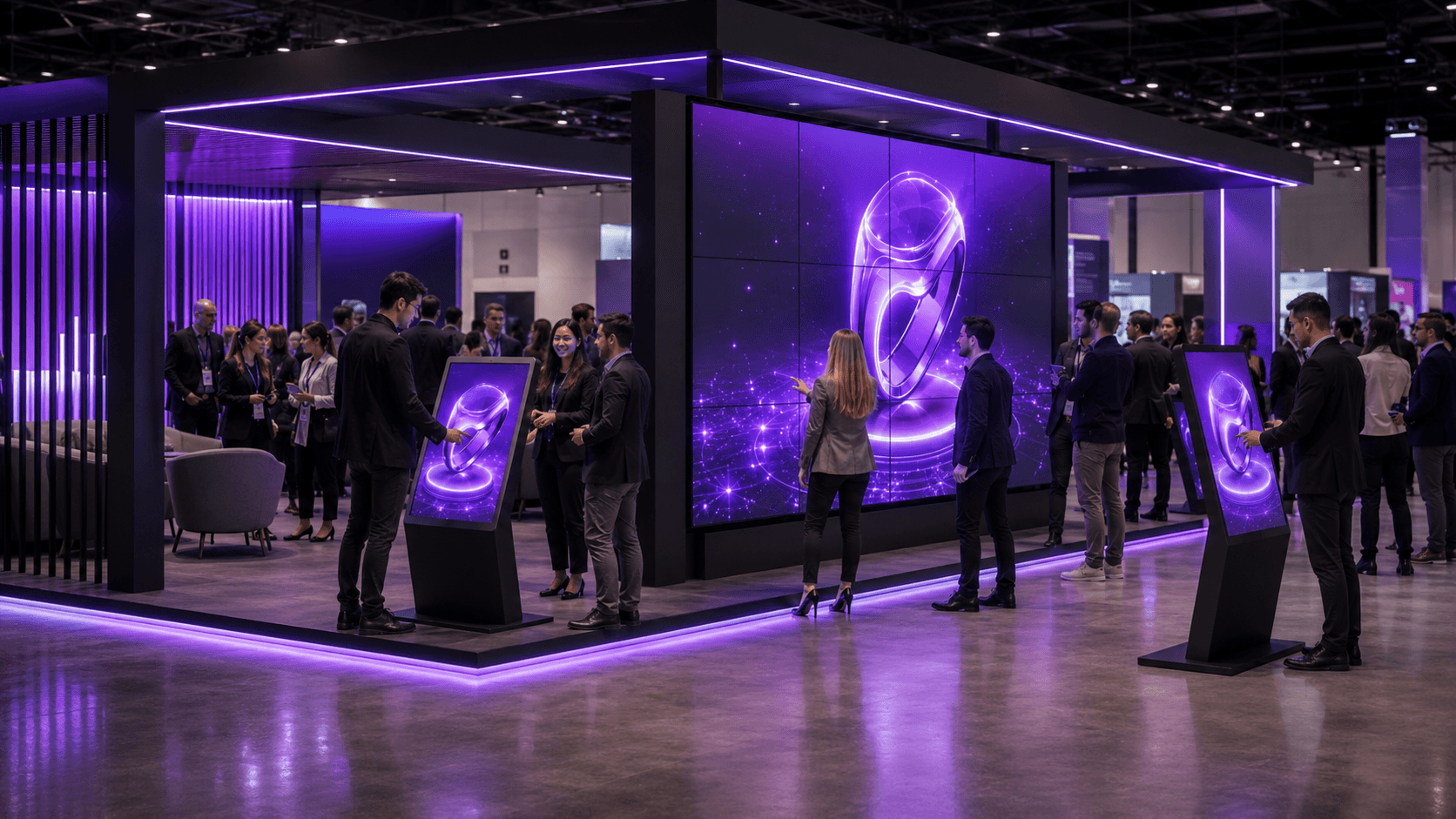
Streaming doesn't make those choices for you. But it changes what's possible once you make them well. It's the difference between an experience pinned to a fragile box in your booth and one that runs anywhere you point it, scales to whoever shows up, and keeps working long after the carpet's rolled up. The heavy, beautiful, interactive thing your team built stops being a thing that exists for three days in one room. It becomes something you can put in front of anyone, anywhere, for as long as it's useful.
So build the ambitious experience. Don't strip it down out of fear it won't run. Just be the team that planned the boring parts, the network and the screens and the morning-of walkthrough, as carefully as the exciting one. Get the foundation right and let the experience be the thing people talk about on the flight home.
That's how you win a floor. Not by being the loudest booth in the hall. By being the one that simply worked.
If you're trying to size what a multi-screen booth actually costs to run, the pricing breaks down how it scales.
FAQs
1. How much internet do I actually need at the booth?
More than you think, and all to yourself. A single clean stream wants a few megabits of steady, dedicated bandwidth, and every extra screen stacks on top of that. The mistake is sharing a best-effort connection across kiosks, lead scanners, and the espresso tablet. Size your line for the peak number of screens running live at once, then add headroom.
2. What happens if the venue connection drops mid-show?
Every live stream drops with it, same as any cloud-dependent setup. That's why the fallback matters: keep a pre-rendered video loop of the experience sitting locally on the machine, ready to play the second the connection dies. It's not the demo, but it saves you from a black screen in front of a prospect while you sort the network out.
3. Can several kiosks run the same experience at the same time?
Yes, and this is where streaming pulls ahead of hauling hardware. You're not configuring five separate workstations, you're pointing five screens at the same experience running in the cloud. With a platform built to scale to many simultaneous users, a crowd hitting multiple kiosks and a video wall at once is the expected case, not a problem you're holding together with tape.
4. Will visitors notice lag?
Depends on what you built and how you set it up. A configurator where someone taps and waits half a beat feels fine. A fast, twitchy experience is less forgiving. Picking a cloud location close to the venue keeps the round trip short, and for most booth experiences, set up well, the person at the screen can't tell the engine isn't in the box.
5. Do people need to download an app to use it on their phones?
No. Hand them a QR code, they scan it, and the experience opens in their browser, streamed. Their phone isn't doing the rendering, so there's no app, no install, and no stripped-down mobile version. They see the same thing the kiosk shows.
6. When does hauling a workstation still make more sense than streaming?
When you have no reliable way to get internet to the booth at all, and no budget to fix that. If the venue connection is hopeless and a wired drop isn't an option, a local machine sidesteps the network entirely. You pay for it in shipping, setup, fragility, and the inability to scale or reuse, but for a single screen in a connectivity dead zone, it's sometimes the honest choice.
7. Can I keep using the experience after the show ends?
That's one of the bigger wins. Because the experience runs in the cloud rather than on a box you ship home, the same thing you ran at the booth becomes a link you send to buyers who visited, prospects who couldn't make it, or your own sales team on a call months later. The floor becomes the launch, not the finish line.
A booth on opening morning. Screens mounted, carpet down, the interactive 3D walkthrough your team spent three months building is loaded and waiting. Someone walks up, touches the screen, and it stutters. Freezes. Drops the connection completely.
I've watched a version of that happen more than once, and it almost never gets blamed on the right thing. Everyone assumes the machine choked. Usually it didn't. The internet did.
Here's a number that still gets me: at a tech show in Florida last summer, the early-bird price for a single wired 3 Mbps line ran close to $3,500. Three megabits. That's less than one clean HD stream needs, for the cost of a decent used car. And roughly two-thirds of event organizers say connectivity is the operational problem that keeps them up at night, according to the Event Industry Council.
So why should you care if you build interactive 3D? Because the stuff people now expect on a show floor, the configurators, the walkthroughs, the real-time product demos, is heavier and hungrier than ever. Visitors want to touch it, spin it, break it apart. And the moment you commit to delivering that on a physical floor, you run straight into a question with no clean answer: where does all that rendering actually happen?
You've basically got two old ways to solve it. Both leave a mark. Streaming is the third, and it's better, but only if you go in knowing exactly where it bites.
Why a trade show booth needs more than a screen and a brochure
Walk a show floor today and count the static displays. The printed banners, the looping sizzle reel nobody's watching, the brochure stack that gets thinned out by people who just want something to fidget with on the train home. They're still there. They're also invisible. People glide right past them.
What stops someone now is the thing they can touch. A screen that responds. A product they can spin, recolor, take apart, drop into their own space. Museums figured this out years ago and never looked back, swapping placards for touch tables because a visitor who pokes at something stays three or four times longer than one who reads at it. The trade show floor is just catching up to the same truth, with higher stakes, because here the goal isn't a longer visit. It's a lead, a demo booked, a deal that starts moving.
And the experiences that pull that off keep getting heavier. We're past the era of a slick video. People want to configure the actual car, walk the actual building that hasn't been built yet, watch the machine run in cutaway. That's real-time 3D, the kind of thing that used to live only inside a designer's beefy workstation, now expected to run flawlessly on a screen a stranger is jabbing at with one finger.
So here's what "seamless" really means on a floor, and it's a low bar that's weirdly hard to clear. It means someone walks up, touches the screen, and it just works. No loading wheel. No stutter. No staffer crouched behind the kiosk muttering at a tangle of cables. That's the whole game. Everything else we'll talk about is in service of clearing that one bar, every time, for eight hours straight, for three days running.
The hard part isn't building the experience. It's where you decide to run it.
The two old playbooks, and why both leave a mark
The first is to haul the hardware. Build your experience to run locally, then bring the machine that can run it. For real-time 3D that means a proper workstation, the kind with a GPU that costs more than the flight you took to the show. One screen, one tower humming under the table.
It works. Right up until it doesn't. You're now shipping a fragile, expensive box across the country and praying it survives the freight handlers. You're paying someone to set it up, babysit it, and troubleshoot it on the floor. And the part that really stings: it doesn't clone. Want the same demo running on five kiosks across the booth? That's five workstations to buy or rent, five to ship, five to configure, five that can each pick a different morning to die on you. I've seen a team show up to a corner booth with one machine because the second one didn't make it through baggage, and spend the whole show funneling a crowd through a single station. The line was long. The leads were not.
The second is to go lightweight. Build the whole thing to run in a browser with WebGL, or lean on WebAR so visitors scan a QR code and it launches on their own phone. No tower to ship, no machine to babysit, and it scales to however many phones walk in the door. On paper this is the dream.
In practice you pay for it in fidelity. A phone or a stripped-down web build can only render so much before it overheats, drains, or just looks flat next to what you actually designed. So you compromise. You strip the lighting, simplify the geometry, cut the thing that made people stop. You end up with something that's accessible to everyone and impressive to no one. Good enough, never wow. And on a floor where the booth next door is fighting for the same eyeballs, good enough loses.
So that's the trap. One path gives you the fidelity and crushes you on logistics and scale. The other scales beautifully and quietly guts the experience. For a long time those were the only two doors, and every team I know just picked the one whose pain they could stomach.
There's a third door now. It's the reason this whole post exists.
How pixel streaming actually lands on a show floor
The idea is almost annoyingly simple once it clicks. You don't run the heavy 3D on anything at the booth. You run it on a powerful machine in the cloud, somewhere in a data center, and what travels to your screen is just the picture. The rendering happens far away. Pixels come back. Touches go out. That round trip is fast enough that, when it's set up right, the person standing at the screen can't tell the engine isn't in the box.
That one shift quietly fixes the logistics trap from a minute ago. Nothing heavy ships. The screen at the booth can be a cheap panel, a plain tablet, a thin little media stick taped behind a monitor. The expensive part, the GPU doing the actual work, never leaves the data center. It can't get dropped by freight. It can't pick a bad morning. And it doesn't get cloned in the painful sense, because you're not buying five workstations. You're pointing five screens at the same thing running in the cloud.
That's the part worth sitting with. One build, many screens. You make the experience once. Then the same thing feeds whatever you put it on, and on a floor that turns out to mean a few different shapes.
A touch kiosk is the obvious one. A panel people walk up to and drive themselves, configuring the product, spinning the model, no staffer required. A video wall is the other end of the scale, the big cinematic surface that pulls people in from across the hall, running the same high-fidelity build at a size that would melt a laptop. And then there's the one teams forget: the visitor's own phone. Hand them a QR code, they scan it, and the full experience opens in their browser, streamed, no app to install and no compromise on what it looks like, because their phone isn't doing the rendering. It's just showing the picture, same as the kiosk.
Notice what didn't happen there. You didn't strip the lighting for the phone build and ship the fancy one to the wall. It's one build. The phone gets the same thing the video wall gets, because neither of them is actually running it. That's the move the lightweight-web path could never pull off, and it's why streaming isn't just the workstation approach with better shipping. It's a different shape entirely.
Which is the point where I have to be honest with you, because everything I just described has one string attached, and it's a big one.
If you want the full mechanics of how pixel streaming works under the hood before going further, we broke it down here.
The part nobody puts on the brochure: your demo runs on the venue's WiFi now
Here's the string. The moment your experience lives in the cloud, it needs a way to phone home, and the way it phones home is whatever internet exists at your booth. Which, on a show floor, is often a disaster.
I'm not being dramatic. Convention centers are steel and concrete, the two things radio signals hate most. Your booth might sit in a corner, two hundred feet from the nearest access point, behind a structural column that eats the signal whole. Then add the crowd. Venue WiFi gets shared across every exhibitor and every attendee in the building, and the morning the doors open, thousands of devices pile onto it at once. The connection that tested fine during setup the night before falls over the second it actually matters. Mobile hotspots do the same trick. Flawless at 8am, useless at 10 when the hall fills up and the cellular towers choke.
That's why a wired drop from the venue costs what it costs, and it's worth understanding why that $3,500 number from the top of this post isn't a ripoff so much as a signal. They're charging that because reliable bandwidth at an event is genuinely scarce, and they know what it's worth to you when your whole demo depends on it.
So you plan around it. You don't hope. A streamed experience needs real, steady upload and download, not a best-effort connection it shares with the espresso bar's tablet. A single clean stream wants a few megabits all to itself, and every extra screen stacks on top of that, so do the math before the show, not during it. Five kiosks is not one connection's job.
A few things that actually help, learned the hard way:
Pay for the wired line, and get it in writing. A dedicated wired drop is the closest thing to a guarantee you'll get on a floor. It's expensive and it's worth it when the alternative is a frozen screen in front of a prospect.
Treat cellular as backup, not the plan. Bonded cellular routers, the kind that fuse several connections into one, are a solid safety net. As your only line into a packed hall, they're a gamble.
Test at the booth, not at the office. Your demo ran perfectly on your studio's fiber. That tells you nothing. Walk the build the morning of the show, on the actual connection, standing where the actual screen will be.
Have a fallback that needs nothing. A pre-rendered video loop of the experience, sitting locally on the machine, ready to play the instant the connection dies. It's not the demo. It's the thing that saves you from a black screen while you sort the demo out.
None of this is meant to scare you off. It's the opposite. Streaming is the best answer we've got for heavy 3D on a floor, and the teams that get burned by it are almost always the ones who treated the network as somebody else's problem. The ones who plan the connection as carefully as they planned the booth design tend to walk away looking like wizards. Same technology. The only difference is whether they respected the one string attached.
Getting interactive 3D right before the doors open
Connectivity is the thing most likely to sink you, so it gets its own attention up above. But it's not the only thing, and the gap between a booth that hums and a booth that limps is usually a stack of small decisions made weeks ahead. Here's the field-notes version of what to lock down before anyone walks up.
Decide your latency tolerance honestly. A configurator where someone taps and waits half a beat is fine. A fast, twitchy experience where lag feels like the thing is broken is not. Know which one you've built, and pick a cloud location close to the venue so the round trip stays short.
Match resolution to the screen, not your ego. A 4K stream looks gorgeous and eats bandwidth for breakfast. On a small kiosk panel, nobody can tell it apart from a clean 1080p that costs you half the data. Stream what the screen can actually show, then spend the savings on stability.
Count your concurrent stations before you commit. This is the one teams botch. Each screen running live is its own stream and its own slice of bandwidth and its own cloud session. Three kiosks and a video wall is four of everything. Size the connection and the plan for the peak, not the average.
Design for thirty seconds, then forty more. A show floor is not a sit-down demo. Most people give you a few seconds before they drift. The experience has to hook in one touch, reward the next one fast, and make leaving feel like missing out. Save the deep, slow, beautiful walkthrough for the people who lean in. Don't open with it.
Build the lead capture into the moment, not after it. The worst time to ask for an email is when someone's already turning to leave. Fold it into the experience while they're engaged. Let them send their custom configuration to themselves, scan to keep exploring on their phone, something that trades value for the contact instead of begging for it.
Walk it the morning of, on the real setup. Not a similar machine. Not last night. The actual screen, the actual connection, the actual spot on the floor, in the hour before doors. Tap through the whole thing once. Most show-floor disasters are things that would have been obvious in a five-minute walkthrough nobody did.
If I had to rank those by how often they get skipped, concurrent stations and the morning-of walkthrough win by a mile. Everyone plans the experience. Far fewer plan for four of them running at once in front of a crowd, on a network they tested while the hall was empty.
Get this part boring and predictable, and the experience gets to be the exciting thing. That's the trade you want.
If you'd rather see this in action than read about it, the Streams experiences gallery is full of the kind of interactive demos teams actually put on a floor.
Don't let it die at teardown
Think about what usually happens to a booth experience when the show ends. The screens come down, the machine ships back, and the thing your team poured months into goes dark. Whatever momentum it built on the floor just evaporates. The people who loved it can't show their boss. The people who missed it never get another shot.
That's a waste, and with streaming it's an avoidable one, because the experience was never tied to the room in the first place. It's running in the cloud. The booth was just one window into it. Take that window away and the thing is still there, still running, still ready for anyone you point at it.
Which opens up the part that actually moves deals. The buyer who spent ten minutes at your kiosk and then flew home? Send them a link. Same experience, full fidelity, opening in their browser at their desk, no install, nothing to set up. They walk their colleagues through the exact thing that hooked them, except now they're doing your selling for you. The prospect who couldn't make the show at all gets the same link and the same experience, minus the plane ticket.
And your own team keeps it. The sales rep on a call three weeks later doesn't describe the product. They drop a link mid-conversation and let the person drive it, live, from wherever they are. The expensive, gorgeous thing you built for three days on a floor quietly becomes a tool you use all year.
That's the shift worth sitting with. A hauled-in workstation gives you an experience that exists where the machine is. A streamed one gives you an experience that exists wherever you send a link. The show floor stops being the whole point and becomes the launch.
So the real question isn't whether streaming can carry a heavy 3D experience on a show floor. We've covered that it can, with the network respected. The question is what you run it on. Because the difference between wrestling cloud infrastructure yourself and having it just work is enormous, and it's exactly where the right platform earns its keep.
Where Vagon Streams fits
Everything up to here is true no matter whose tool you use. Streaming beats hauling hardware, one build can feed every screen, the network is the thing to respect, and the experience should outlive the floor. The open question was always the same one: who actually runs the cloud part so you don't have to? This is where I'll talk about Vagon Streams, because it's built for exactly the situation this whole post describes.
Go back to the logistics trap. The reason hauling hardware hurts is that the expensive machine has to physically be there. Streams takes that machine off your plate entirely. You upload your build, and the GPU rendering happens on Vagon's cloud. The booth just needs a screen and a connection. Nothing to ship, nothing to babysit, nothing to die in transit.
Then the "one build, many screens" idea, which is where this gets practical. You're not configuring five kiosks. You point your screens at the same streamed experience, and Streams launches it on any of them with a single click, on basically any device that can open a browser. The cheap panel, the tablet, the video wall, the visitor's own phone after they scan a code. Same build, same fidelity, no stripped-down phone version and no fancy version fighting for the same shipping crate.
The concurrency worry from the checklist, the one teams botch, is the part a platform either solves or doesn't. A crowd hitting your booth means a lot of people driving the experience at once, each one its own live session. Streams is built to scale to many simultaneous users, so three kiosks and a wall and a stream of phones isn't four separate problems you're holding together with tape. It's the thing the platform is supposed to do.
If you want the full rundown of what the platform handles on your behalf, the features page lays it out.
And the teardown point lands here too. Because the experience lives on Vagon's cloud rather than in a box you shipped home, the link you hand a buyer after the show is the same experience they touched on the floor. The booth was one way in. The platform keeps the door open after the room is gone.
I'd still tell you to respect the network. No platform rewrites physics, and a frozen connection freezes everyone's stream the same. But the part that's genuinely hard, running heavy real-time 3D reliably, on any screen, for a crowd, without a server room under your table, is the part Streams is meant to carry. That's the trade. You handle the experience and the booth. Let the platform handle the machine.
If you're working in a tool like Blender, there's a live example of exactly that running streamed.
The booths that win
Here's the thing I keep coming back to after years of watching floors fill and empty. The booth that wins is almost never the one with the biggest screen or the cleverest gimmick. It's the one where someone walks up, touches the thing, and it just works. No wait. No stutter. No staffer apologizing. That's it. That's the whole edge, and it's harder to pull off than any amount of spectacle.
Spectacle is easy to buy. A massive LED wall, a flashy reel, a VR headset with a line in front of it. What's hard is reliability under a crowd, for three days, on a floor that's actively hostile to it. That's the part that separates the booths people remember from the ones they walk past, and it's almost entirely a function of choices made weeks before anyone shows up. What you run it on. How you feed it. Whether you tested it where it actually has to work.
Streaming doesn't make those choices for you. But it changes what's possible once you make them well. It's the difference between an experience pinned to a fragile box in your booth and one that runs anywhere you point it, scales to whoever shows up, and keeps working long after the carpet's rolled up. The heavy, beautiful, interactive thing your team built stops being a thing that exists for three days in one room. It becomes something you can put in front of anyone, anywhere, for as long as it's useful.
So build the ambitious experience. Don't strip it down out of fear it won't run. Just be the team that planned the boring parts, the network and the screens and the morning-of walkthrough, as carefully as the exciting one. Get the foundation right and let the experience be the thing people talk about on the flight home.
That's how you win a floor. Not by being the loudest booth in the hall. By being the one that simply worked.
If you're trying to size what a multi-screen booth actually costs to run, the pricing breaks down how it scales.
FAQs
1. How much internet do I actually need at the booth?
More than you think, and all to yourself. A single clean stream wants a few megabits of steady, dedicated bandwidth, and every extra screen stacks on top of that. The mistake is sharing a best-effort connection across kiosks, lead scanners, and the espresso tablet. Size your line for the peak number of screens running live at once, then add headroom.
2. What happens if the venue connection drops mid-show?
Every live stream drops with it, same as any cloud-dependent setup. That's why the fallback matters: keep a pre-rendered video loop of the experience sitting locally on the machine, ready to play the second the connection dies. It's not the demo, but it saves you from a black screen in front of a prospect while you sort the network out.
3. Can several kiosks run the same experience at the same time?
Yes, and this is where streaming pulls ahead of hauling hardware. You're not configuring five separate workstations, you're pointing five screens at the same experience running in the cloud. With a platform built to scale to many simultaneous users, a crowd hitting multiple kiosks and a video wall at once is the expected case, not a problem you're holding together with tape.
4. Will visitors notice lag?
Depends on what you built and how you set it up. A configurator where someone taps and waits half a beat feels fine. A fast, twitchy experience is less forgiving. Picking a cloud location close to the venue keeps the round trip short, and for most booth experiences, set up well, the person at the screen can't tell the engine isn't in the box.
5. Do people need to download an app to use it on their phones?
No. Hand them a QR code, they scan it, and the experience opens in their browser, streamed. Their phone isn't doing the rendering, so there's no app, no install, and no stripped-down mobile version. They see the same thing the kiosk shows.
6. When does hauling a workstation still make more sense than streaming?
When you have no reliable way to get internet to the booth at all, and no budget to fix that. If the venue connection is hopeless and a wired drop isn't an option, a local machine sidesteps the network entirely. You pay for it in shipping, setup, fragility, and the inability to scale or reuse, but for a single screen in a connectivity dead zone, it's sometimes the honest choice.
7. Can I keep using the experience after the show ends?
That's one of the bigger wins. Because the experience runs in the cloud rather than on a box you ship home, the same thing you ran at the booth becomes a link you send to buyers who visited, prospects who couldn't make it, or your own sales team on a call months later. The floor becomes the launch, not the finish line.
Scalable Pixel and Application Streaming
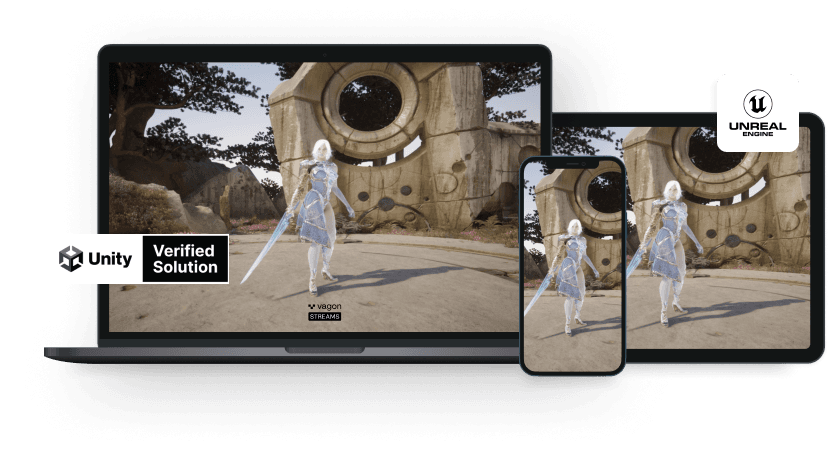
Run your Unity or Unreal Engine application on any device, share with your clients in minutes, with no coding.
Summarize with AI

Ready to focus on your creativity?
Vagon gives you the ability to create & render projects, collaborate, and stream applications with the power of the best hardware.

Run heavy applications on any device with
your personal computer on the cloud.
San Francisco, California
Solutions
Vagon Teams
Vagon Streams
Use Cases
© 2026 Vagon. All rights reserved.
Run heavy applications on any device with
your personal computer on the cloud.
San Francisco, California
Solutions
Vagon Teams
Vagon Streams
Use Cases
© 2026 Vagon. All rights reserved.
Run heavy applications on any device with
your personal computer on the cloud.
San Francisco, California
Solutions
Vagon Teams
Vagon Streams
Use Cases
© 2026 Vagon. All rights reserved.