
Best Video Editing Software Compared (2026)
TL;DR
Premiere Pro fits Adobe workflows, DaVinci Resolve leads color and has a free version, Final Cut Pro is fastest on Apple Silicon, and After Effects is for motion graphics. Pick by platform, color needs and how much motion work you do. Today's editors are heavy, so check the hardware too.
Updated
·
5 chapters
·
7 min read
Start here: read the first post →
See the chapters ↓


Apps


In this guide
What you’ll learn
5 chapters
01
Start with the main editors
What matters in 2026, and where Premiere Pro, Resolve and Final Cut Pro each fit.
Jump to chapter ↓

02
Leaving one editor for another
Alternatives to Premiere Pro, DaVinci Resolve and Final Cut Pro, and what to check before you switch.
Jump to chapter ↓

03
Motion graphics and compositing
After Effects against Premiere, Resolve, Nuke and its alternatives.
Jump to chapter ↓
04
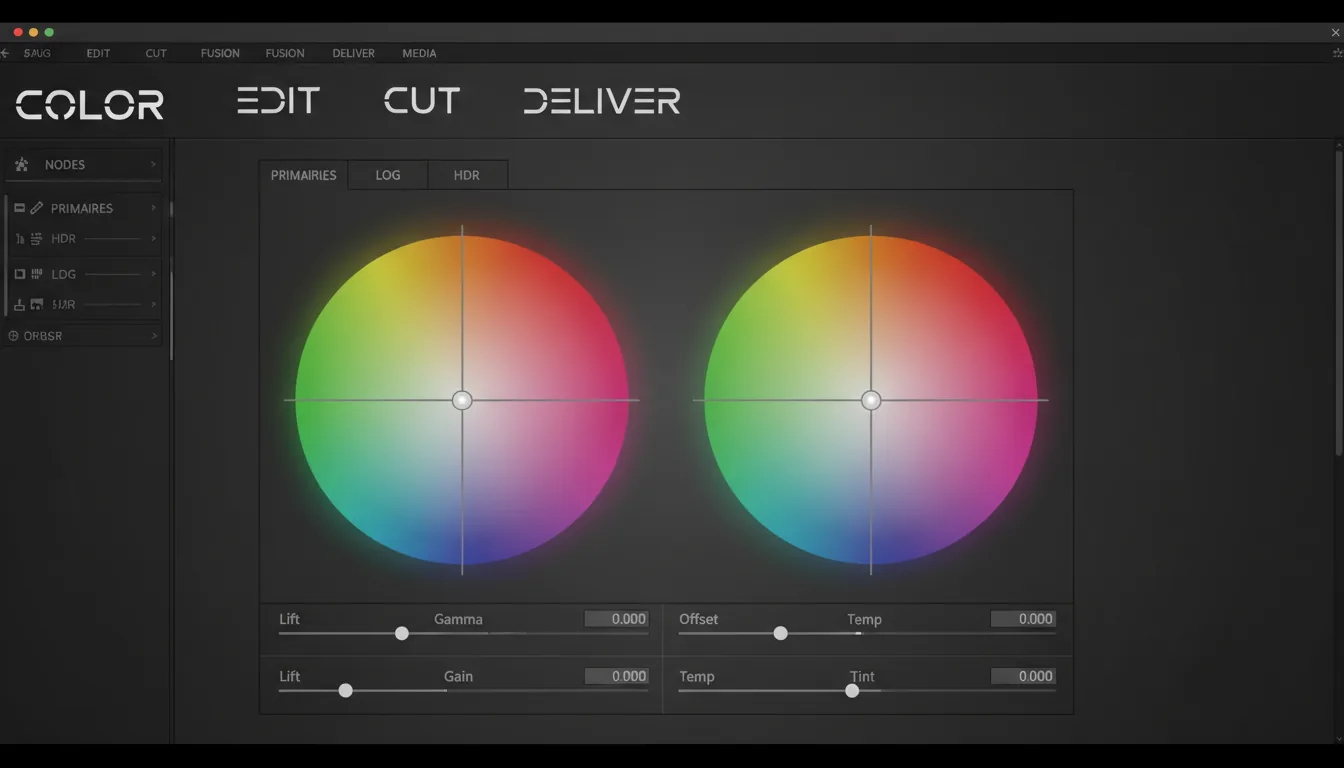
Plugins that change the choice
Third-party tools that fix footage, grade it or speed up motion work.
Jump to chapter ↓
05
Hardware: why editing feels heavier
GPU and computer picks for Resolve and After Effects, or skipping the purchase.
Jump to chapter ↓
You need an editor, you are tired of the one you have, or your timeline stutters and you suspect the software. This guide is for editors, YouTubers, motion designers and small studios. It compares the main editors by what they are good at, covers alternatives, plugins and motion tools, and ends with hardware, because in 2026 that often decides the experience. Start with Best Video Editing Software in 2026.
Start with the main editors
Our 2026 overview opens with a point that frames the whole choice: editing did not get harder, it got heavier. Real-time transcription, background removal, tracking and grading now run together, so timeline performance, plugin ecosystems, ease of use against control, and collaboration matter as much as feature lists.
Within that, the big three split cleanly.
Premiere Pro versus Resolve. Premiere Pro vs DaVinci Resolve says Premiere integrates with other Adobe products, especially After Effects for graphics, and suits quick edits. Resolve excels in color grading and high-end post, with Fusion for 3D text.
Final Cut Pro versus Premiere Pro. Both are used in professional film work. Premiere Pro vs Final Cut Pro and its twin, Final Cut Pro vs Premiere Pro, say Premiere is often preferred for large, complex projects, while Final Cut has a streamlined workflow on Apple hardware.
Resolve versus Final Cut Pro. Resolve vs Final Cut Pro compares editing, color, audio and rendering. Resolve is a full package with a free version; Final Cut is Apple's editor.
Adobe also sells a lighter editor. Premiere Pro vs Premiere Rush separates the full app from Rush, which keeps only the essentials for fast social content.
Read next
A last point on choosing: AI features changed what "fast" means. The overview post says AI is now core to the workflow, so speech-to-text, auto-captions and object tracking are part of the comparison. They are also among the heaviest things you can run on a timeline. When you compare editors, test your own footage with the AI features switched on, on the machine you will really use. A demo project on a fast workstation tells you little about a 4K edit on a laptop.
Leaving one editor for another
Switching is rarely about features. The three alternatives posts show the real triggers.
Best Premiere Pro alternatives cites subscription cost, update churn and system demands. It recommends Final Cut Pro for Mac users, Filmora and CapCut for beginners, and DaVinci Resolve as the free or low-cost professional option. DaVinci Resolve alternatives is for people put off by the learning curve, hardware needs or price of the paid version. It covers Premiere Pro, Final Cut Pro, Avid Media Composer, VEGAS Pro, Kdenlive, Filmora and Lightworks, with a comparison table. Final Cut Pro alternatives is for Final Cut users who leave Apple's ecosystem or hit its ceiling. For RAW footage and detailed color it points to Resolve, and for Photoshop, Illustrator or After Effects workflows to Premiere.
All three posts share a checklist: familiar workflow, performance that keeps up, codec support, cost, hardware and plugins. Essential apps for video editing professionals widens the list to free and lighter editors such as Shotcut, OpenShot, Lightworks and Camtasia. Test your actual project in a trial before you switch.
Read next
Motion graphics and compositing
An editor cuts. A motion tool builds. After Effects vs Premiere Pro puts it plainly: Premiere is more efficient for basic YouTube editing, and After Effects is the better choice for advanced visual effects and motion graphics, with 3D animation, camera tracking and masking.
After Effects vs DaVinci Resolve frames After Effects as the industry standard for motion graphics and effects, and Resolve as the stronger editing and color tool. After Effects alternatives is a candid look at why people are rethinking it: subscription cost and heavy previews. It covers Resolve with Fusion, Blender and Natron as free options, Apple Motion and Fusion Studio as paid ones, and lightweight browser tools. Its conclusion is choice, not replacement. After Effects stays in the toolkit, just not at the center.
For film-level compositing, After Effects vs Nuke compares layer-based and node-based workflows. For freelancers, it calls After Effects the more cost-effective and versatile pick, with Nuke Indie as an affordable route to advanced compositing.
Read next
Plugins that change the choice
Plugin ecosystems decide more switches than people admit, so check yours before you move.
Best plugins for DaVinci Resolve groups tools by problem: footage fixes (noise, flicker), cinematic color and grading, and pro-level VFX, tracking and retiming. Best plugins for Premiere Pro covers stabilization, color, transitions, light effects and LUTs. Top 10 plugins for After Effects separates workflow boosters from creative effects and utilities such as motion blur and tracking imports. Expect extra cost and extra load on the machine.
Read next
Hardware: why editing feels heavier
If the timeline stutters, the cause is usually the machine. Top graphics cards for DaVinci Resolve says Resolve edits, grades, mixes audio and does effects in one app, so its hardware demands are high, and the GPU matters even more with AI features in recent versions. It lists high-end, mid-tier and budget cards. Top computers for After Effects does the same for whole machines and ties slow previews, long renders and crashes to under-specced hardware.
When the app crashes instead of lagging, see our crash fixes guide. If you would rather not buy hardware for each tool, both hardware posts point to a cloud computer.
Read next
Which editor to pick
What you do | Start with | Why (from the posts above) |
|---|---|---|
Quick social videos | CapCut or Filmora | Fast and easy; pro software not needed |
Adobe-based workflow, mixed deliverables | Premiere Pro | Integrates with After Effects and Photoshop; big plugin ecosystem |
Color-heavy work, tight budget | DaVinci Resolve | Strong color grading and post; free version |
Mac-only, speed on Apple Silicon | Final Cut Pro | Optimized for M-series; one-time purchase |
Motion graphics and effects | After Effects | Industry standard for motion and VFX |
Film-level compositing | Nuke | Node-based; Nuke Indie is an affordable route |
Trying a new editor | Trial on a cloud computer | No hardware change to test |
Doing this on Vagon
Editors and motion tools are heavy, and you may want to try several before buying a machine for one. A Vagon Cloud Computer lets you do that on real footage. Open a Windows or Linux computer with a GPU in your browser, preinstall the editors you are comparing, and switch to more performance in seconds when a timeline gets heavy. You pay by the minute, and the trial starts at $0.99 (pricing).
Your internet connection matters, and you bring your own Adobe, Blackmagic or other licenses. If you edit all day on a powerful machine, buying hardware may cost less over time.
FAQ
Is DaVinci Resolve better than Premiere Pro?
It depends on the work. Our comparison says Resolve excels in color grading and high-end post-production, while Premiere Pro integrates smoothly with Adobe apps and is more intuitive for quick edits. Resolve also has a free version.
Which video editor is best for Mac users?
Our Premiere Pro alternatives post says Final Cut Pro is made for Apple devices, optimized for M-series chips and sold as a one-time purchase. Resolve and Premiere Pro also run on Mac.
Do I need After Effects if I have Premiere Pro?
For basic editing, Premiere Pro is more efficient. After Effects is the tool to add when you need motion graphics, advanced effects, tracking or masking. The two are designed to work together.
Do I need pro software to edit videos?
Not always. For quick social content, our best-software post says tools like CapCut or Filmora are more than enough. Pro editors earn their place with heavy timelines, color, audio and team workflows.
Why is my editing software so slow in 2026?
Our best-software post argues editors got heavier: real-time transcription, tracking, background removal and grading all run at once. The fix is usually the GPU and memory, not the app. A cloud computer is one way to get more of both.


Read next
All posts in this guide
All guides →


Keep going
Related guides
All guides →


Hardware
6 chapters
Best GPU for 3D, CAD and video work
Match the GPU to the app, and look at VRAM before speed. CAD and editing work depends on drivers, stability and the CPU as much as raw GPU power. GPU renderers, real-time engines and AI features run out of VRAM first. If your needs change by project, renting by the minute can beat buying.


Read →


Learn & fix
5 chapters
Fix Creative Software Crashes: A Troubleshooting Guide
Work out when the crash happens, then fix in a fixed order: drivers and GPU settings, preferences and cache, plugins, then the file or project itself. Most crashes trace to the GPU, memory, a plugin or one damaged file. If the machine is the limit, run the app on a stronger one.
Read →


Learn & fix
4 chapters
Best Tutorials for 3D, CAD and Video Software
Start with the official or free path for your software, add one structured course, then learn by finishing a real project. Our tutorial roundups cover 3D, CAD, BIM, game engines and video. Heavy courses assume a powerful computer, so plan the hardware before you start.


Read →
Software
Software in this guide
Browse software →
