
Run Heavy Software on a Low-End Laptop
TL;DR
Most heavy apps can run on a weak laptop if you cut resolution, simplify the scene and use proxies. When the tweaks stop being enough, run the app on a cloud computer and use the laptop as the screen. Check your license and your internet connection first.
Updated
·
5 chapters
·
8 min read
Start here: read the first post →
See the chapters ↓


Apps


In this guide
What you’ll learn
5 chapters
01
Tweak first, then decide to move
What local settings buy you, and the signs that you have hit the ceiling of the machine.
Jump to chapter ↓
02
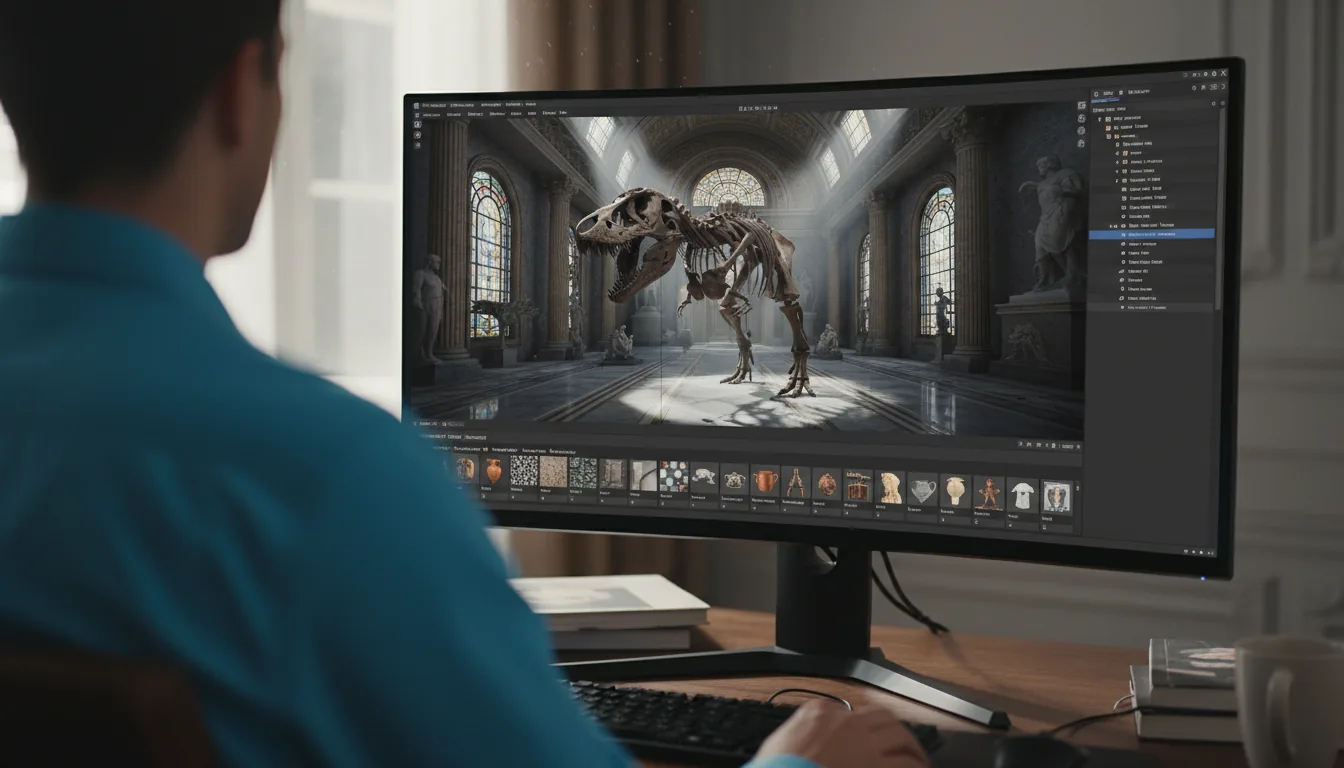
Game engines and 3D on a weak machine
Unreal, Unity, Blender, Maya, 3ds Max, Cinema 4D and Houdini: the local tricks and the cloud route.
Jump to chapter ↓

03
CAD, BIM and architecture
Revit, AutoCAD, SolidWorks and Rhino: what a weak laptop can do and what to check before moving to the cloud.
Jump to chapter ↓
04
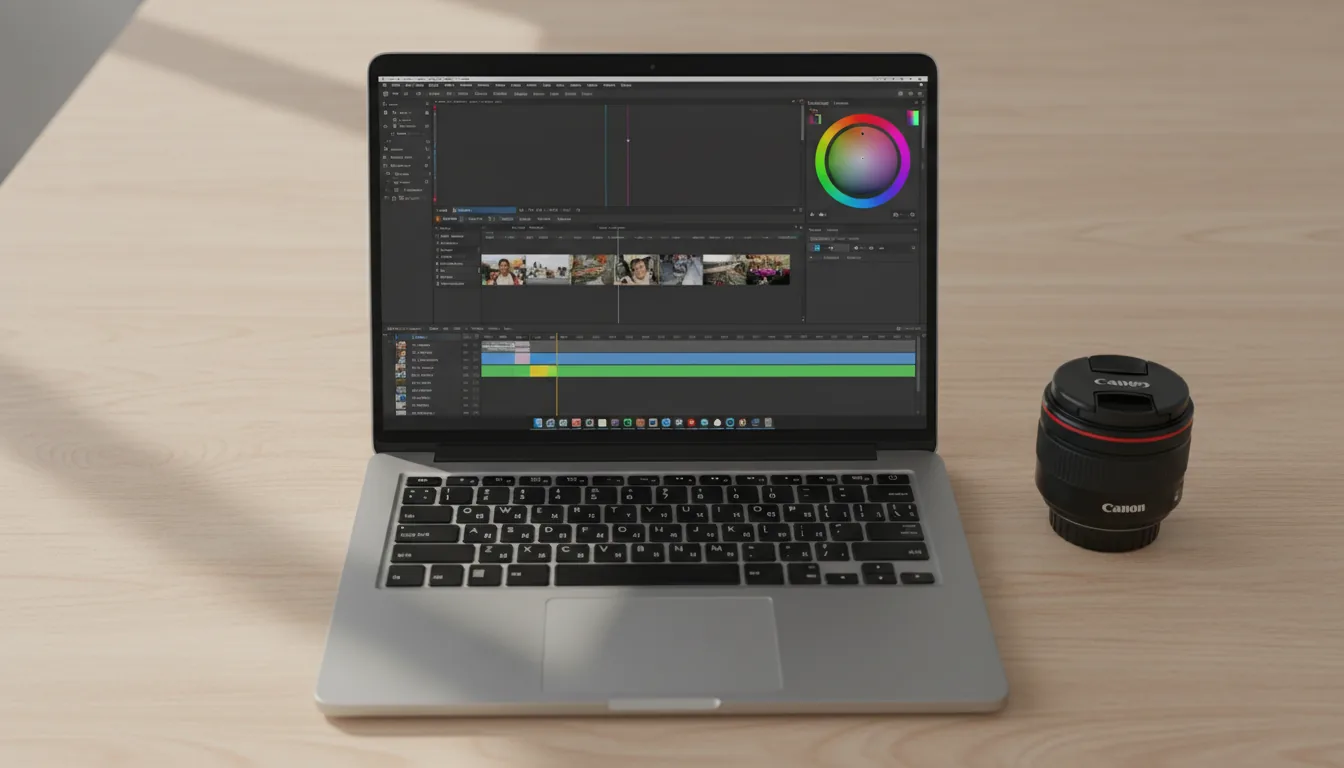
Video, motion, photo and audio
Proxies, timeline resolution and cache settings for Resolve, Premiere, After Effects and Photoshop, plus FL Studio.
Jump to chapter ↓

05
AI models on a weak laptop
Stable Diffusion and DeepSeek-R1 need GPU memory your laptop probably lacks.
Jump to chapter ↓
An old laptop can still run heavy software if you trade away some quality. A cloud computer is the other route: the app runs on a powerful machine in a data center, and your laptop only shows the screen. This guide helps you decide which to try first. It points to Vagon's low-end posts by app, and it says where local tweaks stop paying off. The tips come from the posts themselves, so treat them as starting points, not guarantees.
Tweak first, then decide to move
Most low-end guides start with settings, and so should you. The top post here, How to Run Unreal Engine on a Low-End Device, gives the clearest checklist. Start from the mobile template, use a newer engine version, lower the scalability and quality settings, switch to forward shading, bake lighting instead of using real-time shadows, use texture atlases, disable unused plugins and simplify materials. Its summary is honest: the engine is not getting lighter, it is getting smarter, and when local tricks fail you should stop fighting the hardware.
Unity on a low-end laptop points out the gap between official requirements and real use. Integrated graphics might open a blank scene, but the post says 16 GB of RAM is where Unity stops feeling like wading through mud, single-thread CPU speed matters for builds, and an SSD is not optional. SketchUp on low-end devices and Blender on a low-end device follow the same shape: kill shadows and styles, clean up the model, go low poly, lower resolutions, and optimize Eevee or the viewport.
The signs you have hit the ceiling are easy to recognize. SketchUp's post lists viewport lag, slow renders and scenes with many high-face-count components. If you recognize them, move the app instead of trimming the work.
Read next
Game engines and 3D on a weak machine
When you move an engine or a DCC app to a cloud computer, the pitch in the posts is hardware without the purchase. Using Unreal Engine on a cloud computer and Unity on a cloud computer describe access to GPU-backed configurations and the ability to scale the machine as the project grows. Using Blender on a cloud computer is a first-person account of switching hardware mid-project: a lighter machine for setup, a stronger one as the scene got demanding, and a bigger configuration for the final render.
If you are not ready to move, the app posts give local settings. Maya frames the challenges of a machine without a GPU and the best practices for beginners. 3ds Max lists seven steps, including closing background apps, reducing resolution, disabling the undo tool and enabling multi-threading. Cinema 4D groups its advice into render settings, scene optimization and resolution. Houdini explains how it uses the GPU, then covers settings, lighter models and manageable simulations.
For rendering rather than working, see Render faster.
Read next
CAD, BIM and architecture
Licensing comes before hardware in CAD. Running SOLIDWORKS in the Cloud explains that the full desktop app runs on a remote Windows workstation, while your laptop receives a video stream and sends back input. A MacBook can be the access device even though the app is Windows. It then walks through named-user, machine-locked and SolidNetWork floating licenses, and says to confirm the license works in that environment first. It also names cases where a local or company-managed workstation is better, such as an unverified plug-in, specialist peripherals or planned offline use.
For Revit, How to Use Revit on a Cloud Computer is a personal account of a large model that made a laptop freeze on every pan, and then opened and navigated normally on a cloud machine. Mastering Revit on low-end devices is the local alternative, and it is frank that you will not get detailed, photorealistic models at speed on an old machine. AutoCAD without a GPU covers what AutoCAD needs, in-app adjustments and cloud options, and AutoCAD on a cloud computer covers the benefits.
Rhino on low-end devices separates what the CPU and the GPU do, then covers display settings, simplified geometry, disabling plugins and smarter saving. Rhino on a cloud computer is the move-it option.
Read next
Video, motion, photo and audio
Media apps respond well to proxies and lower working resolution. The DaVinci Resolve posts (one, two) call timeline resolution the setting that matters most, and explain the difference between timeline and export resolution. Proxies are lower-resolution copies used while editing and replaced with the originals on export. If you choose a Linux cloud machine for Resolve instead, the Linux guide warns that H.264 and H.265 support is limited there. Premiere Pro on a low-end device agrees: use proxy files, an external drive, close other windows and use the FX mute button.
After Effects without a GPU is a longer checklist: try an older version, turn off GPU acceleration, lower the composition resolution, purge the cache, use proxies, avoid third-party plugins and increase virtual memory. After Effects on a cloud computer covers the processor, memory and storage side. For Photoshop, without a GPU covers performance preferences, memory, scratch disks and simpler documents, and on any device walks through the cloud setup step by step.
Audio is the test of your connection. In FL Studio on a cloud computer, the writer found playback surprisingly playable on a connection of 20 Mbps or more and under 50 ms ping, and says it felt like a local machine.
Read next
AI models on a weak laptop
AI models are the clearest case where tweaks do not help, because the limit is GPU memory. Run Stable Diffusion on a low-end device shows how to start a GPU-backed Vagon computer and use a GUI that works only with NVIDIA GPUs. DeepSeek-R1 on cloud desktops is an older walkthrough using llama.cpp. For current sizing advice, read Run local AI models on a cloud GPU.
Read next
Local tweaks or cloud computer
Your situation | Try first | Move to the cloud when |
|---|---|---|
Learning Unreal or Unity | Mobile template, lower scalability, baked lighting | The editor still drags after the tweaks |
Large Revit model | Local optimization | Panning freezes and sync is slow |
SolidWorks on a Mac | Cloud workstation (needs Windows) | Always, after you check the license |
Resolve or Premiere editing | Proxies and lower timeline resolution | Effects and grading overwhelm playback |
After Effects compositions | Lower resolution, purge cache | Previews and renders stall |
Photoshop with big files | Scratch disks, simpler documents | Memory is the limit |
Stable Diffusion, DeepSeek-R1 | Not practical without GPU memory | Immediately |
Music production | Local if light | You are tired of watching CPU load |
Doing this on Vagon
With a Vagon Cloud Computer, your laptop only has to show a screen. The heavy software runs on a Windows or Linux machine in a data center, which you open in the browser on PC, Mac, Linux, tablet or mobile. Pick the apps to preinstall and a performance that fits today's work.
Switch performance in seconds and keep your files and apps, so a light session and a heavy render share one computer. You pay by the minute (pricing). Two limits from the posts: your internet connection matters, and you bring your own app licenses.
FAQ
Can I run Unreal Engine on a laptop without a GPU?
Vagon's guide says kind of, with workarounds: start from the mobile template, use a newer engine version, lower scalability settings, switch to forward shading, bake lighting and simplify materials. When those are not enough, it suggests running Unreal on hardware built for it, such as a cloud computer.
Can I run SolidWorks in the cloud?
Yes, by installing the full desktop app on a remote Windows workstation and streaming it to your device. You still need a valid license, and the guide asks you to check named-user, machine-locked and floating license rules before you move.
What is the quickest way to make DaVinci Resolve run on a weak PC?
Vagon's Resolve guides say the setting that matters most is timeline resolution, and they recommend proxies, which are lower-resolution copies Resolve uses while editing and replaces with the originals on export.
Does my internet speed matter for a cloud computer?
Yes. The FL Studio post says a connection of 20 Mbps or more and under 50 ms ping felt like a local machine. Other guides repeat that your connection is the biggest factor in how it feels.
Do I need to bring my own software licenses?
Yes. Vagon provides the computer, and apps such as Revit, Premiere Pro or SolidWorks need your own license.
Is a cloud computer cheaper than a new laptop?
It depends on how much you use it. Vagon bills by the minute, which suits bursts of heavy work. Several guides note that if you run a powerful machine all day, every day, owning hardware or a monthly plan may cost less.


Read next
All posts in this guide
All guides →


Keep going
Related guides
All guides →


Devices
4 chapters
How to Run Windows Apps on an iPad
You can't install Windows or desktop apps on an iPad, but you can use them on it. The app runs on another computer and the iPad is the screen. For light work, native iPad apps are enough. For GPU-heavy or Windows-only software, a cloud computer you pay for by the minute is the simplest route.


Read →


Hardware
6 chapters
Best GPU for 3D, CAD and video work
Match the GPU to the app, and look at VRAM before speed. CAD and editing work depends on drivers, stability and the CPU as much as raw GPU power. GPU renderers, real-time engines and AI features run out of VRAM first. If your needs change by project, renting by the minute can beat buying.

Read →


Devices
4 chapters
How to Run Windows Apps on a Mac (Apple Silicon)
Boot Camp only works on Intel Macs. On an M-series Mac you can run Windows 11 on ARM in a local VM, run a single app with CrossOver, or use a cloud Windows computer. Local options are limited by ARM compatibility and your Mac's graphics. A cloud computer gives you real x86 Windows and a GPU.


Read →
Software
Software in this guide
Browse software →
