
Cloud Linux Desktop: Ubuntu in Your Browser
TL;DR
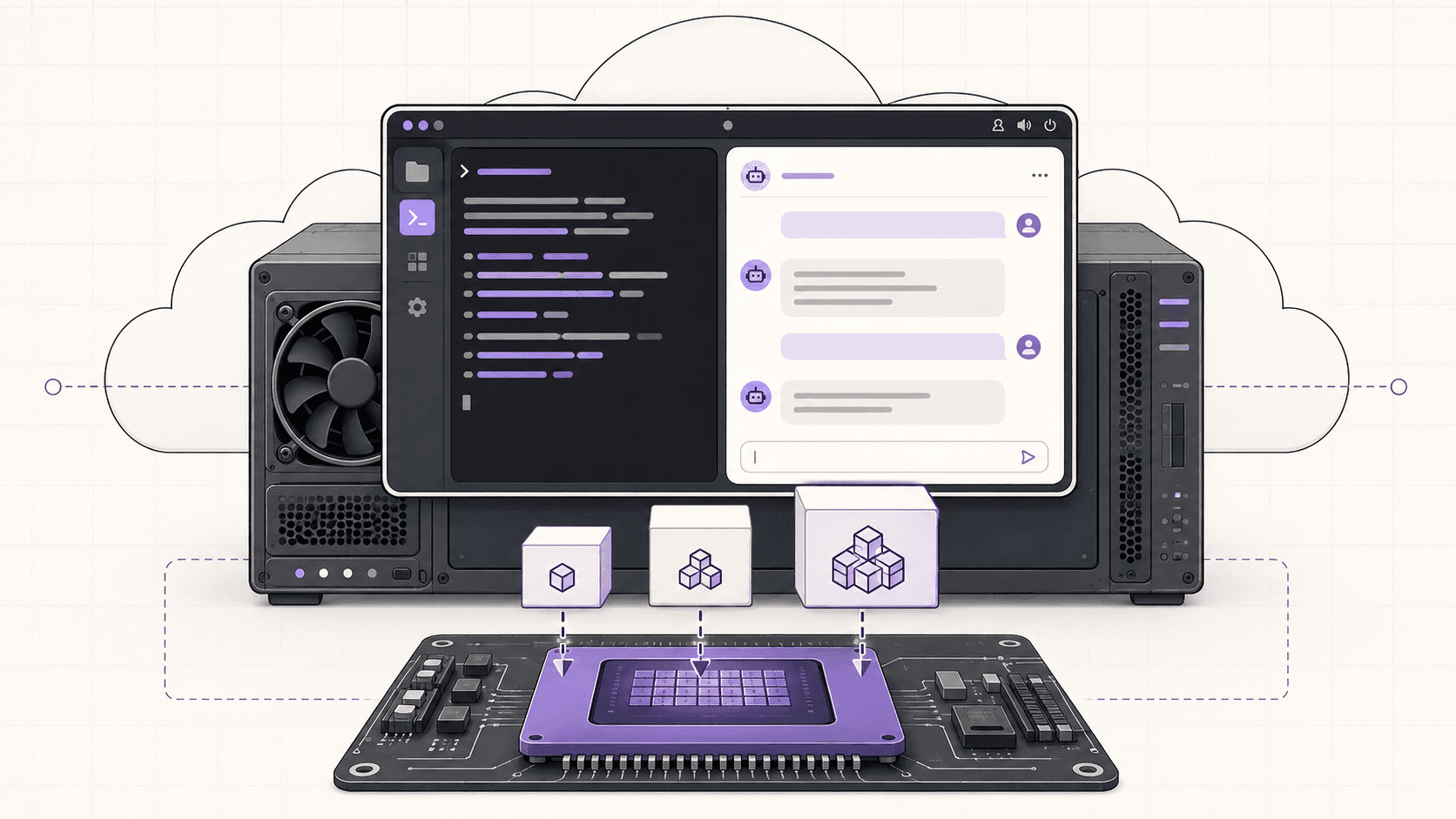
A cloud Ubuntu desktop is a real graphical Linux machine in a data center, streamed to your browser or iPad. Use it when you need Linux apps, a GPU or a clean machine you can reset. Use a cheap VPS instead if you only need an always-on server.
Updated
·
5 chapters
·
8 min read
Start here: read the first post →
See the chapters ↓


Apps


In this guide
What you’ll learn
5 chapters

01
Get an Ubuntu desktop without installing Linux
What a cloud Ubuntu desktop is, how it differs from a VPS or an editor in the browser, and why an iPad cannot run Ubuntu itself.
Jump to chapter ↓

02
3D and video on Linux
Blender on a cloud GPU, DaVinci Resolve on Linux, and Kdenlive, with the Linux caveats stated.
Jump to chapter ↓

03
Free creative apps: GIMP, Krita, Inkscape, Darktable, Audacity
Open-source image, painting, vector, photo and audio tools that stop grinding on a bigger machine.
Jump to chapter ↓
04
AI and data work on Ubuntu
Local LLMs, Ollama, ComfyUI and Jupyter on a GPU desktop with the drivers already set up.
Jump to chapter ↓

05
Watch an AI agent on a Linux desktop
Run a browser or coding agent in an isolated VM, watch it work and take over.
Jump to chapter ↓
Sometimes you need Linux and do not want to install it. You may be on an iPad, a Mac or a Chromebook, or you want a clean machine you can break and reset, or an NVIDIA GPU you do not own. A cloud Ubuntu desktop covers all three. This guide explains what it is, what runs well on it, and where it is the wrong tool. It routes you to Vagon's Ubuntu posts for 3D, video, free creative apps, AI and agents.
Get an Ubuntu desktop without installing Linux
Start with How to Run Ubuntu on an iPad, the most-read post in this group. Its answer is blunt: real desktop Ubuntu cannot be installed on an iPad, because iPadOS does not allow it and App Store emulators are too slow and cannot use the GPU. The approach that works is a cloud Ubuntu desktop streamed to the iPad. It is the actual desktop, not an emulator, so you get a real terminal, apt and x86 Linux apps. A keyboard and a trackpad or mouse make it feel like a computer, and your internet connection is the biggest factor in how good it feels.
How to Get an Ubuntu Desktop in the Cloud explains what you are getting: a full Ubuntu GNOME desktop on data-center hardware, streamed to a browser, iPad, Mac or Chromebook. The guide says it boots in roughly 90 seconds and streams at up to 4K and 60 frames per second. You can add an NVIDIA GPU (T4 or A10G and up) with drivers already configured. Every machine is an isolated VM that you can reset to a clean image, which limits the damage from anything risky.
It is also clear about what this is not. It is not a headless server and not a code editor in a browser. It bills by the minute at workstation rates, so it suits sessions, not a server running 24 hours a day. For an always-on lightweight server, the guide says a cheap VPS is a better deal.
Read next
3D and video on Linux
Linux is a first-class home for Blender, per How to Run Blender on a Cloud GPU (Ubuntu), and many studios render on it. The steps are standard: launch a GPU Ubuntu desktop, install Blender, enable the GPU under Cycles render devices and render as usual. Drivers, CUDA and OptiX support come preconfigured, so the card shows up in Blender's preferences. Command-line rendering lets you queue big jobs and animations while your own laptop stays free. If you render all day, every day, the post says owning a GPU may win.
DaVinci Resolve on Linux comes with a caveat that many tutorials skip. The Linux version does not support the common consumer codecs H.264 and H.265 the way Windows and Mac versions do, because of licensing. That shapes your workflow: you will often work in production formats such as DNxHR. If your footage is consumer H.264, plan a transcode, or look at Kdenlive, which handles common codecs like H.264 out of the box and uses proxy editing to keep high-resolution projects smooth.
If you need Windows-only 3D or video apps, this is the wrong guide. See Run heavy software on a low-end laptop.
Read next
How to Run Blender on a Cloud GPU (Ubuntu): The Complete 2026 Guide
How to Run DaVinci Resolve on Linux in the Cloud (2026 Guide)
Free creative apps: GIMP, Krita, Inkscape, Darktable, Audacity
The open-source creative apps share a pattern. Each post says a bigger machine helps when files get heavy, the app installs from apt, Flathub or an AppImage, and persistent storage keeps your files, brushes and extensions between sessions.
Krita: digital painting. Big canvases, large brushes and animation benefit from a GPU-accelerated canvas. Stylus input works over the stream, with honest caveats about pressure and latency.
GIMP: very large canvases, many layers and batch processing. It also runs from an iPad or Chromebook that could not run it locally.
Darktable: RAW editing. OpenCL GPU acceleration speeds up demanding modules and previews, so a GPU plan is the ideal choice here.
Inkscape: vector files with many objects, filters and batch exports.
Audacity: noise reduction and effects on long recordings, and macro batch processing.
Because the machine is a resettable VM, these guides also suit testing plugins, extensions and scripts without touching your own computer.
Read next
How to Run Krita on a Cloud Ubuntu Desktop for Digital Painting
How to Run Darktable on a Cloud Ubuntu Desktop for RAW Photo Editing
AI and data work on Ubuntu
GPU Ubuntu is a natural fit for machine learning because the drivers are already in place. Ollama in the cloud installs in one command and, per the post, lets you run models too big for a laptop, like 34B and 70B. Run a local LLM on Ubuntu compares runtimes and gives a rough VRAM guide. ComfyUI is VRAM-hungry and benefits from a real desktop for its node editor. Jupyter runs the cells that crash a laptop kernel.
All four posts say the same two things: keep model weights on persistent storage, and do not use a per-minute desktop as an always-on endpoint. The full walkthrough, with sizing, is in Run local AI models on a cloud GPU.
Read next
Watch an AI agent on a Linux desktop
How to Watch Your AI Agent Work on a Cloud Ubuntu Desktop is the best reason to choose a desktop over a headless VPS. The agent drives a real browser and GUI, you watch the stream, and you can take over to fix the one thing it got stuck on. Each machine is an isolated VM, so a bad plugin's damage stays on that machine. The guide is careful about limits: isolation is not immunity, it does not stop prompt injection, and you should use scoped, throwaway credentials. It is also billed by the minute, so it suits watch, build and test sessions, not 24/7 parking.
For the broader decision, read Cloud computers for AI agents.
Read next
Which situation fits
You want to | Cloud Ubuntu desktop? | From the posts |
|---|---|---|
Use Linux on an iPad | Yes | iPadOS cannot run Ubuntu; stream it |
Render in Blender without a GPU at home | Yes | Drivers, CUDA and OptiX preconfigured |
Edit consumer H.264 in Resolve | Plan a transcode | Resolve on Linux lacks H.264 and H.265 support |
Edit consumer H.264 in a free editor | Kdenlive | Handles H.264 out of the box |
Run a 70B model | Yes, with a large GPU plan | About 40 GB VRAM or more (rough guide) |
Run an always-on server | No | A cheap VPS is a better deal |
Test risky plugins or scripts | Yes | Isolated VM you can reset |
Watch an agent work | Yes | Live desktop, take over any time |
Doing this on Vagon
A Vagon Cloud Computer is a quick way to a Linux desktop with real power behind it. Choose Linux (Ubuntu), pick the apps to preinstall and a performance, and open it in your browser on PC, Mac, Linux, tablet or mobile. If one job needs a GPU, switch to a graphics performance in seconds and keep the same computer.
Add a storage plan and your apps and files stay between sessions. You pay by the minute, and rates vary by region, so check pricing before a long session.
FAQ
Can you run Ubuntu on an iPad?
Not natively. Vagon's iPad guide says iPadOS does not allow it and App Store emulators are too slow and cannot use the GPU. What works is a cloud Ubuntu desktop streamed to the iPad, which gives you a real terminal, apt and a GPU option.
What is a cloud Ubuntu desktop?
A full Ubuntu GNOME desktop running on hardware in a data center, streamed to your browser, iPad, Mac or Chromebook. Vagon's guide says it is a real graphical desktop, not a headless server or a code editor in the browser.
Is a cloud Linux desktop good for running a server 24/7?
No. It is billed by the minute at workstation rates, so it is built for sessions and bursts. The guides say a cheap VPS is a better deal for an always-on lightweight server.
Does DaVinci Resolve work on Linux in the cloud?
Yes, with a caveat. Vagon's guide says the Linux version of Resolve does not support the common consumer codecs H.264 and H.265 the way Windows and Mac do, so you will often work in production formats such as DNxHR.
Can I use a GPU on a cloud Ubuntu desktop?
Yes. The guides describe adding an NVIDIA GPU (T4 or A10G and up) with drivers already configured, for rendering, machine learning and CUDA work.
Do I keep my files between sessions?
With a storage plan, yes. The app guides recommend persistent storage so projects, brushes, models and settings survive when you shut the machine down.


Read next
All posts in this guide
All guides →


Keep going
Related guides
All guides →


Devices
4 chapters
How to Run Windows Apps on an iPad
You can't install Windows or desktop apps on an iPad, but you can use them on it. The app runs on another computer and the iPad is the screen. For light work, native iPad apps are enough. For GPU-heavy or Windows-only software, a cloud computer you pay for by the minute is the simplest route.


Read →


Cloud & IT
4 chapters
Cloud Desktop Alternatives: Pick by What You Replace
Most alternative lists mix four different products: local virtual machines, game streamers, cloud PCs and remote-access tools. Decide which one you are replacing first. If you need a full Windows machine with a GPU that you only pay for while it runs, a cloud computer is the closest fit.

Read →


AI agents
6 chapters
Cloud Computers for AI Agents: How to Choose
An agent needs a cloud computer when the job involves real applications, files and a desktop you can watch, not just code. A sandbox bounds what a process can touch, a local PC is the easy start, and a GPU only helps when the work the agent triggers can use one. Run the agent inside the computer, and start with one bounded job.
Read →
Software
Software in this guide
Browse software →
